NPK Plus: A Fertilizer Calculator for Every Nutrient in Your Plan
NPK Plus is the fertilizer calculator in anee.io. Pick your crop and the products you plan to use, and it adds up every nutrient they carry, per hectare and for the whole area. Then it holds the total against the usual rate for your crop, so you see what is short and what is too much before you buy a single bag.
How the fertilizer calculator works
Crop and area
Find your crop and type the area in hectares or square meters. Palay, mais, vegetables, legumes, fruit trees, coconut, coffee and cacao are on the list.
Your fertilizers
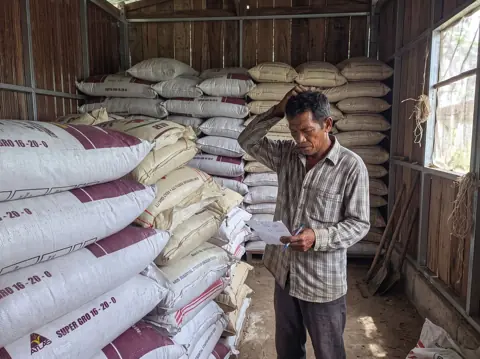
Tap products from the shelf, then type how much you will use for the whole area, in kilograms, bags, grams or liters. The shelf holds 46 common products, from urea and ammosul to lime, zinc, manure and inoculants.
A product not on the list
Add it from its label: the name, the form and the percent of each nutrient as printed. It stays under My products for next time.
Your soil test, if you have one
Type the pH, organic matter, N, P, K, zinc, boron and sulfur from the test. The result decides if your soil needs the low or the high end of the usual rate.
What NPK Plus tells you
The answer opens with three big numbers: N, P2O5 and K2O in kg per hectare. Under them, a table gives each nutrient for the whole area and per hectare, as the element and as the oxide. Calcium, magnesium, sulfur and the micronutrients join the table only when a product in your plan carries them.
Next come bars against the usual rate for your crop. Each nutrient reads Short, Right or Too much. So if your mix of urea and complete fertilizer 14 14 14 leaves the phosphorus short, you see it before the season starts.
The harvest the fertilizer alone can feed
NPK Plus also says how much harvest the fertilizer by itself can feed, and which nutrient runs out first. It counts only the share a crop takes up in its first season. When a source gives no figure, it assumes 40 percent of the nitrogen, 20 percent of the phosphorus and 50 percent of the potassium. Your soil adds its own share on top, often most of the harvest. So read this line as a check on balance, not as your expected yield. Every number comes with its source.
Analyze further with Anee
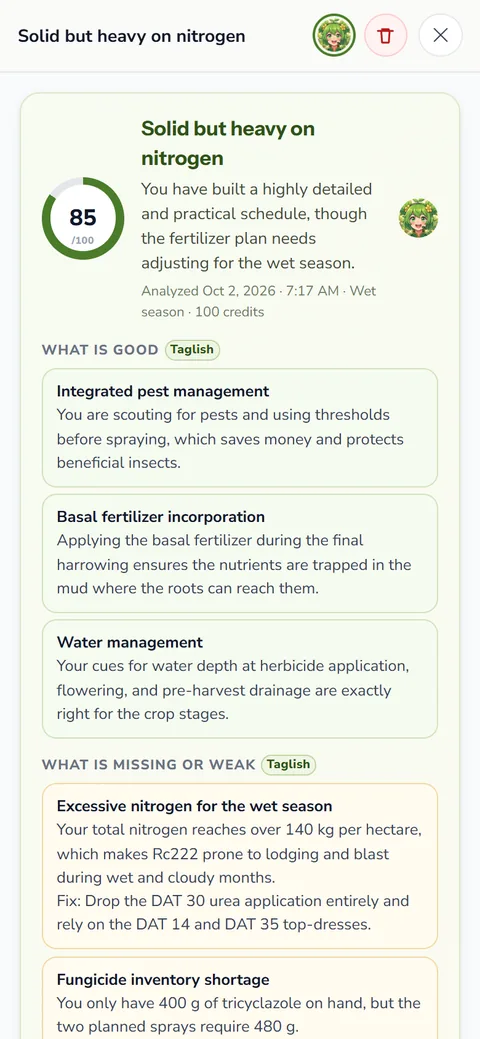
Save the calculation, then ask Anee, your smart farm technician. Tell her where the field is, the soil, the water and the planting date. Say how you will apply it: all at planting, in two splits, or in three or more. She looks up the usual recommendation for your crop and province, and the soils and rain of your area. Then she says what to keep, cut, add or split, and when each product should go on. She names products by grade, never by brand.
Once the balance looks right, compare the urea fertilizer price at your dealer with the weekly prices. Our guide to fertilizer calculation shows the same arithmetic by hand.
NPK Plus on the Activities board
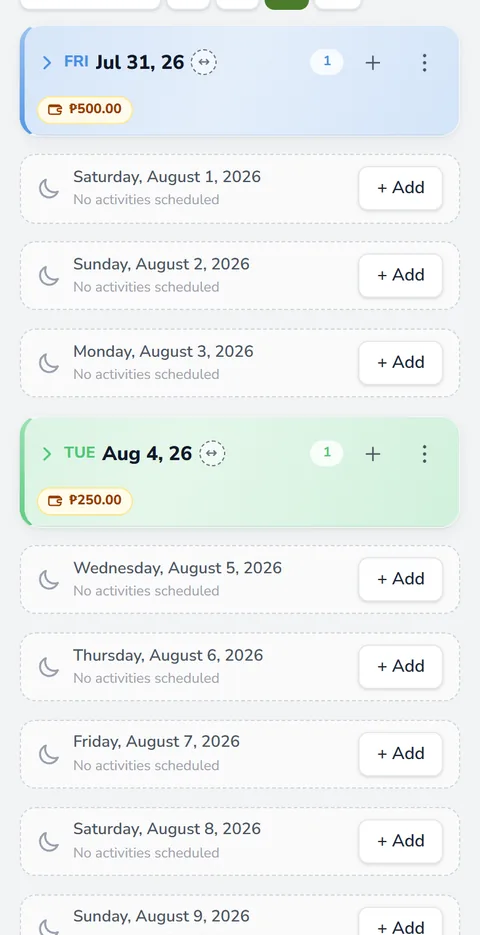
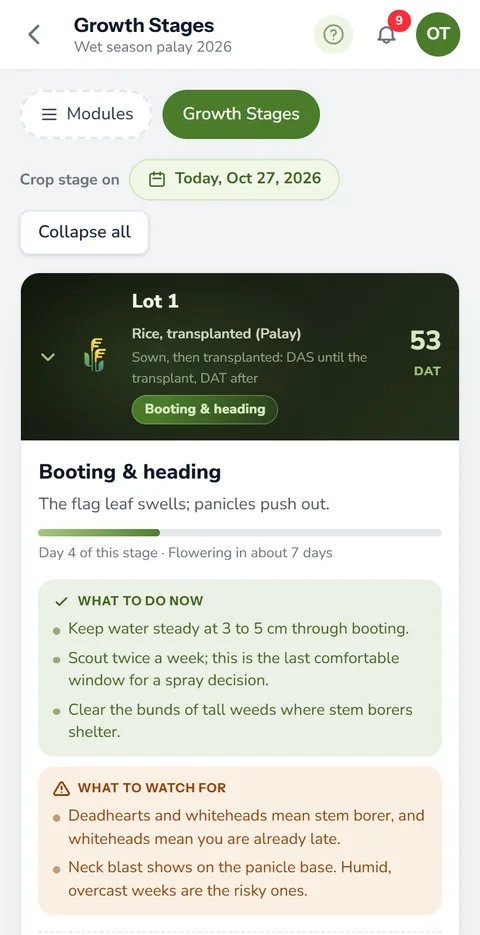
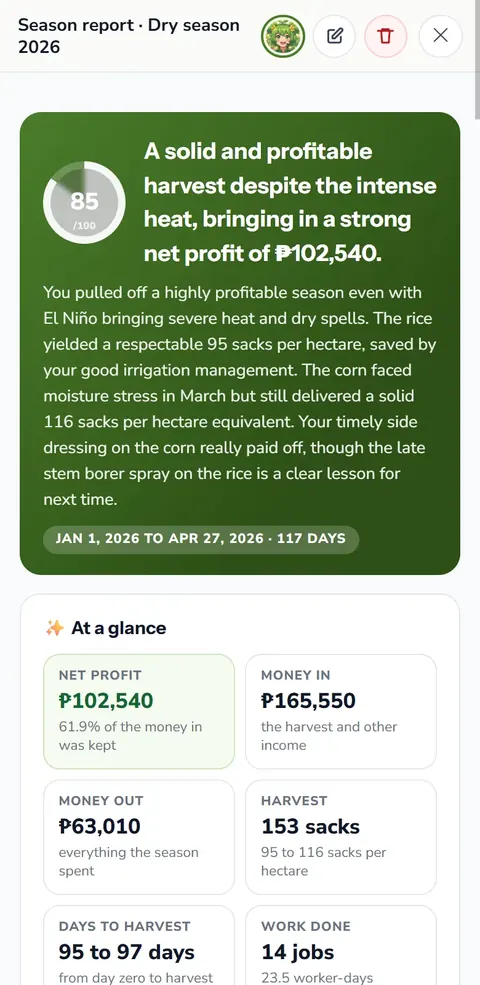
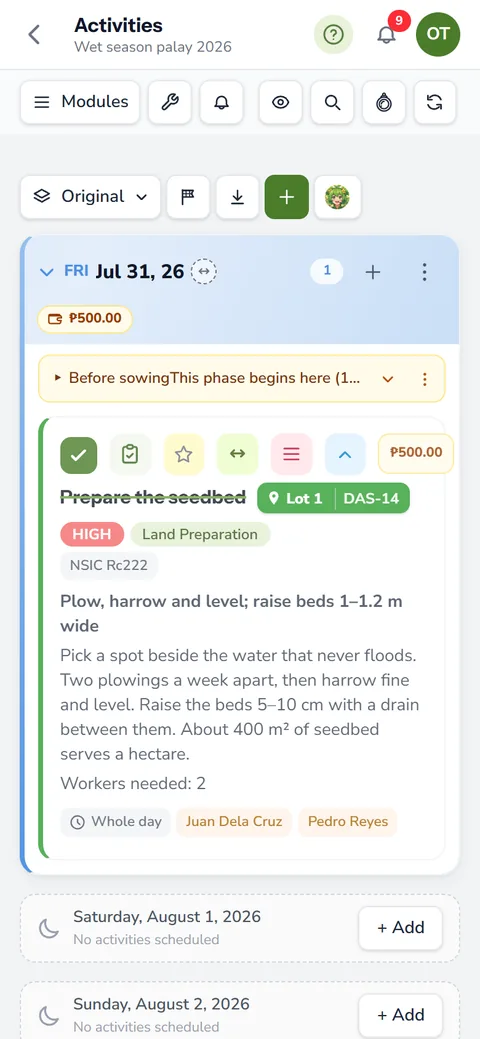
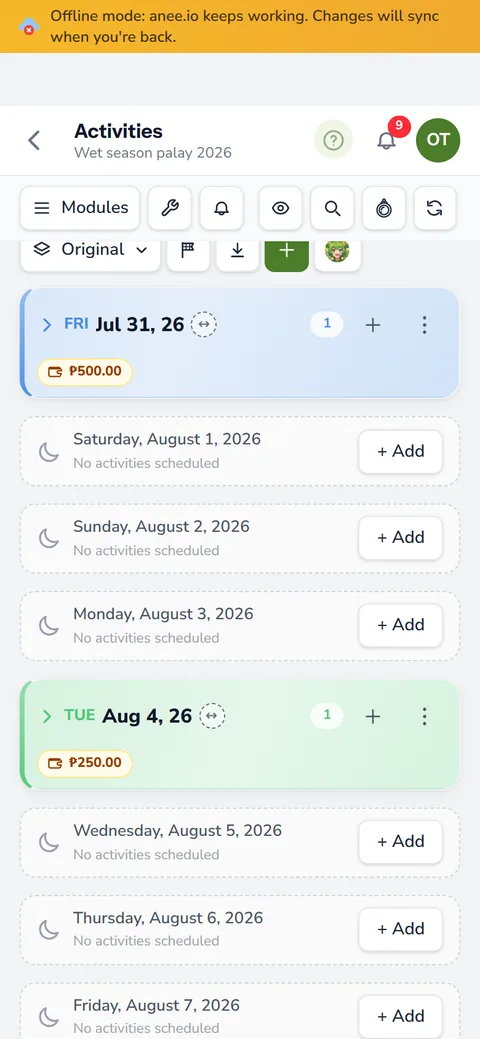
Your season already holds a fertilizer plan, in the materials of each task on your cropping calendar. The NPK Plus button on the Activities board runs the same fertilizer calculator over them, lot by lot. It splits what is already applied, meaning the tasks you ticked done, from what is still planned, per hectare and against the usual rate.
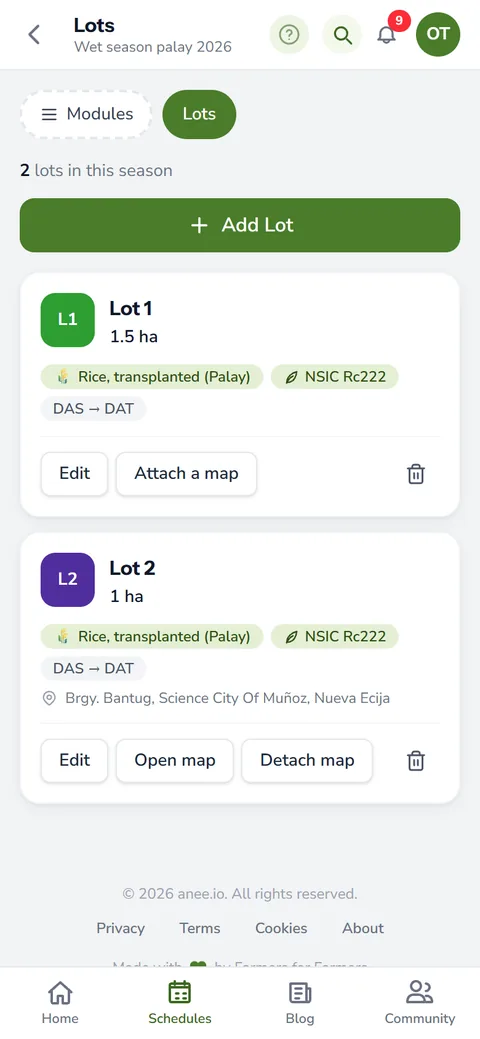
A task with no lot named counts for every lot, shared out by lot size. NPK Plus also reads names the way farmers write them, like Urea 46 0 0, Ammosul or ipot ng manok (chicken manure). A fertilizer name it cannot read goes under Not counted, so nothing drops out quietly. This part uses no credits.
With Anee on your plan, ask her to read up to eight lots at a time. She weighs each lot's stage, its place, its rain and ENSO, then says what to apply next and when. Each lot she reads uses credits.
In the Protocol Builder too
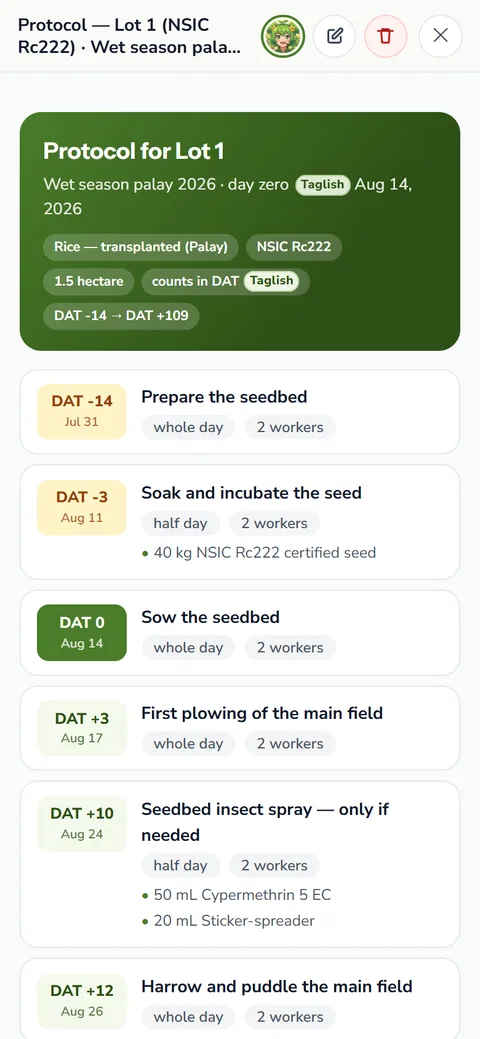
A protocol in the Protocol Builder is the season written ahead of time. Its NPK Plus button adds up the fertilizer task by task on its day count, with a running total. The amounts count for the area you name, one hectare unless you say otherwise. After that, Anee can review the plan by growth stage and say which split to move or add.
The calculator comes with Libre plus Anee, Solo Farmer and Farm Owner, and it uses no credits. On the free Libre plan it is locked, while the nutrient totals on the Activities board and in the Protocol Builder still show on every plan. Anee's readings come with Libre plus Anee and up, and each one shows its price before you start.
How NPK Plus helps your crops and your farm
- Buy the bags your crop needs. The calculator sets your plan against the crop's need, so you see what is short and what is too much.
- No hidden shortage. Secondary nutrients and micronutrients are counted too, so a missing one does not cap the harvest.
- Know the harvest your fertilizer can feed. The plan shows the yield it can carry, so you can decide if it is worth more.
- One plan for the whole season. Use it on the board and in the Protocol Builder.
Sign up, choose Libre plus Anee or a bigger plan, and run NPK Plus as many times as you like.
Get started