Labor Report: Worker Days and Labor Cost for the Whole Season
The labor report in anee.io adds up every worker day and the labor cost of the season from the activities on your board. Each worker's rate, times the half days and whole days on their tasks, gives the total. There is nothing to type twice, and every report stays on your shelf.
Where the numbers come from
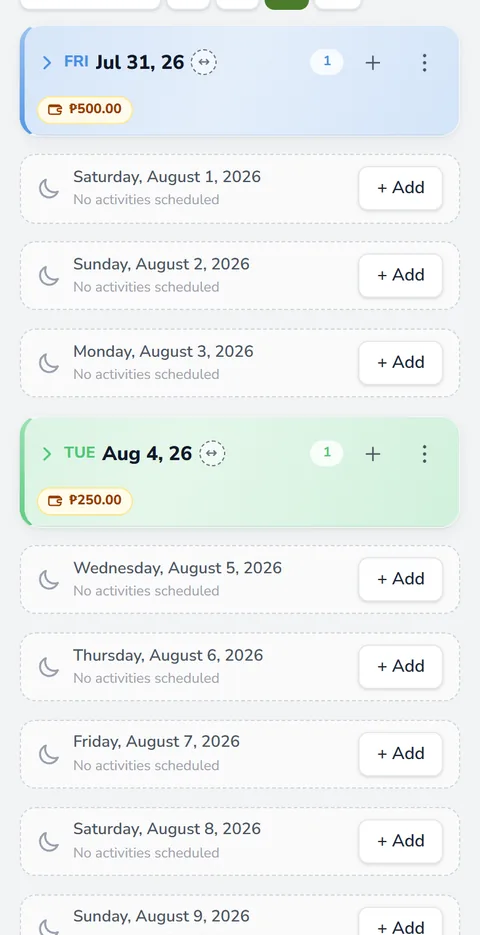
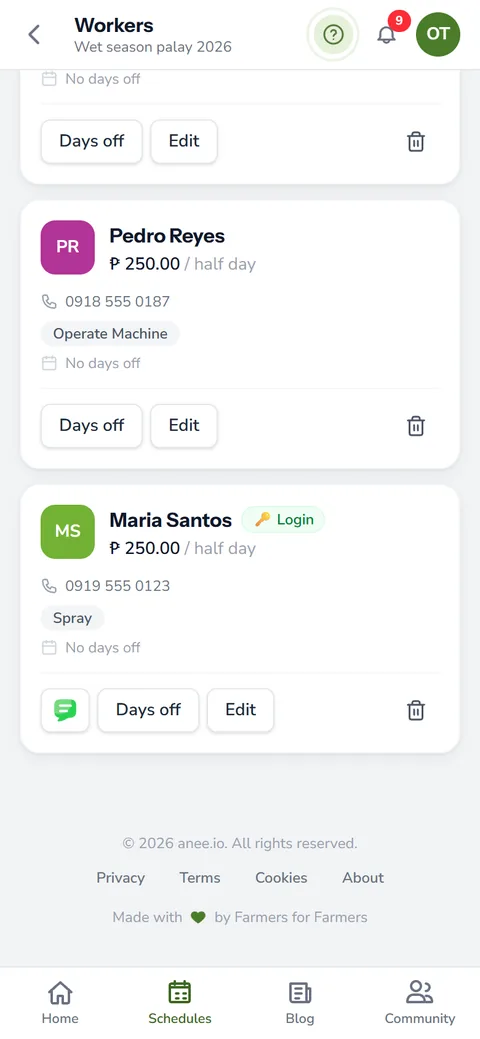
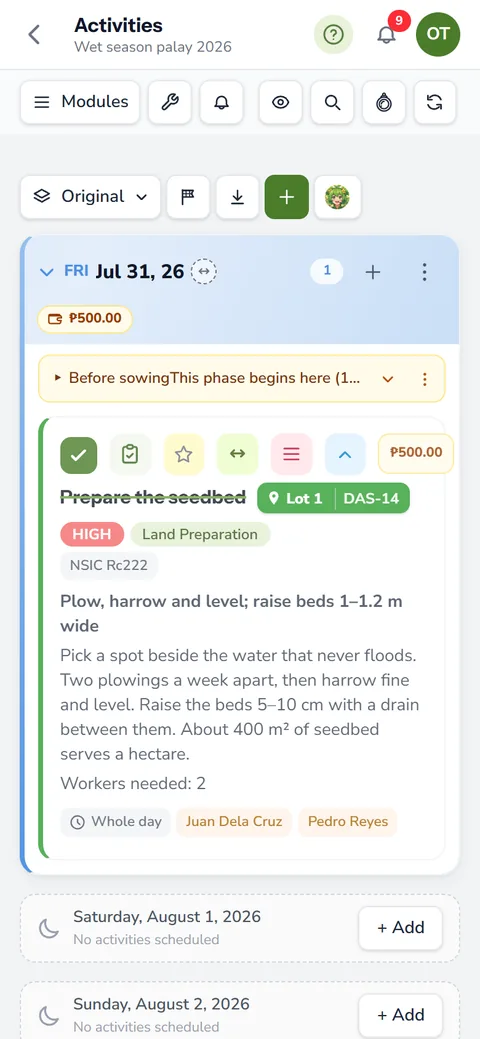
You already did the work on the cropping calendar. Each activity lists the workers on it and says if it takes a half day or a whole day. Each worker on your farm workers and payroll roster also has a pay per half day. The labor report reads both and does the math.
A half day pays the rate once
Say Mang Tonyo earns 250 pesos per half day. A half day task then pays him 250 pesos.
A whole day pays it twice
The same worker on a whole day task earns 500 pesos.
Long tasks count every day
A whole day harvest that runs three days pays him 1,500 pesos. With a date range, only the days inside it count.
When you set rates, check the daily minimum wage for your region on the website of the National Wages and Productivity Commission.
Pick what the labor report covers
Open the season's Reports and tap Labor Report. All filters are optional, so if you leave them empty the report covers the whole season.
- Workers: everyone, or only the people you pick
- Lots: one, a few or all
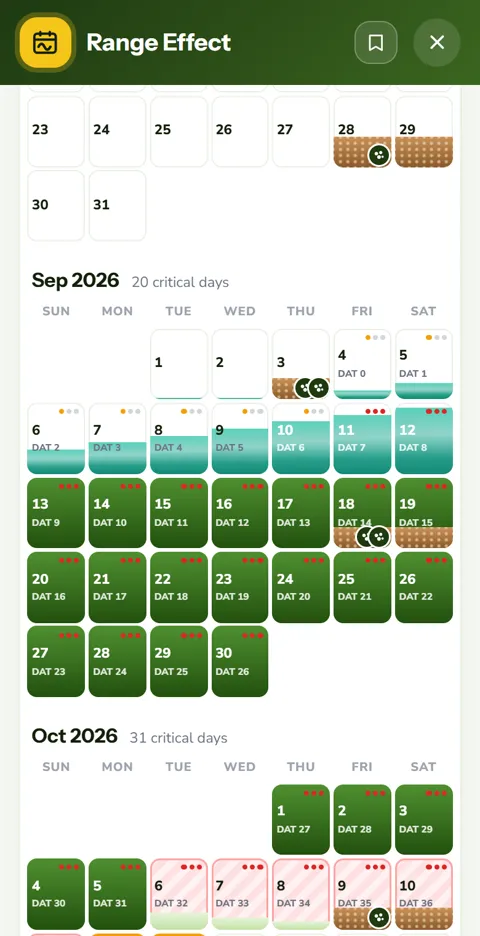
- Which part of the season: the whole season, a day count range like day 0 to day 45, or two calendar dates
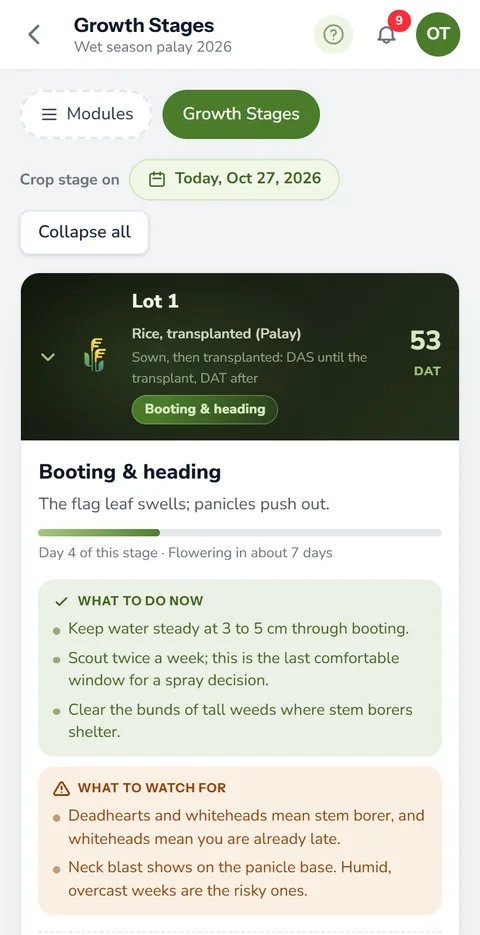
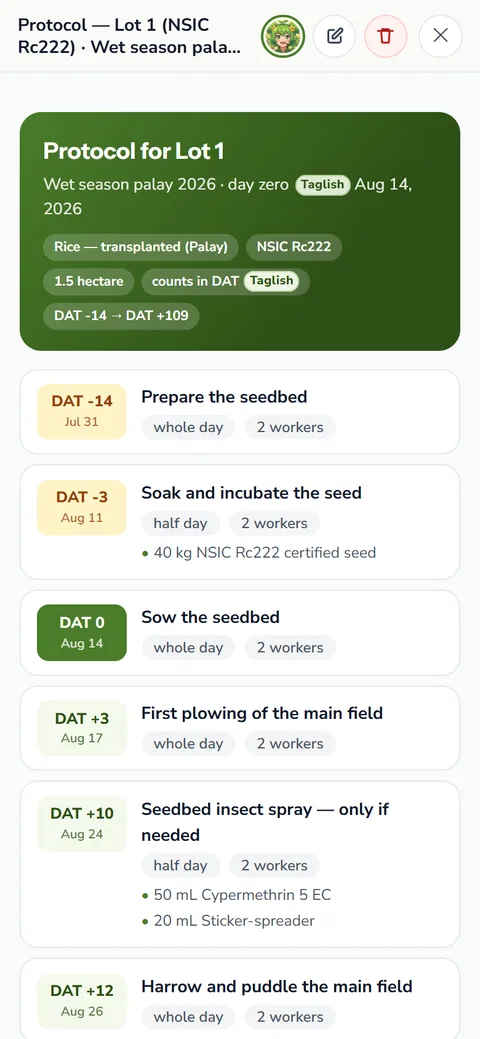
Then tap Make the report. For example, a range of day 0 to day 30 shows what the first month after transplanting cost in wages. Our guide to pagtatanim ng palay lists the usual tasks of each stage, so you know which days to pick.
What the report shows
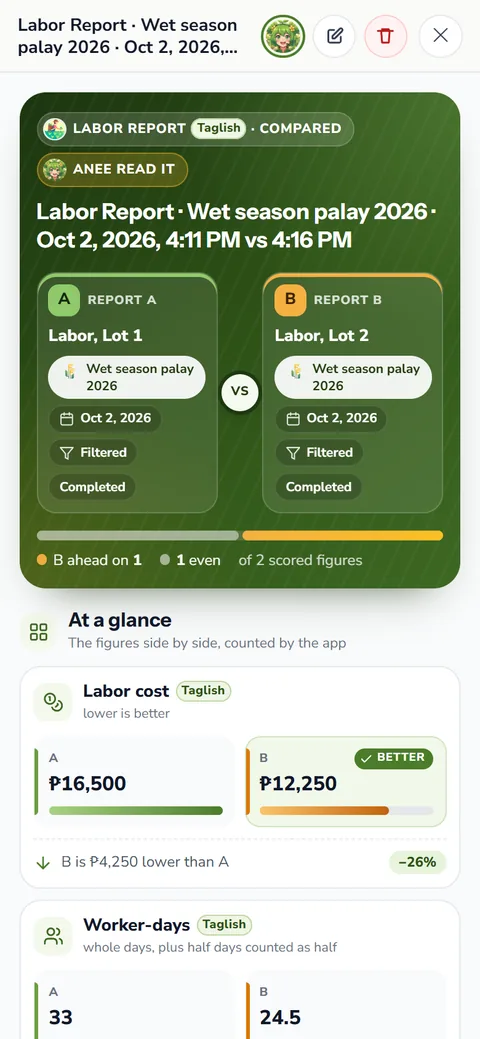
At the top sits the total labor expense, with the number of activities, worker assignments, half days and whole days. Below it, two tiles split the money: Land Preparation, the work before day zero, and Main Cropping, from day zero on. If a lot has no day zero yet, a third tile holds that work under No start day.
- Busiest Months: labor month by month, by cost or by number of activities, with the busiest month marked
- Worker Earnings: who earns the most, each worker's share of the total, and who did the most work
- Breakdown: each worker's half days and whole days, then every activity day by day with each hand's rate and pay
Questions it answers
- How much did land preparation cost before day zero?
- Which month needed the most hands?
- What did the crew earn for fertilizer application alone? Narrow the Breakdown to the Fertilizer activity type.
- Who worked the most, and what did each person earn?
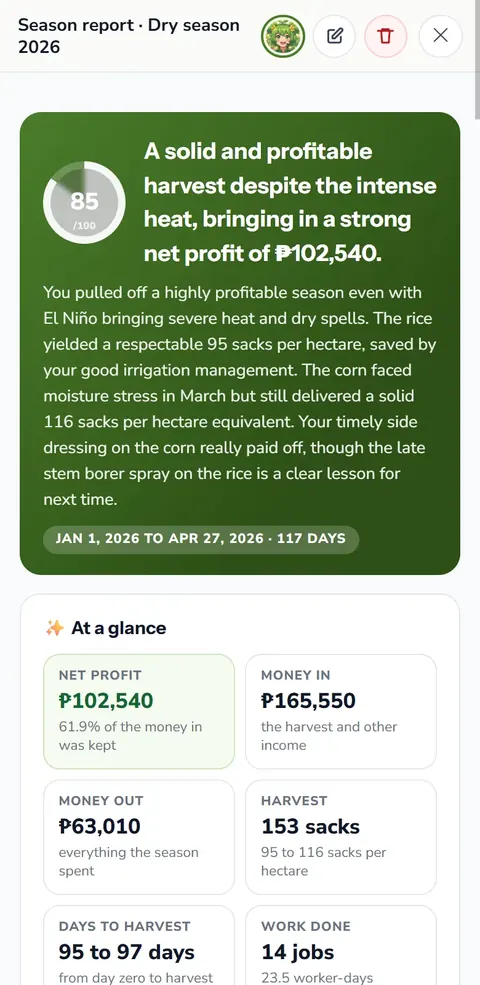
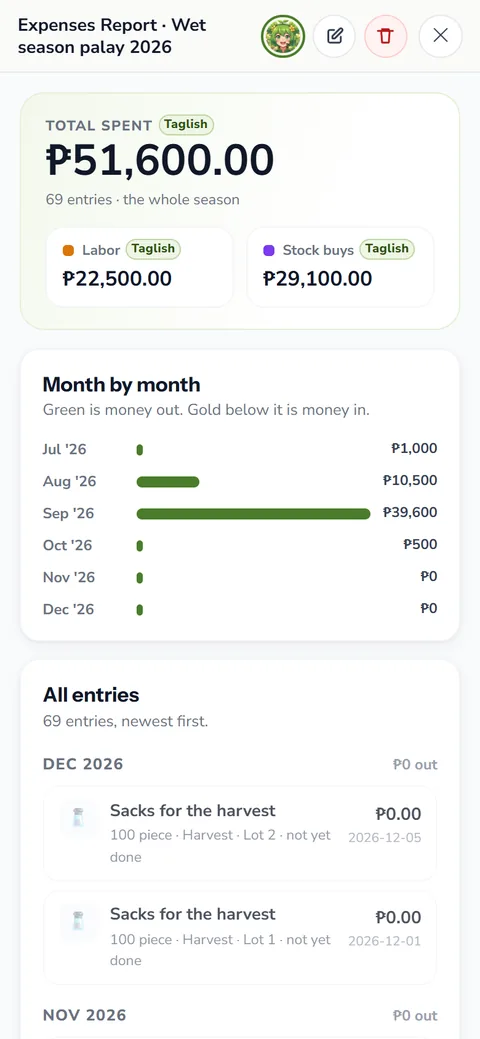
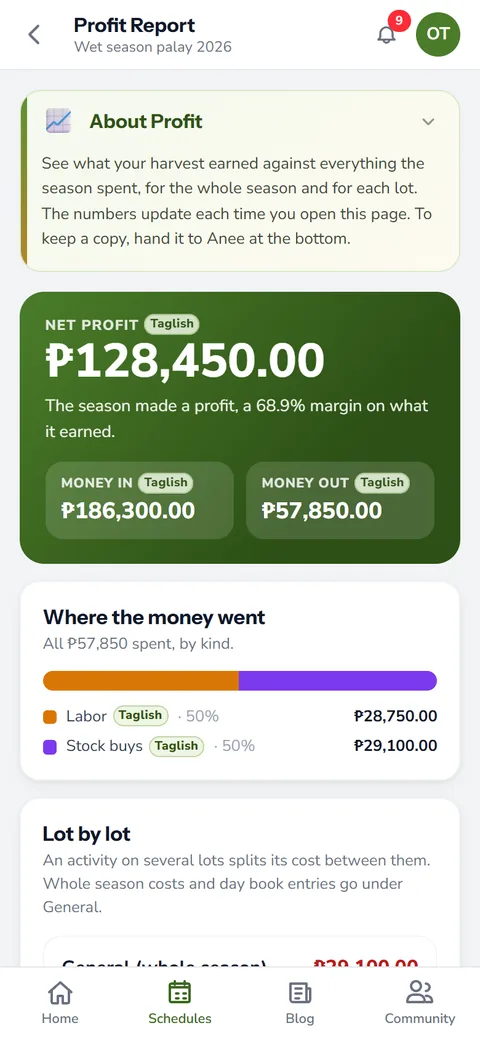
Labor is one line of the season's money. The expenses report adds materials and services, and the profit report sets it all against the harvest.
Every labor report stays on your shelf
Each report you make lands on the Saved Reports tab, newest first. Rename it, add a description and tags, and open it again any time. It comes back exactly as you made it, even after the board changes.
From an open report, tap Ask Anee to bring it into a chat with Anee, the smart farm technician. She reads the figures with you and answers in Tagalog or English. Like everything Anee does, the chat runs on credits.
Which plans have it
The labor report opens on every plan, the free Libre plan included. But it counts workers, and the Workers module comes with Solo Farmer and Farm Owner. On Farm Owner, a worker with view access can read the shelf, while only those who can edit make new reports.
If someone did not work an activity, take them off it on the board, and the report follows. Keep each worker's rate current too, so the total matches what you paid. For the full picture of the season, see farm reports.
How the labor report helps your crops and your farm
- See where the labor money goes. Worker days and cost for the season, laid out by task and by month.
- Plan the busy weeks. Knowing your busiest stretches helps you line up workers before they are needed.
- Spot work that costs too much. A task that takes more days than it should stands out, so you can change how it is done.
- Fair records for your workers. Each worker at their own rate, counted from the days they really worked.
Sign up free. The labor report is on every plan, and the Workers module comes with Solo Farmer and Farm Owner.
Start free