Collab Room: Team Chat, Whiteboard and Calls for Each Season
The Collab Room is your season's own meeting place in anee.io. The owner, the foreman and the workers chat with photos and voice notes and draw on one whiteboard. They also call each other and ask Anee together, right beside the plan they are working on.
Who gets into the collab room
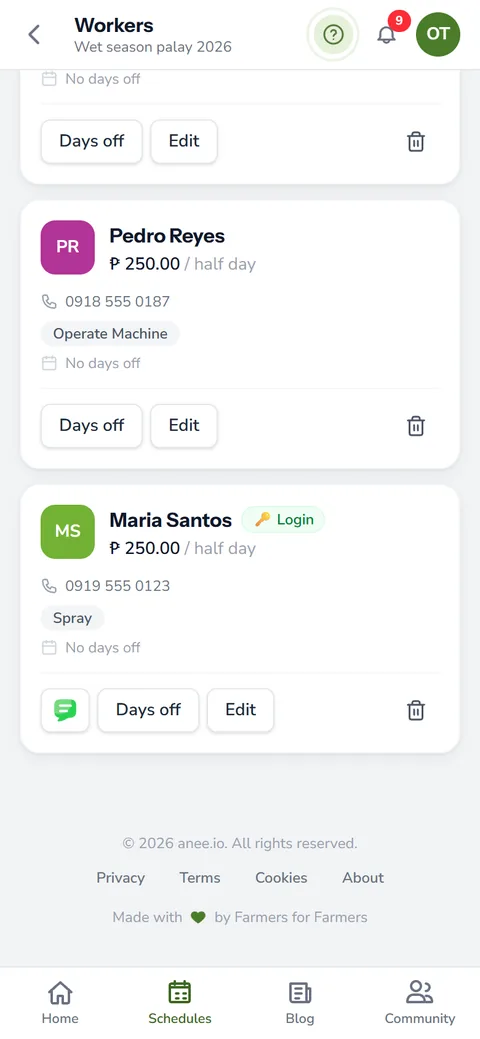
Each season on the Farm Owner plan has a room of its own. Its members are the owner and the workers who have a team login to your farm. So the room opens once your crew has logins, and nobody outside that team can read it.
Before you walk in, a short list asks who is joining. Everyone starts ticked, and you untick anyone who should sit this one out. Inside, the members' faces sit at the top with a green dot for whoever is online.
Team chat with photos and voice notes
The Chat tab is the season's group chat. Type a message, attach several photos at once, record a voice note or a short video, or send a file up to 50 MB. So a worker at the far lot can write 'Lot 1 top dress is done, 1.5 bags of urea', and the owner in town reads it a minute later.
For a private word, tap a member's face in the list. The chat then opens a direct message to that person. It is the same thread the farmer community uses, so the history stays in one place.
A whiteboard everyone draws on
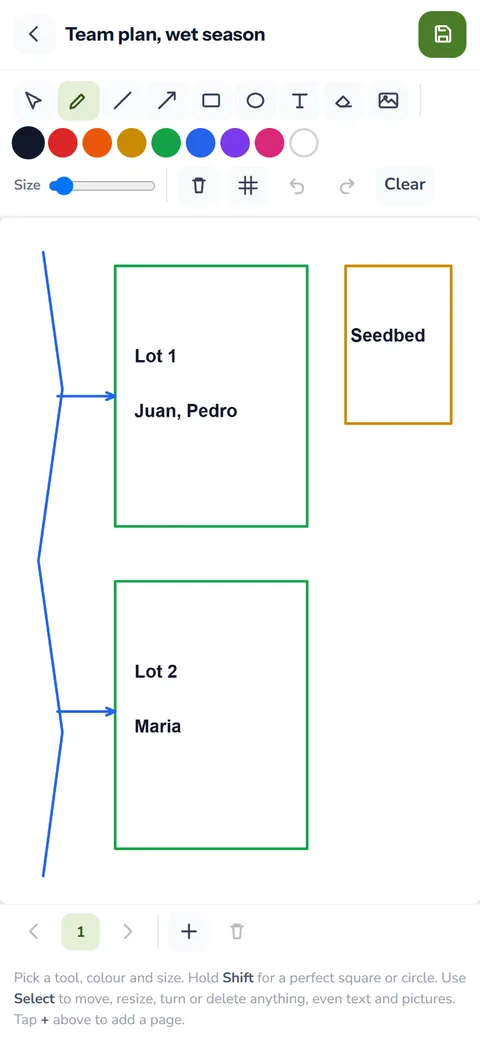
The Drawing tab is a shared whiteboard, and every stroke shows up for the others live. Use it to sketch which lot gets the tractor first, or where the new canal should run.
- Pen, line, arrow, rectangle, circle, text and eraser
- Several pages, plus a grid when you need straight rows
- Undo your own last stroke without touching anyone else's
- Save the pages into the season's notes once the plan is agreed
- Open past drawings when you need last week's sketch again
Someone who joins late still sees the whole board, because the room keeps every stroke.
Draw on a photo together
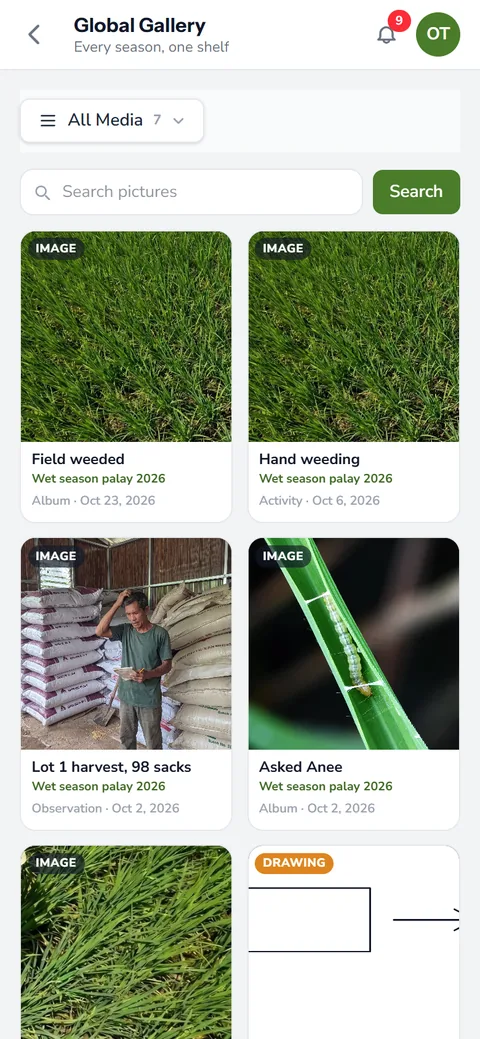
The Photo tab puts one picture in the middle and hands everyone a pen. Pick a photo from the gallery, upload one or take one. Then circle the rice bug on the panicle, or ring the window panes that fall armyworm left on a corn leaf, and the whole team looks at the same spot. Save the marked picture as a note or into the gallery's Team photos album.
Calls, cameras and where everyone is
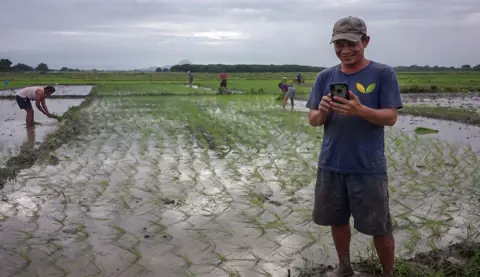
The Cameras tab is the room's live call. Each person taps Share my camera and points the phone at what they see: a broken pilapil (paddy dike), a yellow patch, a pump that will not start. Tap one view to fill the screen.
Your microphone starts muted, so sharing a picture does not put your voice in every speaker until you unmute. After that, the call keeps running while you switch tabs, and the team can talk over the whiteboard. Only the owner can record, and everyone sees when a recording starts.
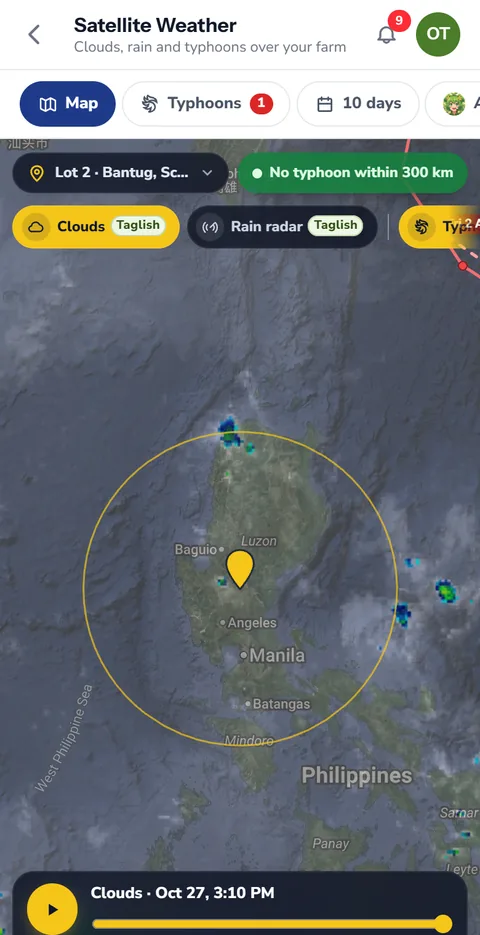
Where we are puts a dot on a shared map for each member who turns on Share my location. As they walk, the dot moves with them, and it leaves when they turn sharing off. No record of where anyone was stays behind.
The plan and the map, inside the room
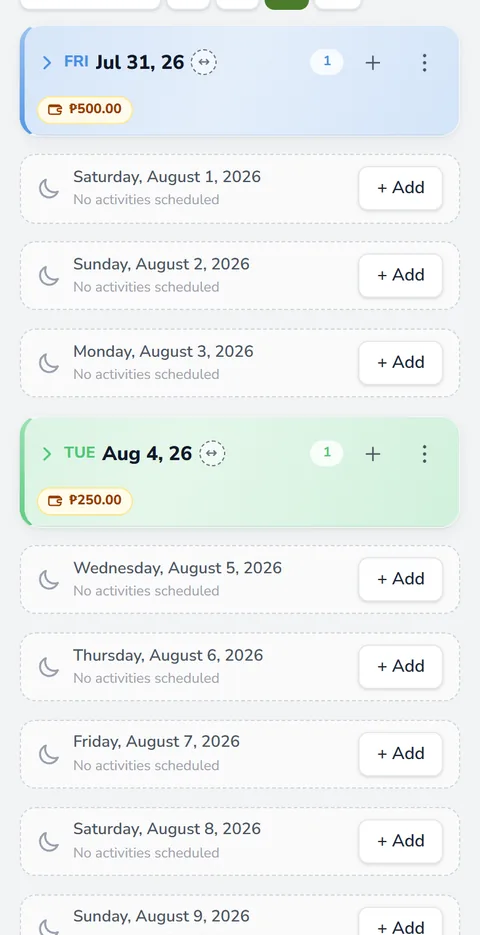
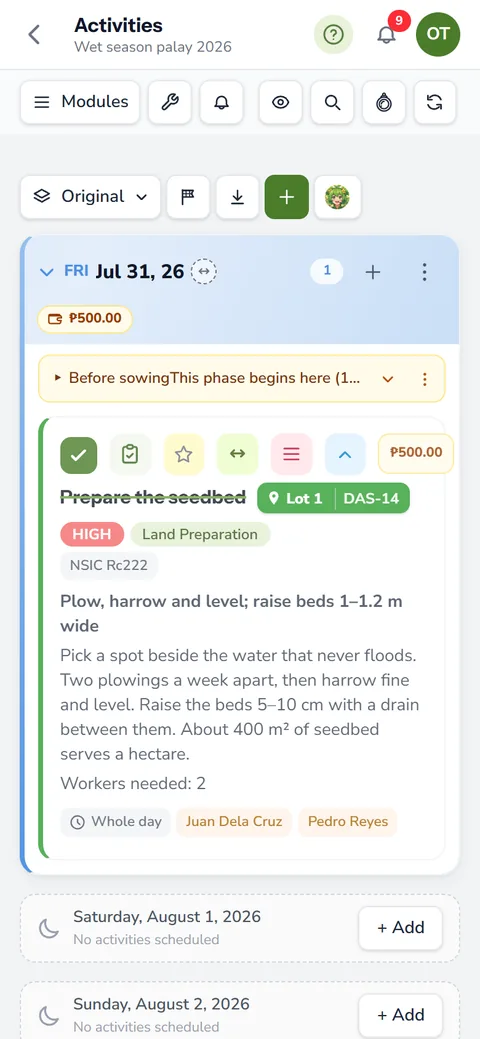
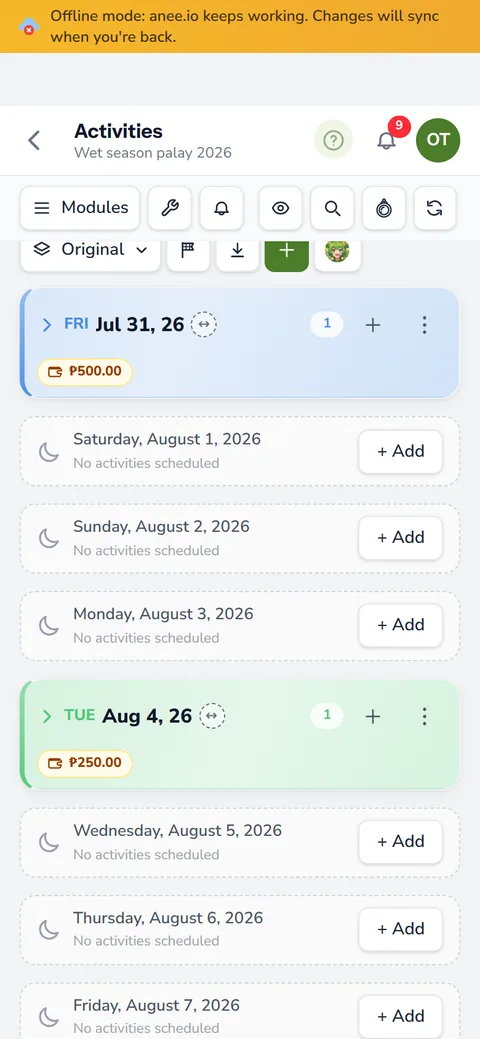
Next to the chat, the Activities tab holds the whole board, so the team ticks work done without leaving the conversation. The Map tab is the season's team map. Draw and measure over satellite imagery, and every shape appears for the others live. The farm maps page explains the tools.
Ask Anee together
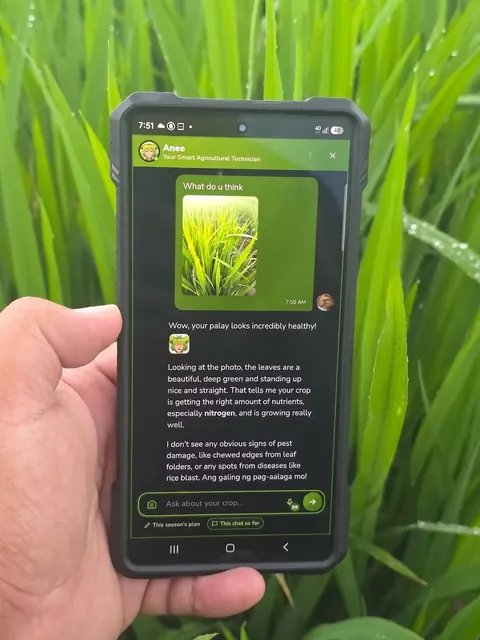
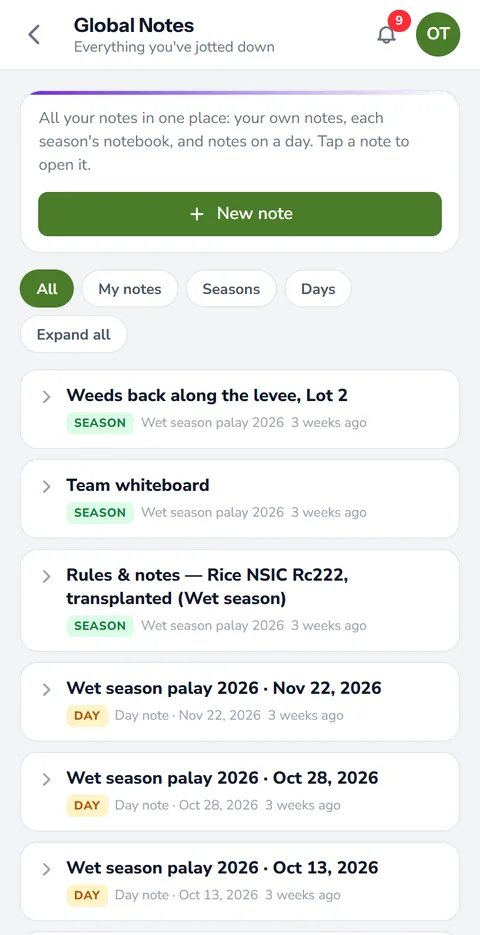
The Anee tab is a chat with the AI agricultural technician that the whole team shares. Any member asks, and everyone sees the question and the answer. Keep separate sessions for separate topics, like one for pests and one for water, and save a good session to the season's notes. The answers use the owner's credits.
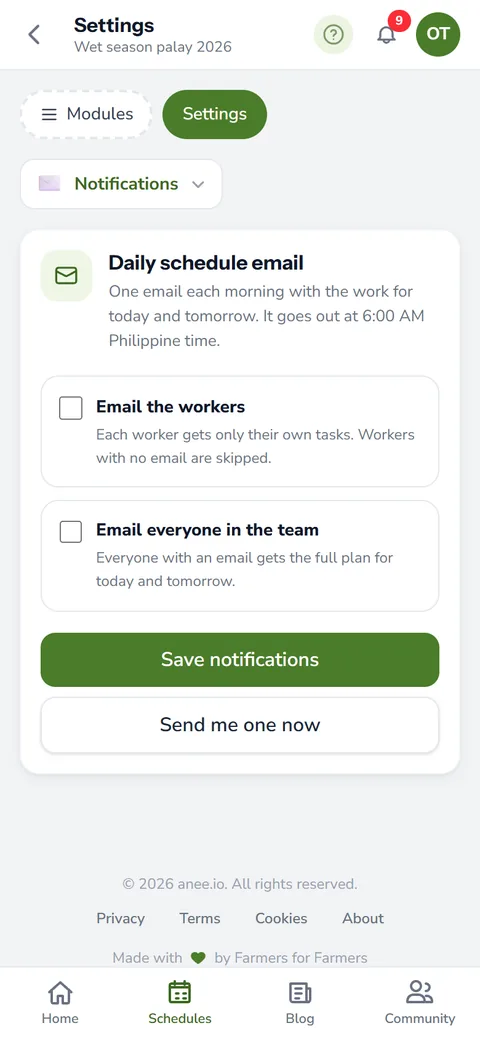
A plan agreed on the whiteboard or in chat still belongs on the season's plan. Before you leave the room, put the task on the cropping calendar. Then it shows on the board for everyone, and in the morning plan email if you send one.
How the Collab Room helps your crops and your farm
- One place for the whole team. The chat, the whiteboard, the plan and the map of the season sit together, so nobody works from an old message.
- Show the problem instead of describing it. A photo or a drawing on a photo makes the instruction clear the first time.
- Decisions with everyone in the room. Ask Anee together and the whole team hears the same answer.
- Less time on the phone. Calls and cameras live in the room, and what was decided stays written down for the ones who were not there.
The Collab Room comes with the Farm Owner plan, along with worker logins and the logs diary.
See the plans