Automatic Stock Deduction: Tick a Task Done and the Shed Updates
With automatic stock deduction, you never subtract a sack by hand again. When you tick a fertilizer or spray task done on the anee.io board, the materials it lists leave the shed count. Untick it and they go back on the shelf, and every move carries its cost into your expenses report.
How automatic stock deduction works
Put the item in the shed
In the Inventory module, add each input with its kind, what you count it in and how many you have. Bags of 50 kg, kilos, liters, bottles, sachets and drums are all there, and the price is optional.
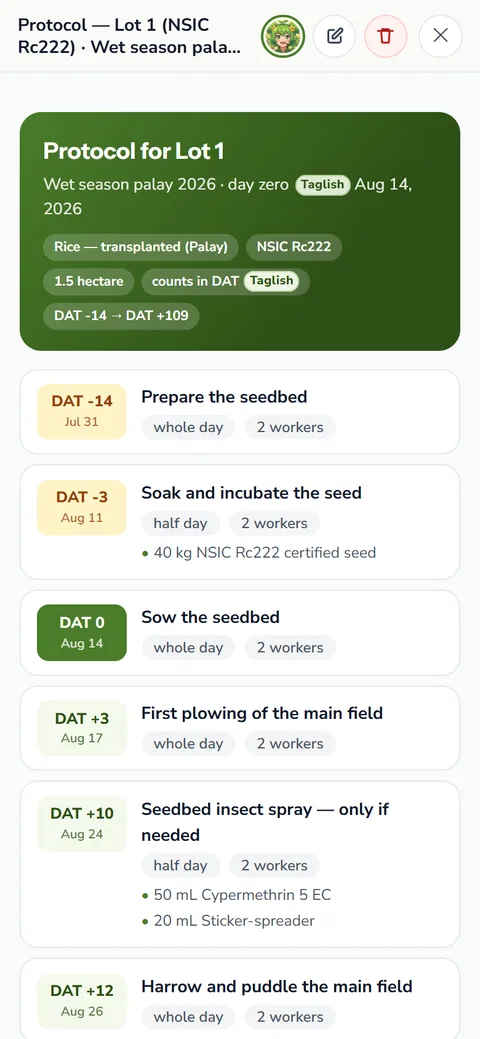
List it on the task
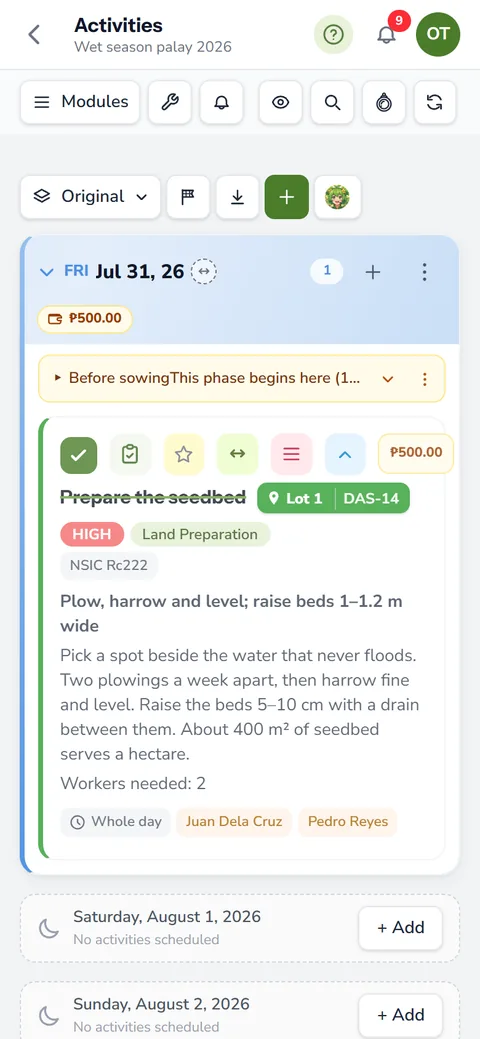
On a task, add the material and answer Take it from the inventory? with the item from your shed. Then write the amount, in bags or in kilos.
Tick the task done
The board locks the task and takes the amount off the count. A short message says how many items left the shed.
Untick to put it back
Reopen the task, and the stock returns to the shelf. No extra line stays in the log to puzzle you later.
A double tap, or a weak signal that sends the tick twice, does not spend twice. The app spends a task's materials once. Each move also carries the task's own date, not the day you happened to tick it, so the log reads like a diary of the field.
Bags or kilos, it does the math
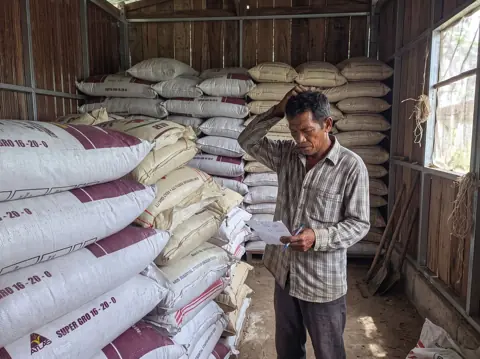
Say the shed holds 10 bags of urea, a 46 0 0 fertilizer, counted in bags of 50 kg. A task that lists 75 kg of urea fertilizer takes 1.5 bags off when you tick it. Liters and milliliters convert the same way, so 500 ml of a foliar feed comes off a count kept in liters.
On hand is the sum of the moves
anee.io keeps no running total that could drift away from the truth. Instead, the figure on each item is the sum of its moves: the starting count, each delivery, each task ticked done and each hand entry. Every move records the stock before and after it, the date and who made it.
Open the Logs tab to read the moves line by line, newest first and grouped by day. Even if two people tick two tasks at the same moment, the count comes out right, because each move waits its turn.
Not enough in the shed? The task tells you
When you list an item on a task, the sheet checks what is still free after the other work you planned. If the shed runs short, it says Not enough in inventory and shows how much is left. Add a price to the line, and it becomes a new purchase instead: the bags come in at that price, then go out when the task is done.
Costs that follow into your expenses report
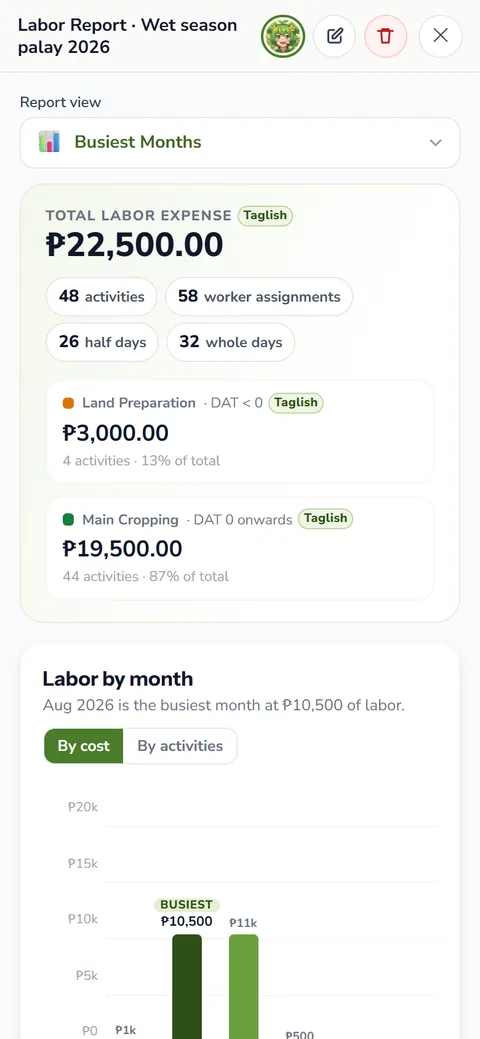
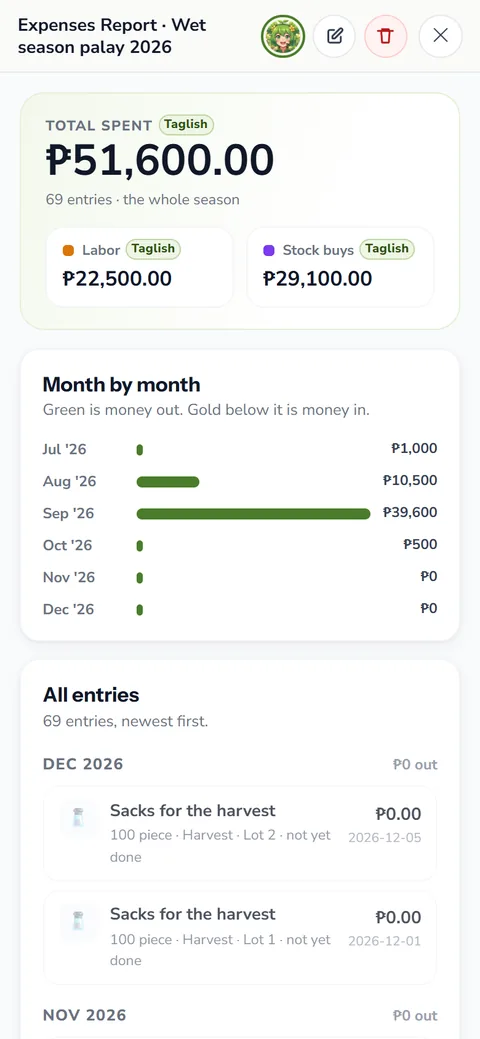
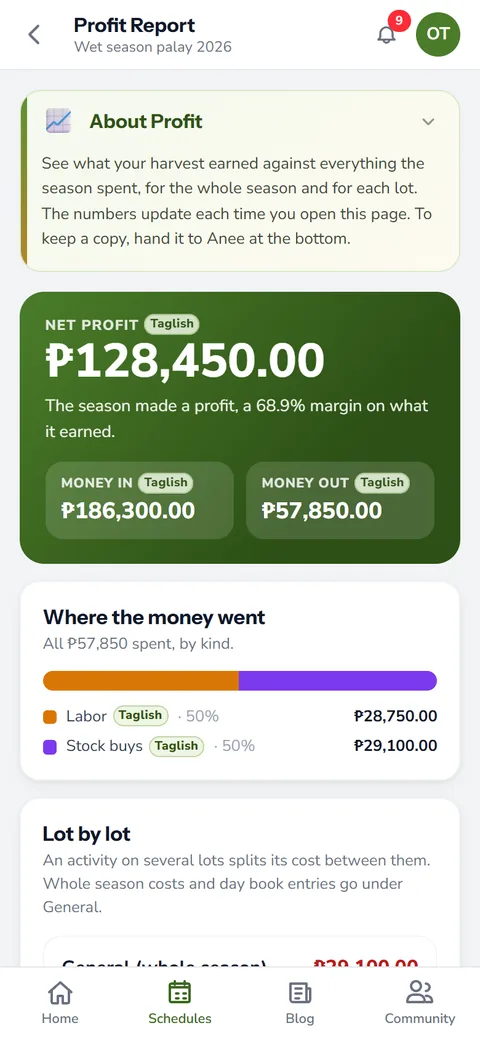
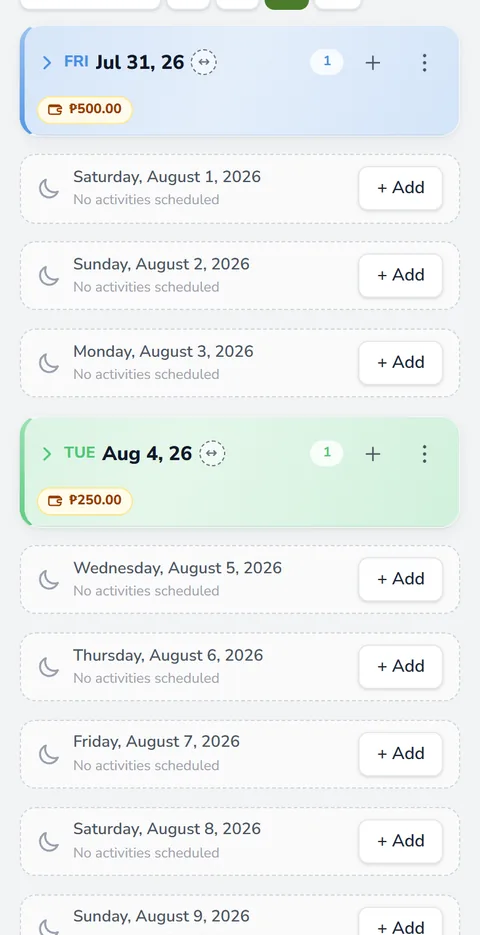
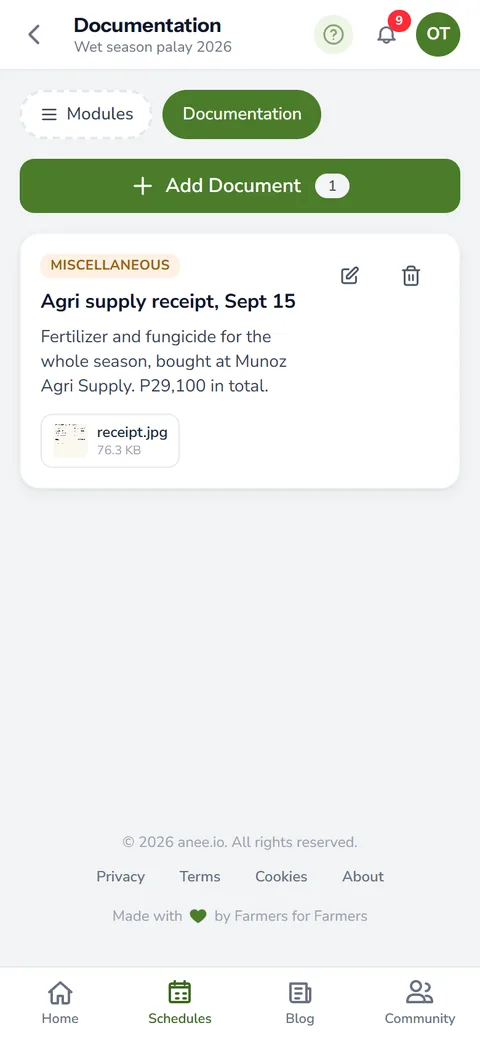
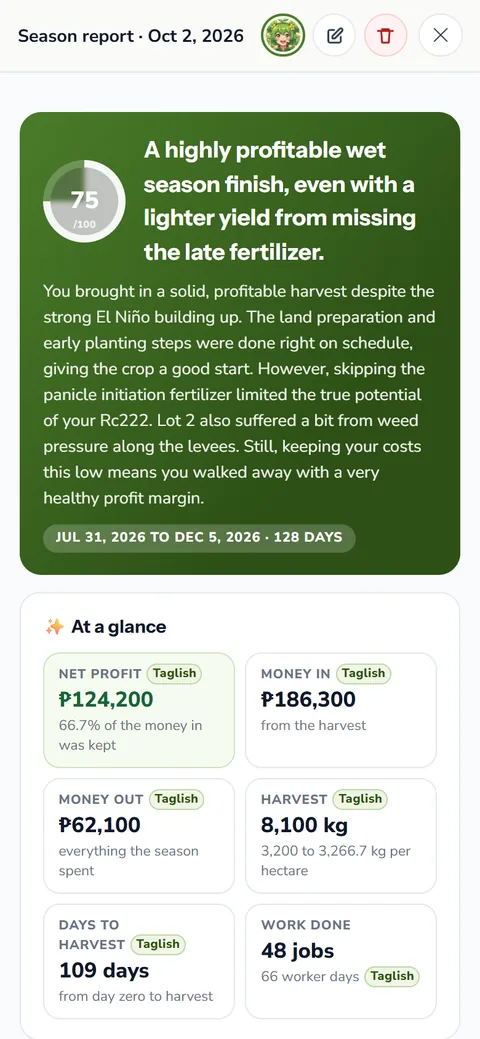
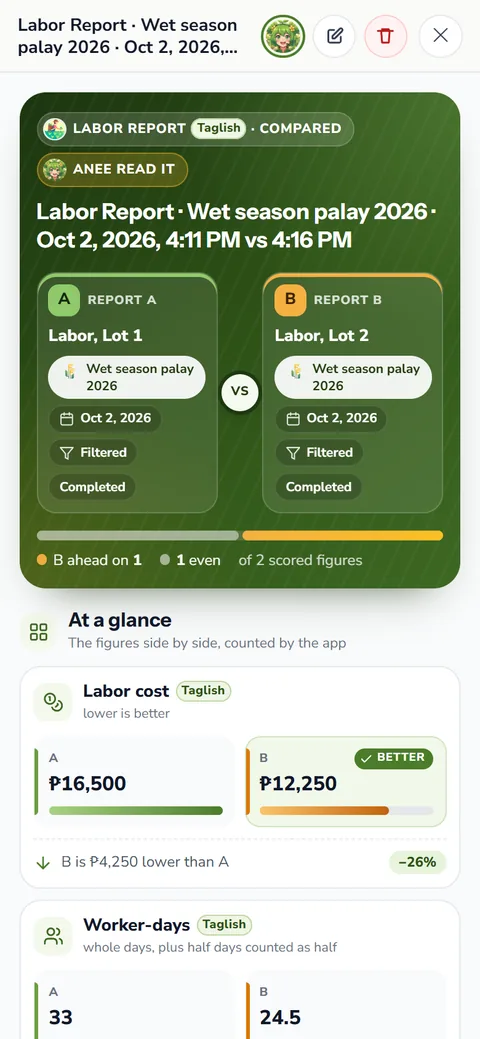
Each delivery or starting count is a batch with its own price, because a bag bought in June rarely costs what it did in March. You can fix a batch's price later in the Pricing tab. The expenses report and the day's cash on the board both use each batch's own price, so the money side agrees with the shed.
Delete a done task, and its stock goes back on the shelf. Any purchase the task declared leaves with it, since nobody bought stock for work that never happened.
When you add an item, set Counted from to the day counting should begin. Tasks marked done from that day that used the item come off the count, even before you add stock. The app matches older task lines to the new item by its name, so the shed starts honest.
Buy what the plan needs, not more
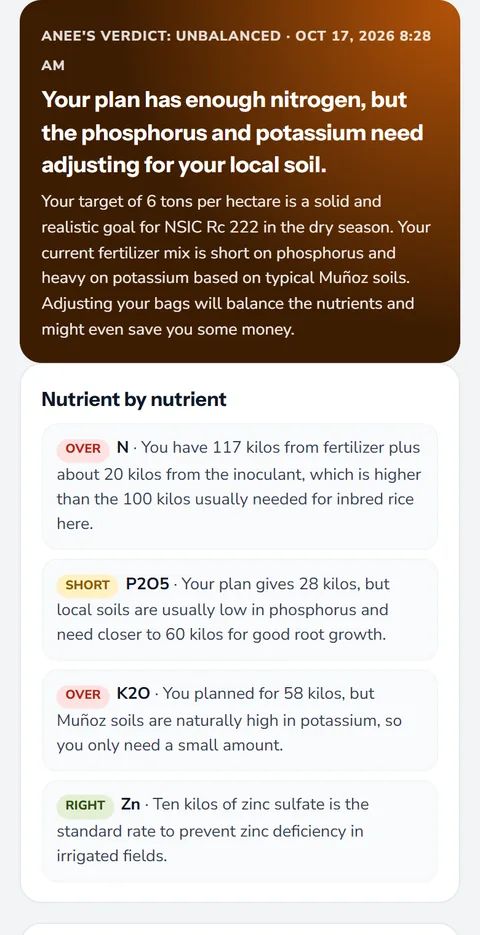
Automatic stock deduction tells you what is left, and the plan tells you what is still to come. Put the two together before you drive to the agri supply. First, work out the bags each lot needs with our guide to fertilizer calculation. Then subtract what the shed already holds, say 6 bags of 14 14 14 fertilizer left from basal. A fertilizer computation done this way stops the extra sack that sits in the bodega until next season.
The inventory comes with the Solo Farmer and Farm Owner plans. On Farm Owner, each worker's team login can view the shed or edit it, as you choose. The full shed, with its units and moves, is on the farm inventory and expenses page.
How automatic stock deduction helps your crops and your farm
- No more counting sacks by memory. The shed updates when the task is ticked, so what the app says is what you have.
- Fewer trips to the store in a rush. A task warns you before the stock runs short, while there is still time to buy.
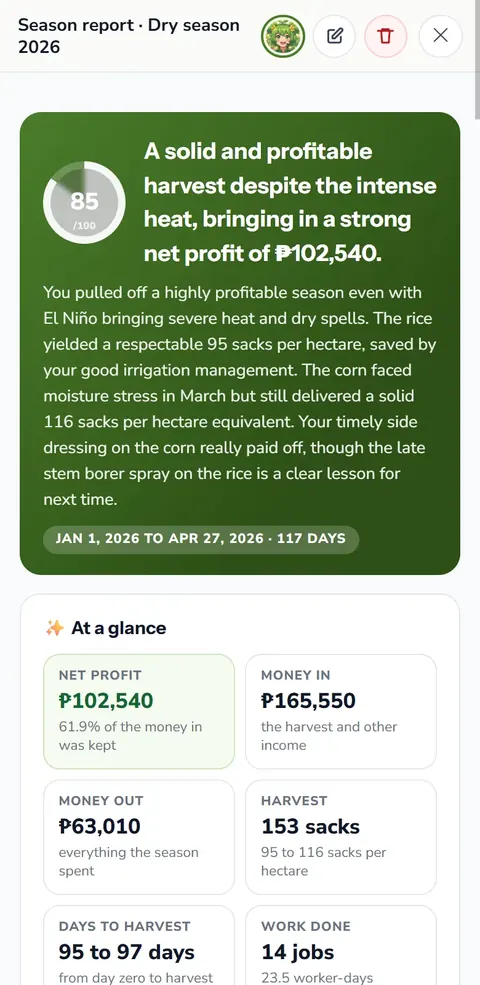
- Costs that add themselves up. What the shed gives out flows into the expenses report, so the season's cost is ready when you need it.
- Less loss in the shed. Every move carries a name and a day, so a missing bag is easy to trace.
Sign up free, then open the inventory on the Solo Farmer or Farm Owner plan.
Create a free account