Crop Protocol Builder: Plan the Whole Season Before Day Zero
A crop protocol is the season written in advance: what to do, with what, at what rate and on which day of the count. The Protocol Builder in anee.io lets you write it once, keep versions, have Anee review it, and import it as a new cropping schedule when you plant.
Write your crop protocol on a day count
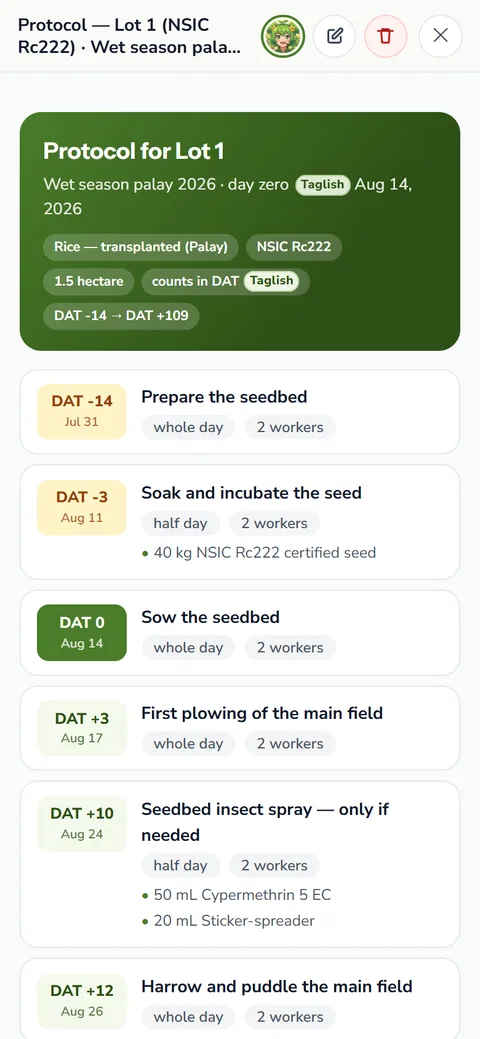
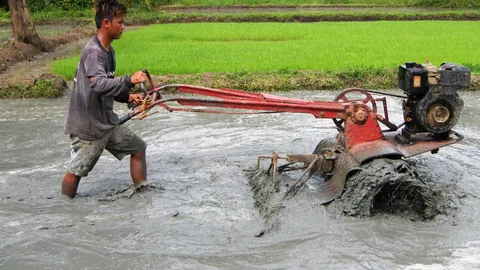
Pick the crop and the count it runs on. Use DAS, days after sowing, for direct seeded crops. Transplanted rice runs on DAT, days after transplanting, with its seedbed days before it. Corn and most vegetables use DAP, days after planting. Tree crops use DOS, the days since the program started. Then add tasks, each on its day. A task can even sit before day zero, like land preparation 14 days before sowing.
- The day on the count, or the days before it starts
- The kind of work and how important it is
- What to apply, in groups, with each material and its rate
- A note for whoever does it, and the workers it needs
Notes sit among the tasks for anything you want to remember on a day. Dividers mark the phases, like vegetative or reproductive. Drag tasks to reorder them, and the builder warns you if a drop breaks the day order.
Materials and rules
The Materials tab lists the inputs the protocol calls for, so you know what to buy before the season starts. The Rules tab keeps the standing rules of your plan, like no spraying when rain is near, written once and kept with it.
Warnings while you write
As you go, the builder checks your plan. It flags two herbicides within three days, two fertilizer applications within two days and two sprays on the same day. It also catches copper mixed with a foliar feed or oil, a sprayer tank shared with herbicide, and any spray within 14 days of harvest. You decide what to change.
Save versions and let Anee review
Save a version before you try a new idea, like a split fertilizer schedule, and switch between versions to compare. Each version keeps its own tasks, materials and rules.
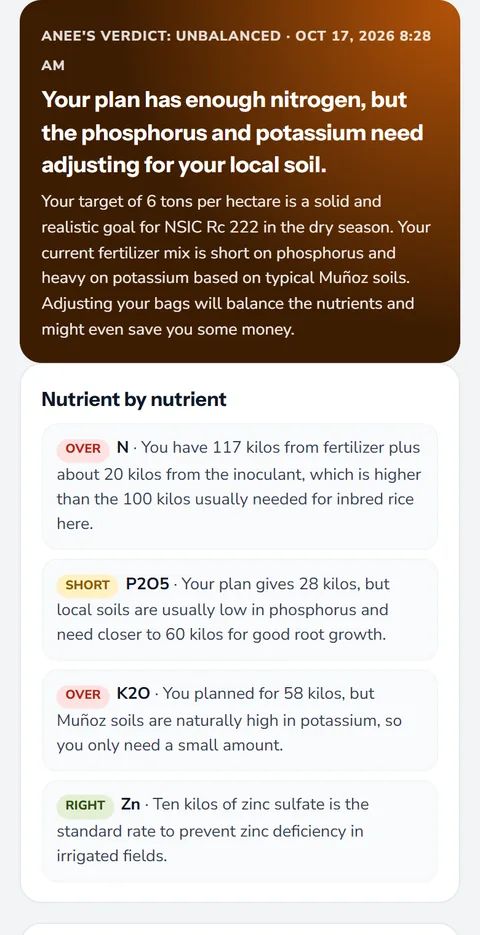
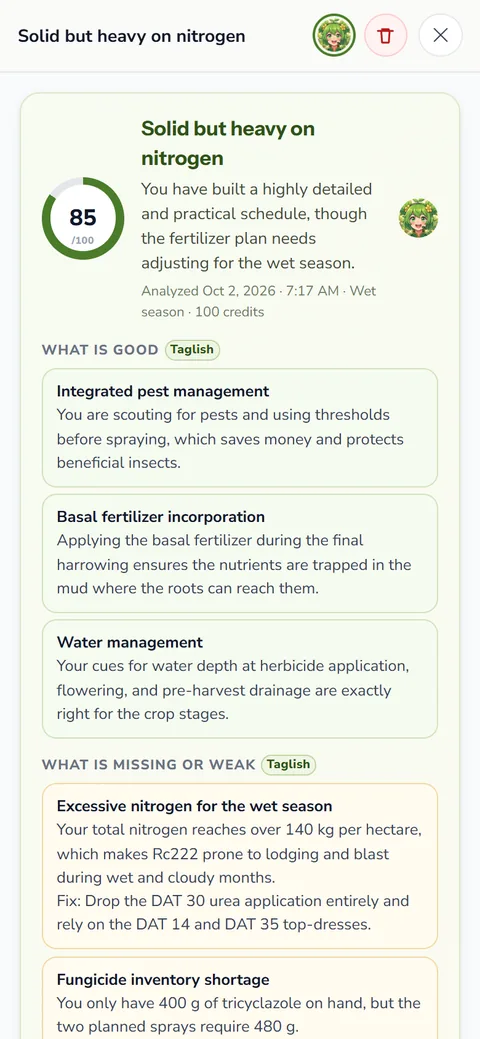
When the plan is ready, tap Analyze by Anee. She reads the whole protocol and gives it a score out of 100, with its strengths, its gaps and its risks. Each task gets a mark of good, check or concern with a short note. She may also suggest tasks you left out, and you can add one with a single tap. Every review stays in the Analyses tab. The review runs on credits, like everything Anee, the smart farm technician does.
Import the protocol as a new cropping schedule
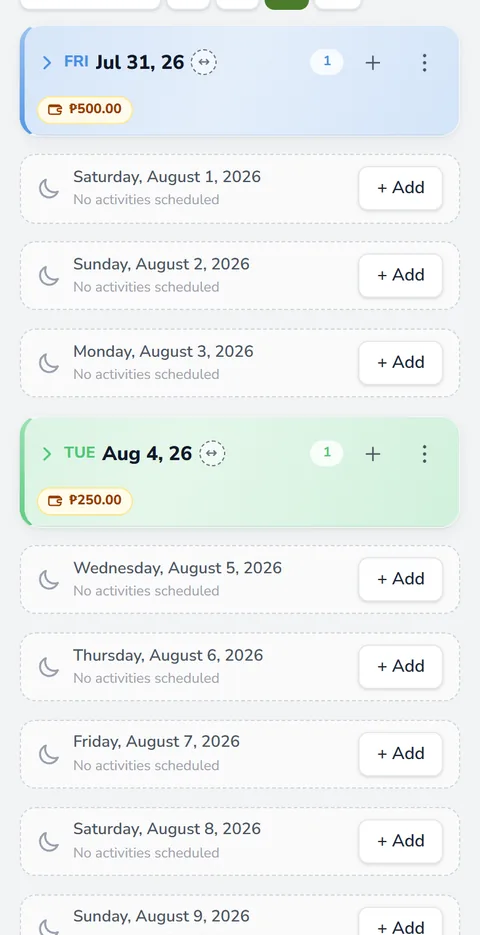
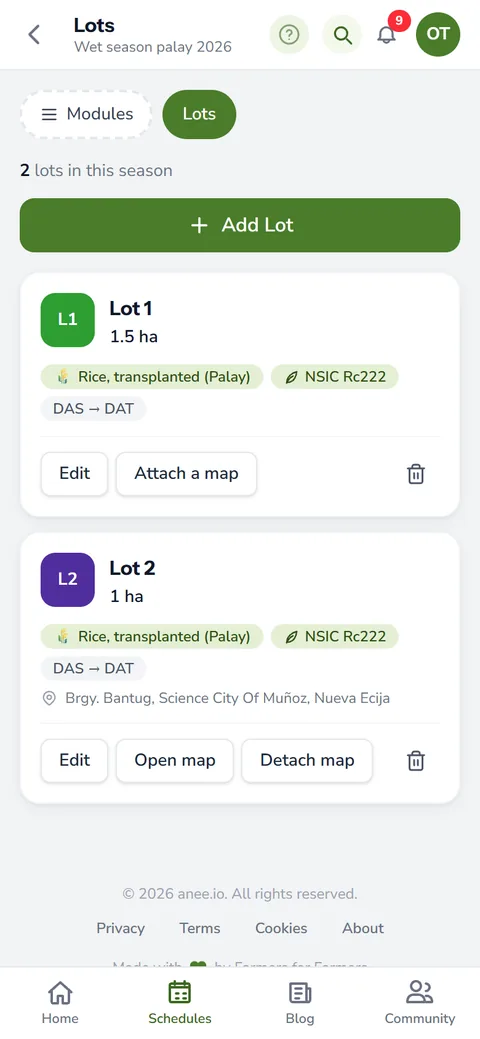
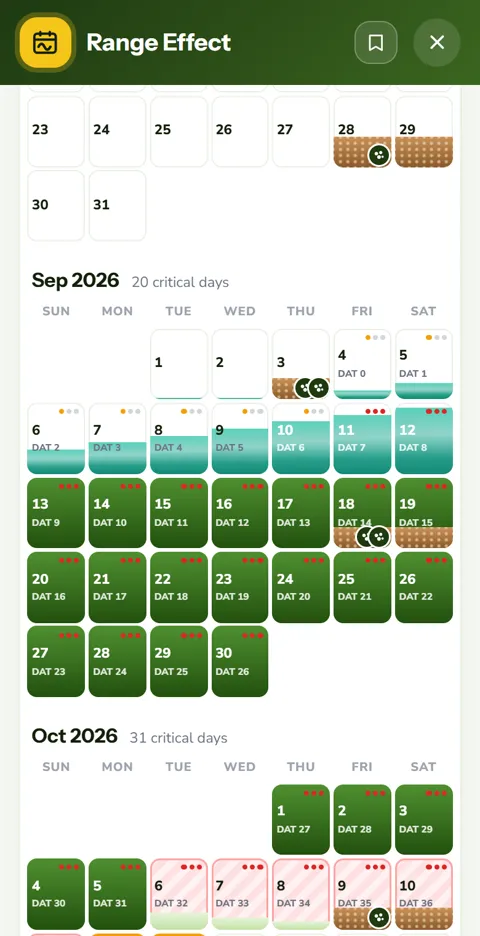
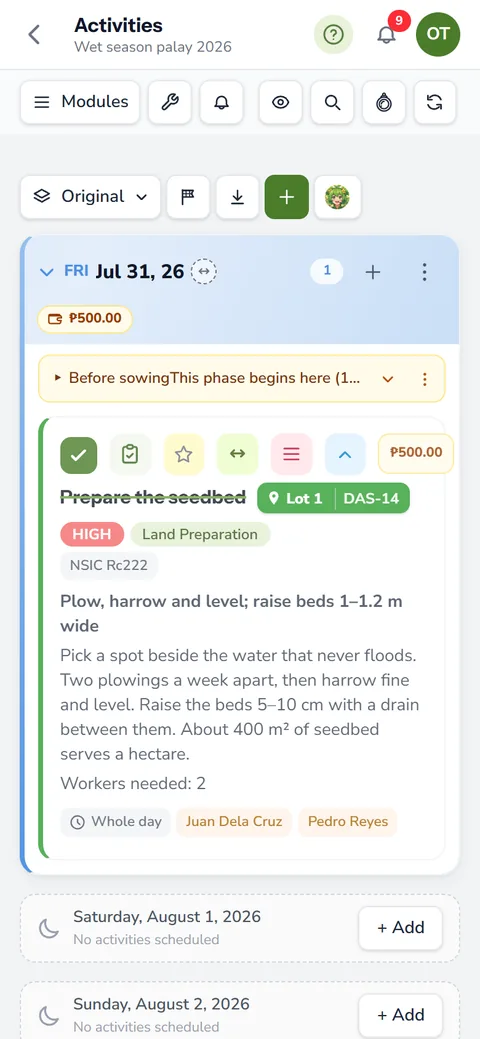
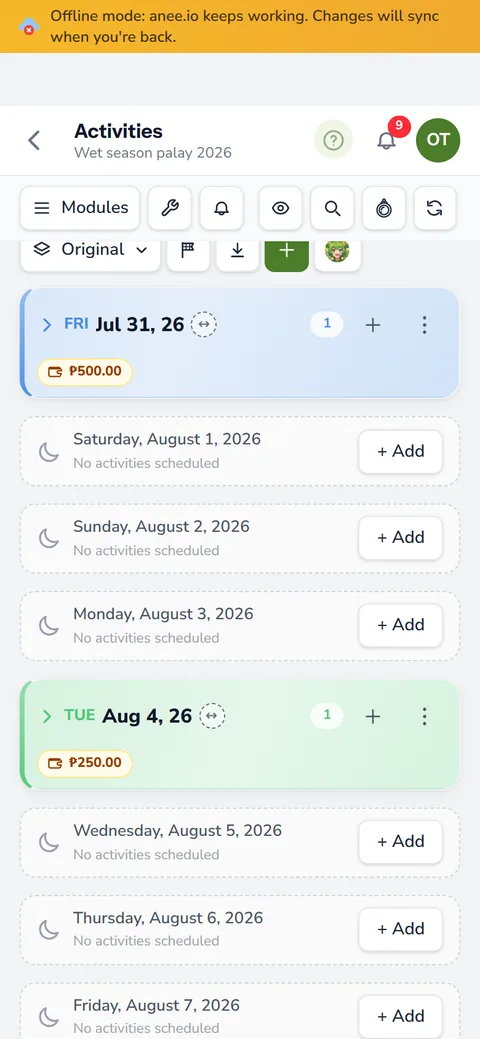
When planting day comes, port the protocol to a new cropping schedule. Name the lots and give each its start date, plus the transplanting date for transplanted rice. The builder then lays every task on the cropping calendar, dated from each lot's day zero. Tell it how many workers you have, and it can slide the overflow to the next free day, so no worker has two activities on one day. Day zero and the transplant stay put.
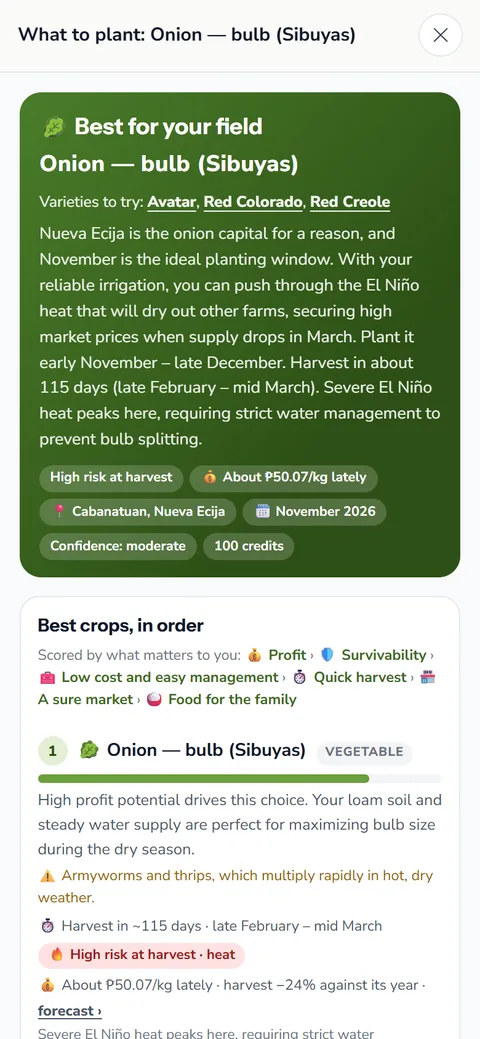
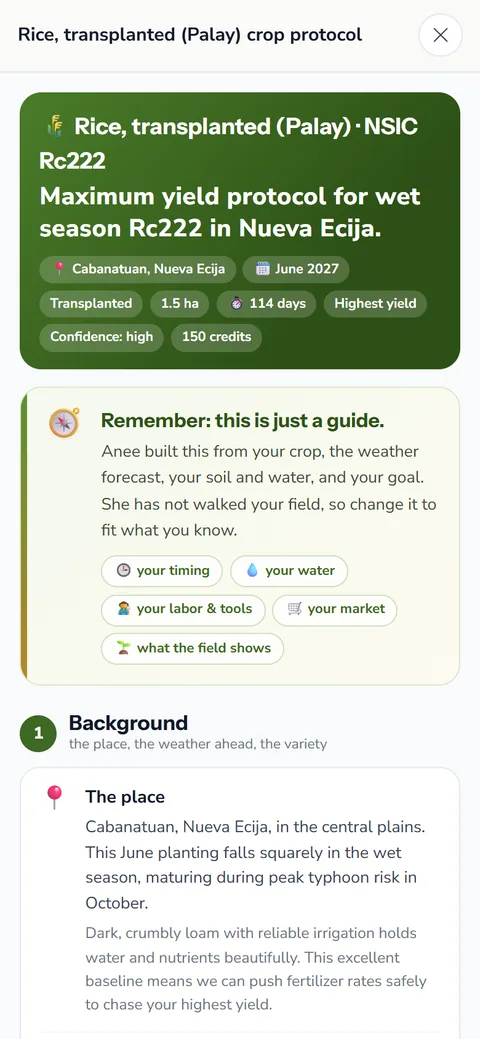
Not sure where to start? The Crop Protocol Analysis on the when to plant analysis page can write a first draft by growth stage for your crop and month. Our guide to fertilizer for rice also lists the usual application timings.
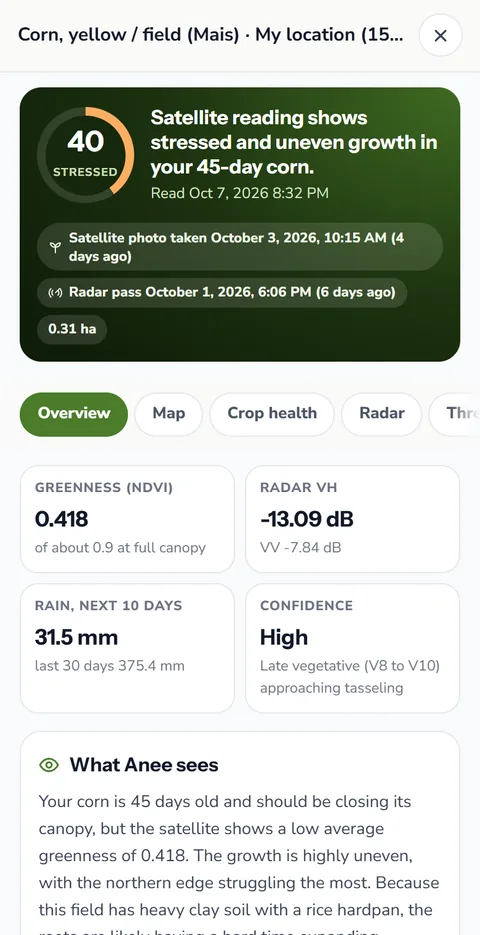
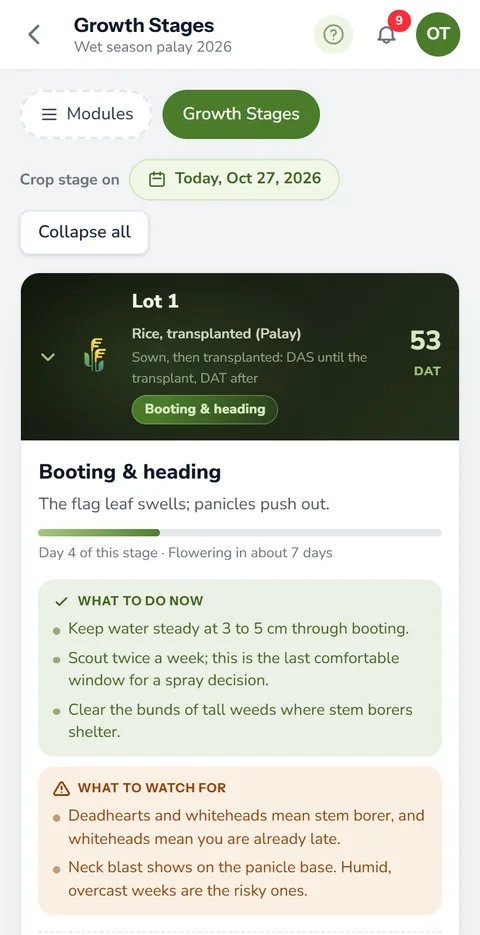
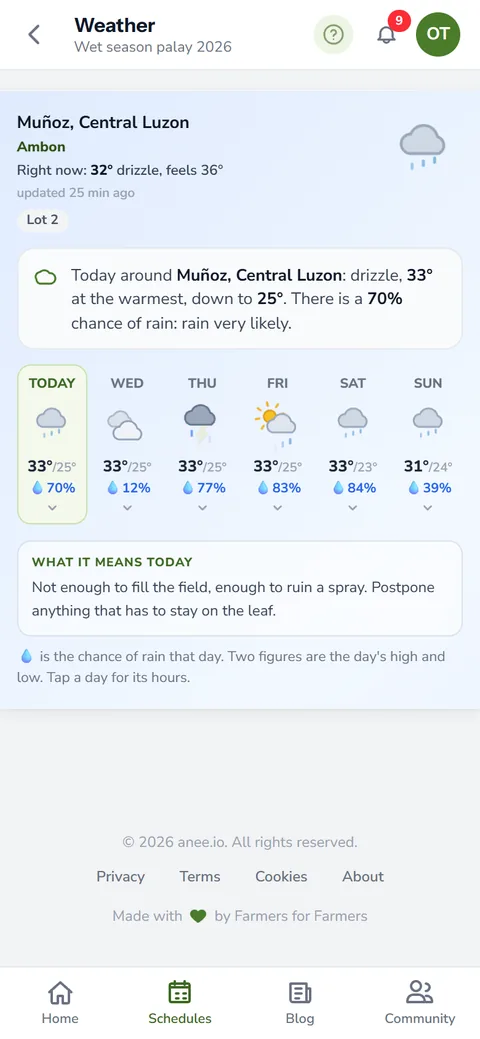
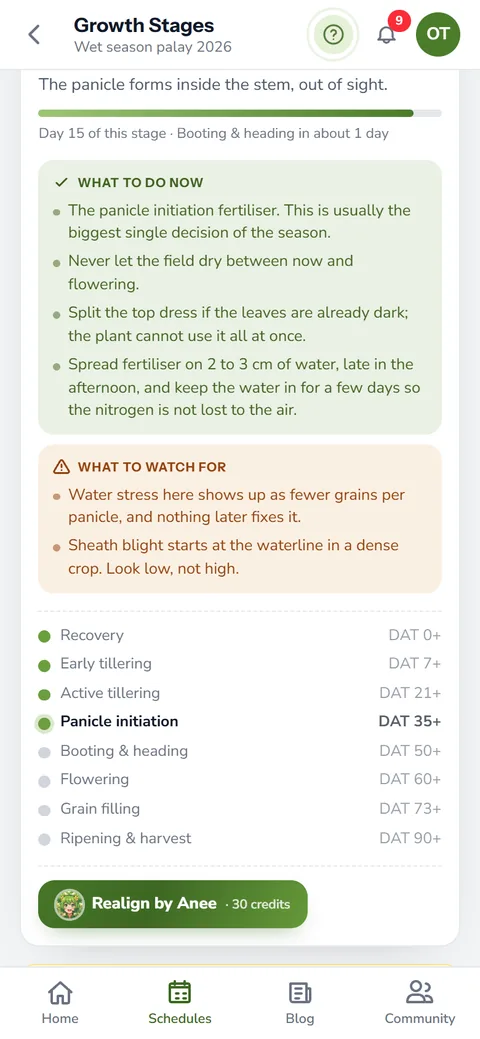
Keep your best protocol and port it again next season. Each lot keeps its own day zero, so the same plan fits a lot planted two weeks later. Once it runs, growth stages and weather show how each lot is keeping up.
How the Protocol Builder helps your crops and your farm
- Plan the season before day zero. Every task on its day count, written once and reused.
- Fewer mistakes. Warnings flag what is missing or out of place while you write.
- A protocol that grows with you. Versions for the wet and dry seasons keep what you learn.
- Start a season in a tap. Import the protocol as a cropping schedule and the season is planned.
The Protocol Builder is on every plan, including the free Libre plan. Sign up and start writing.
Create a free account