Today on the Board: Daily Farm Tasks You Tick as You Go
Your daily farm tasks sit on the anee.io board, one day card at a time. Open today and see each task on its lot. Tick it done, mark who worked, and add a photo or a voice note while you stand in the field. The board keeps the record, and your reports add themselves up from it.
Open today and see the work
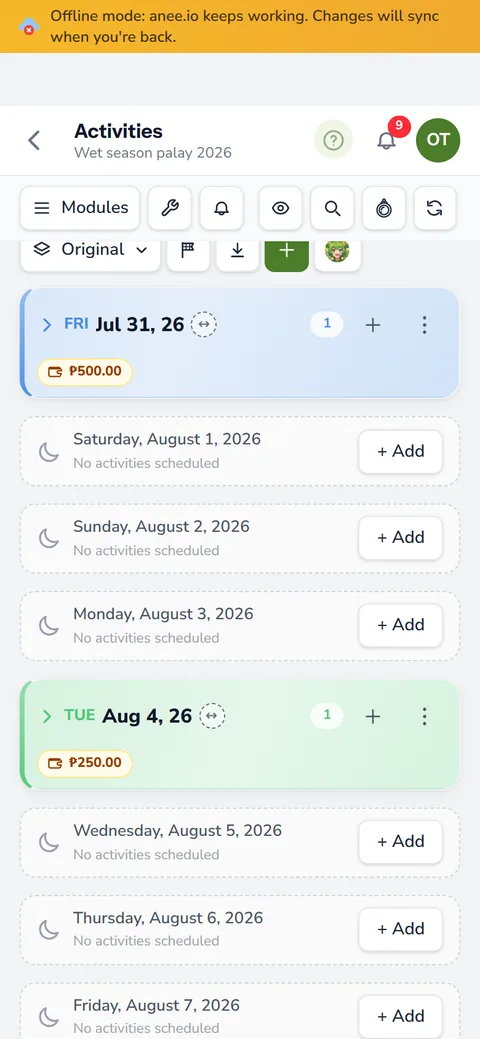
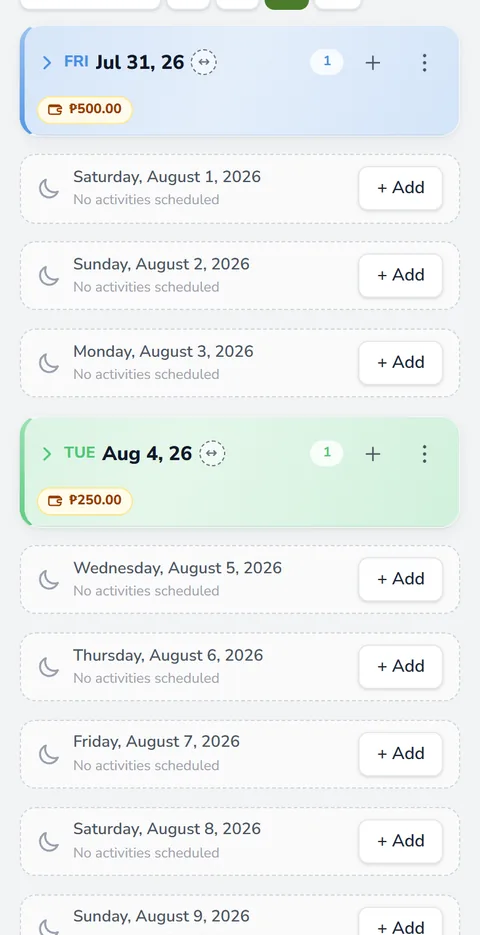
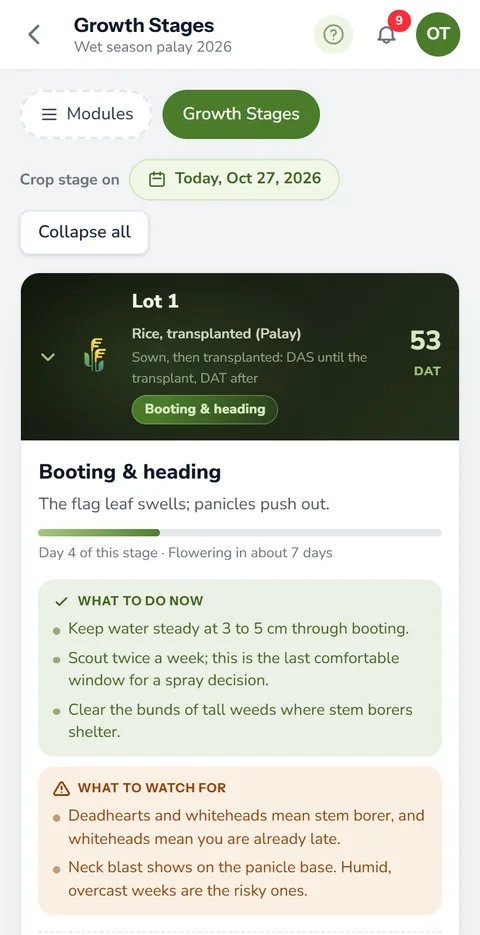
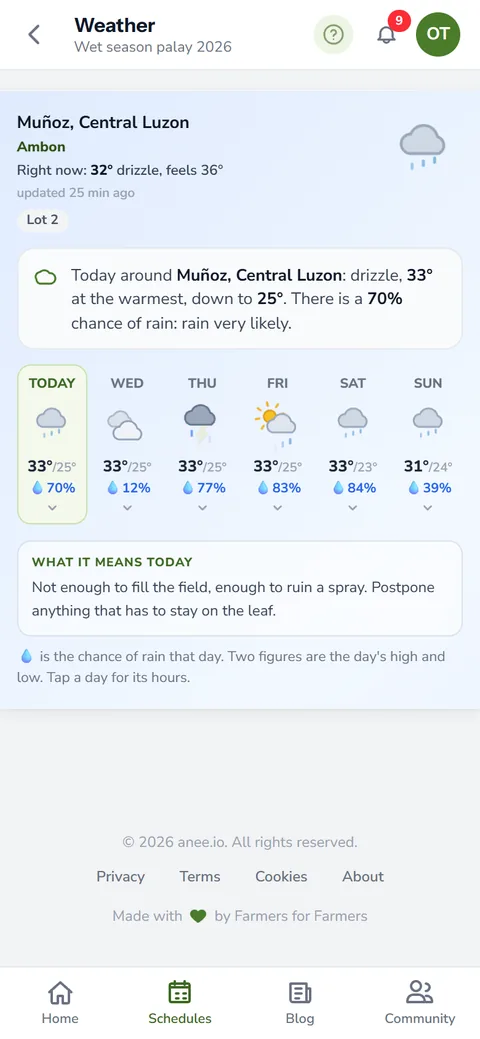
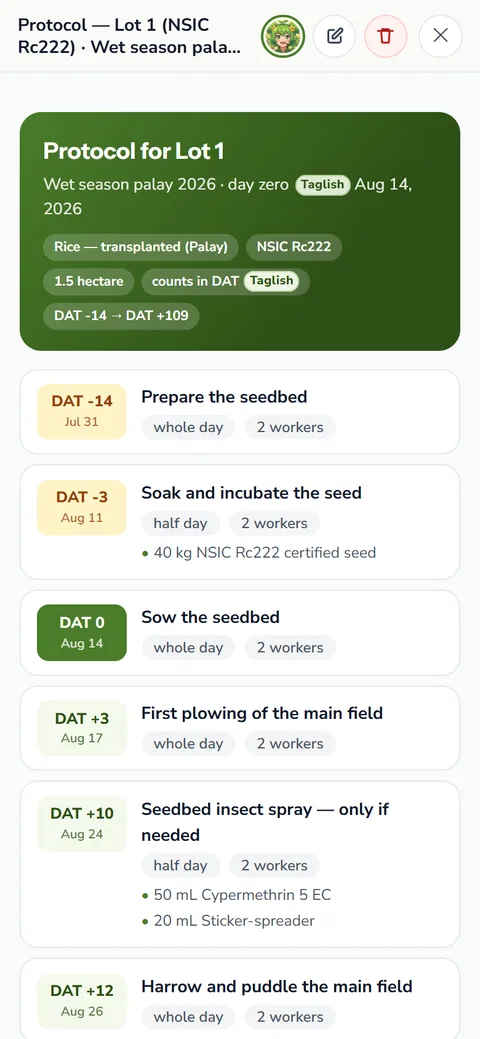
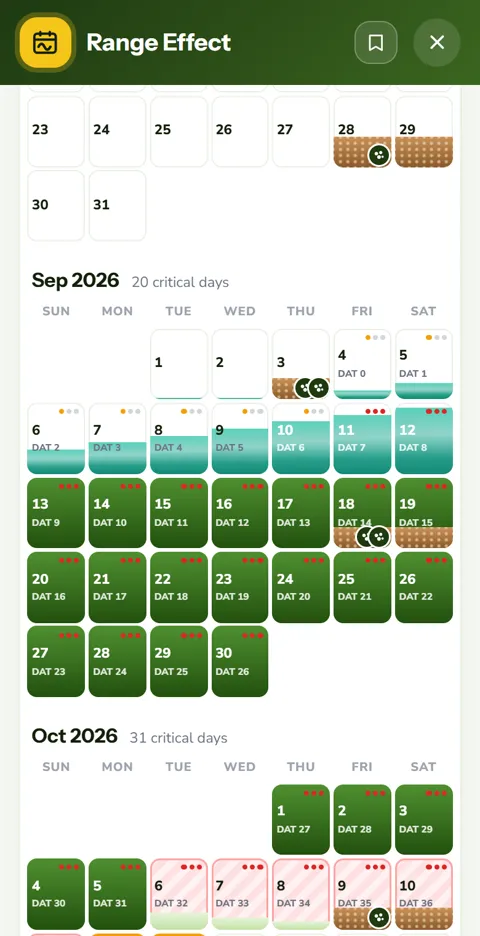
The Activities board is your season laid out day by day. Tap Today and it scrolls to this morning's card. The day header shows the date, each lot's growth stage and the weather for the lot's location. Under it, every task sits on its lot with its day count, like 'DAT+25' on a transplanted lot.
Each task card carries what the crew needs:
- The lot, the kind of task and its priority
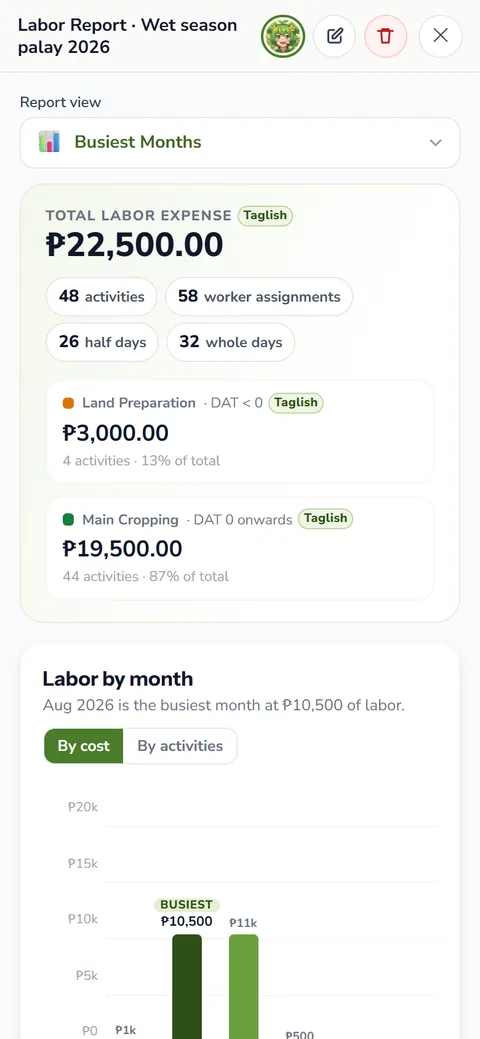
- The workers on it, whole day or half day, and what their labor costs
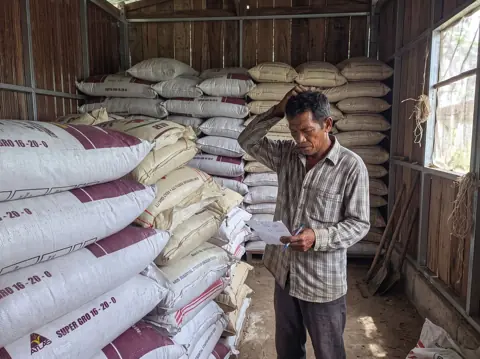
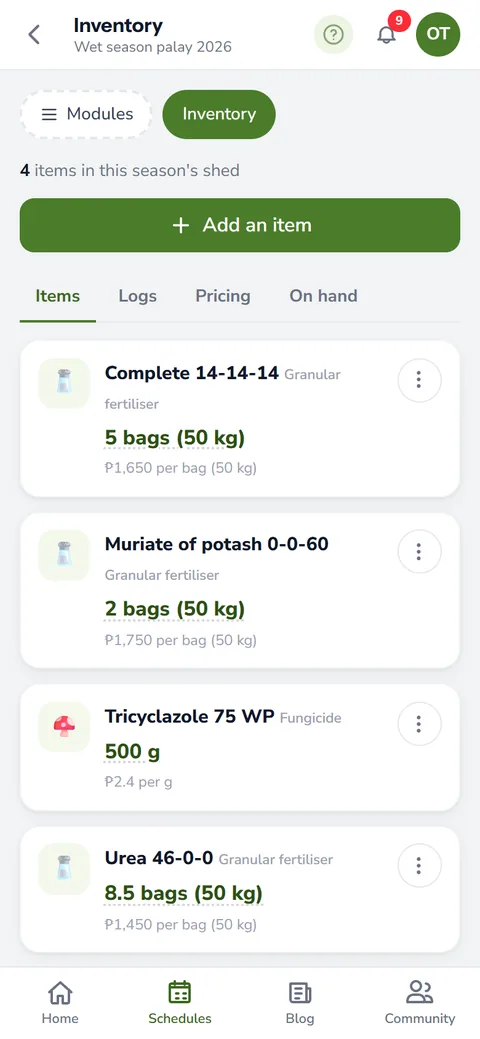
- The materials it uses, like two bags of urea fertilizer, with the quantity and price
- Hired services, like the tractor or the harvester, with their cost
- Your instructions, plus photos, short videos and voice notes
A busy season gets long. Hide done days, hide empty dates or search for one task by name, and the board shows only what is left.
Tick daily farm tasks done as they happen
When the crew finishes the job, tap the tick on the card. The task turns done and locks, so nobody moves or edits it by accident. If you ticked the wrong one, untick it and the lock opens again.
A tick does more than cross out a line. If the task lists materials and you keep the farm inventory, ticking it takes those bags out of stock, and unticking puts them back. On a payroll day the card shows the roster, so you tick who came, and the day's labor figure follows each tick.
Workers and materials on each task
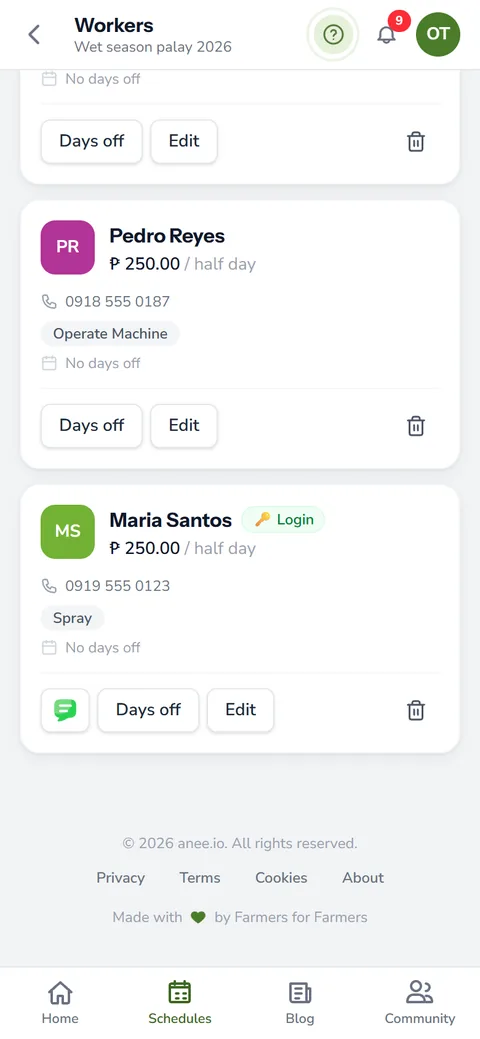
Open a task and add the hands who will do it, whole day or half day. The card then shows each name and the labor cost. Add the fertilizer, seed or chemical it needs with the amount, and the price rides along. That way the day header totals what the whole day costs before the work begins.
Workers and the inventory come with Solo Farmer and Farm Owner. Our page on farm workers and payroll explains the half day rates.
Photos, clips and voice on any task
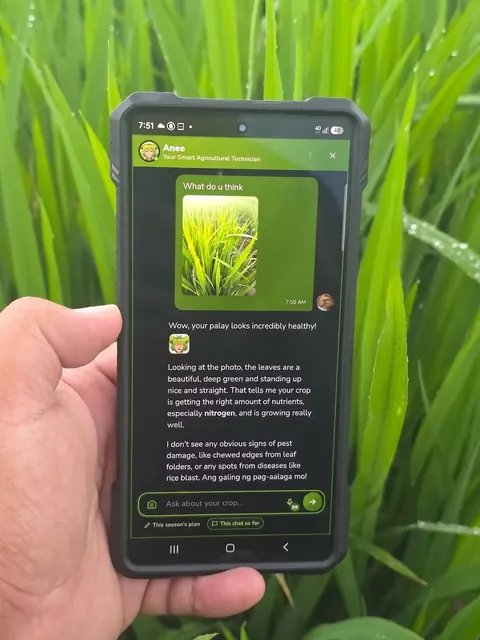
Proof of the work belongs beside the task. Attach photos, film a short clip or tap the mic and record a voice note, and it plays right on the card. A foreman can say 'Lot 3, tapos na ang abono, kulang ng dalawang sako' and the owner hears it later in his own words. That means the fertilizer is done, but two sacks short.
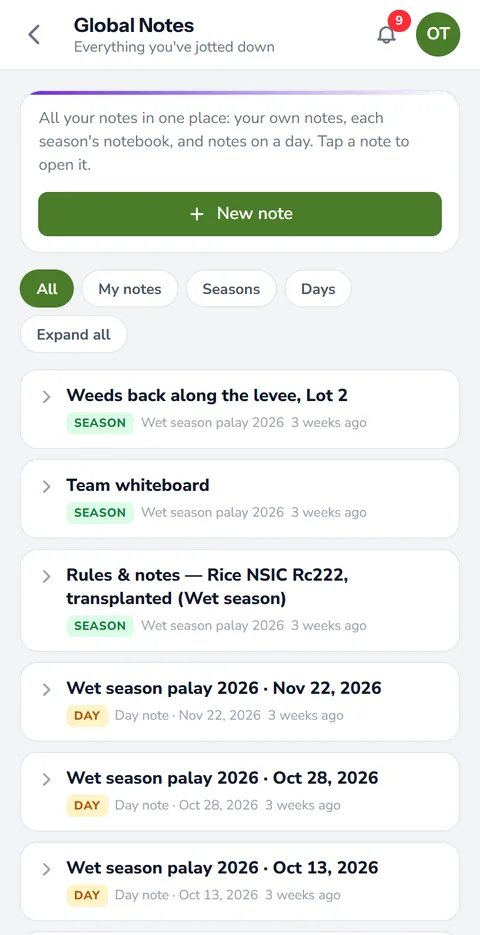
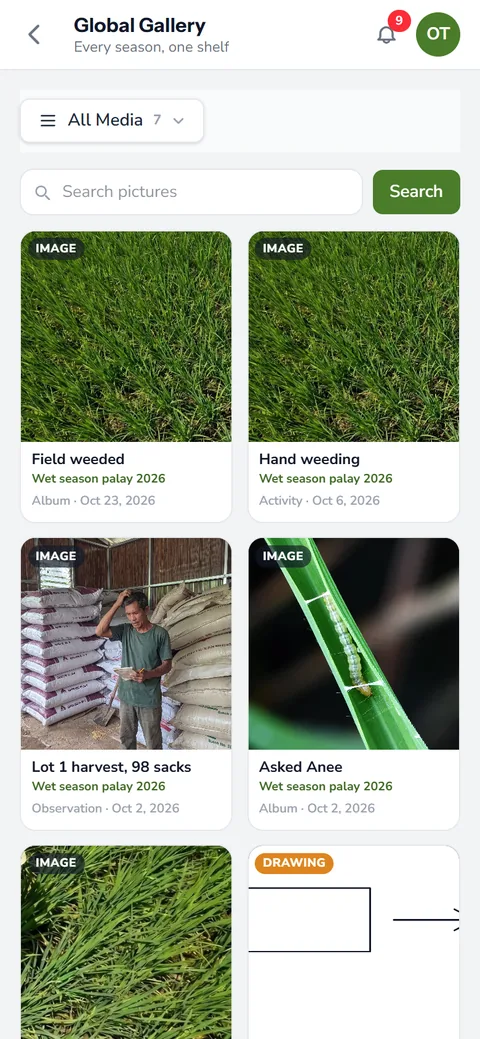
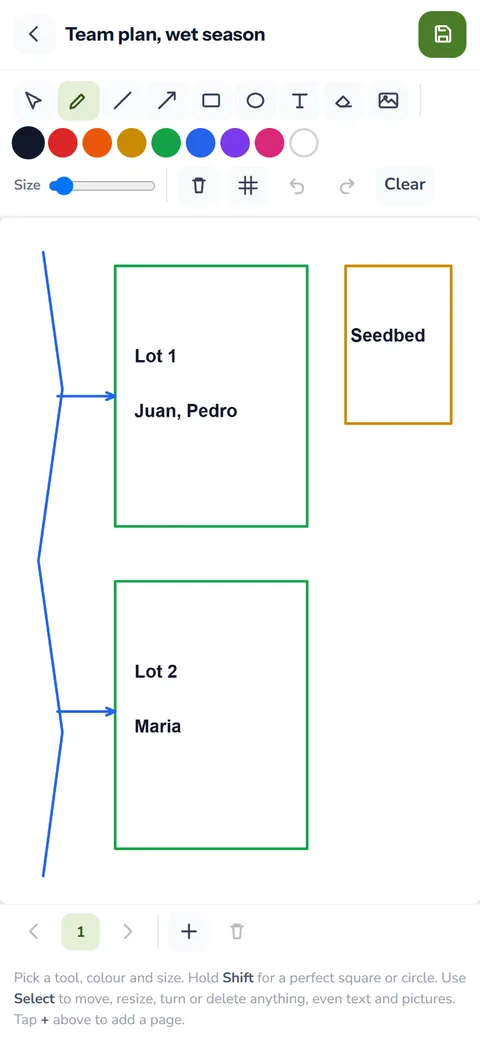
The day has a menu too, for a day note, a photo, video or voice, a drawing or a map, an extra expense or income, and stock in or out. Photos and voice work on every plan, while video recording comes with Solo Farmer and Farm Owner. See notes, photos and voice for the rest of the note tools.
When the plan moves, drag the task
Rain at 2 PM, a late tractor, a sick worker. Drag the card to another day, or use Move to a date from its menu. To push a whole day's work, move the day to a new date or a new day number at once. Not sure yet? Move a task to drafts and it waits off the board, with nothing lost.
Every change can be undone, even after you log out. On the Farm Owner plan, the logs diary also records who moved what and when.
Good habits for the board
- Put every fertilizer application on its day with the bags it needs, so the crew brings the right amount
- Before a hand weeding day, show the crew our guide to the common weeds in the Philippines so they pull the right ones
- Record a voice note when something looks wrong
- Check tomorrow's card before you leave the field
The board in the field and on the team
No signal at the far lot? On every plan, offline mode keeps the board on your phone, and your changes sync once you are back online.
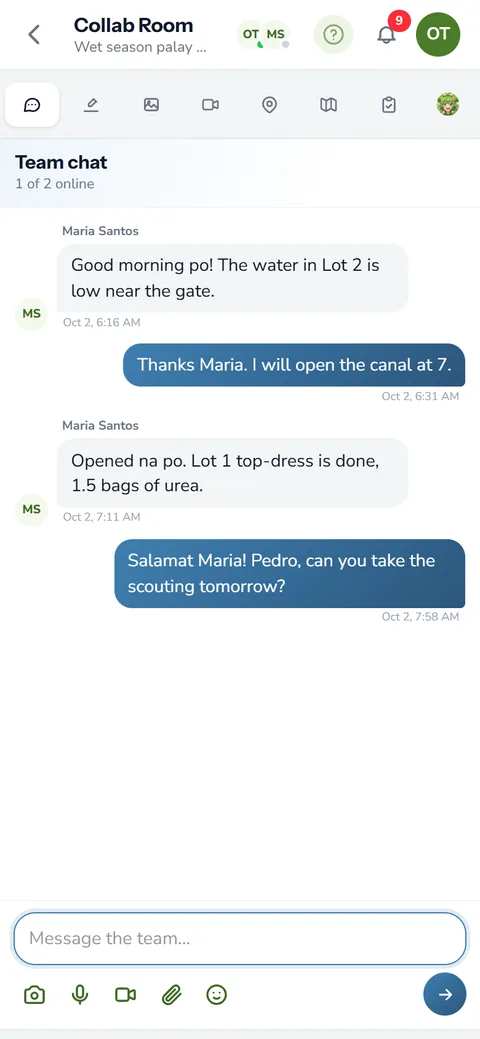
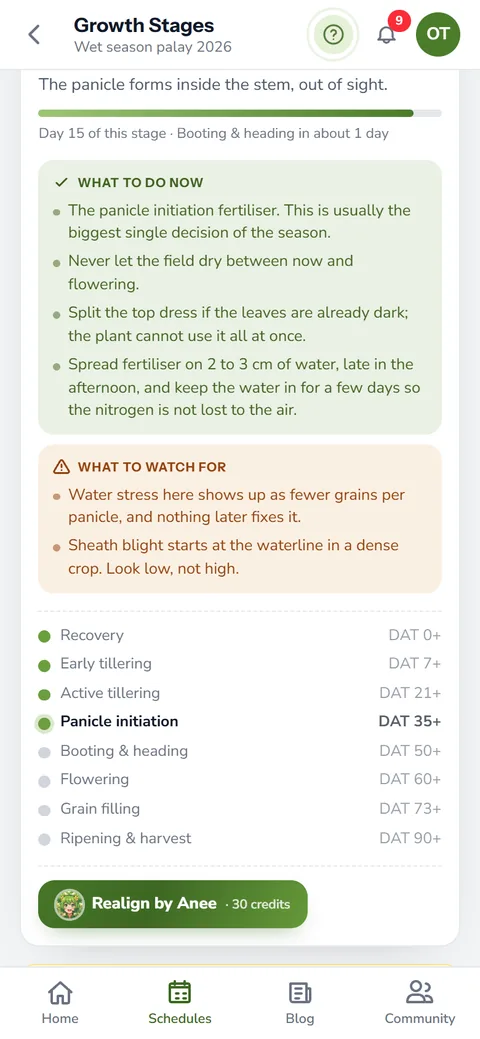
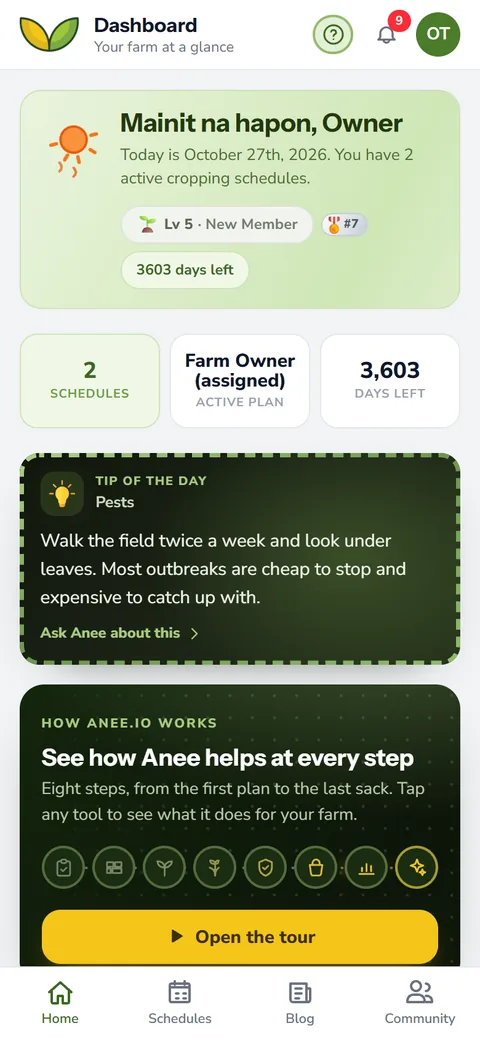
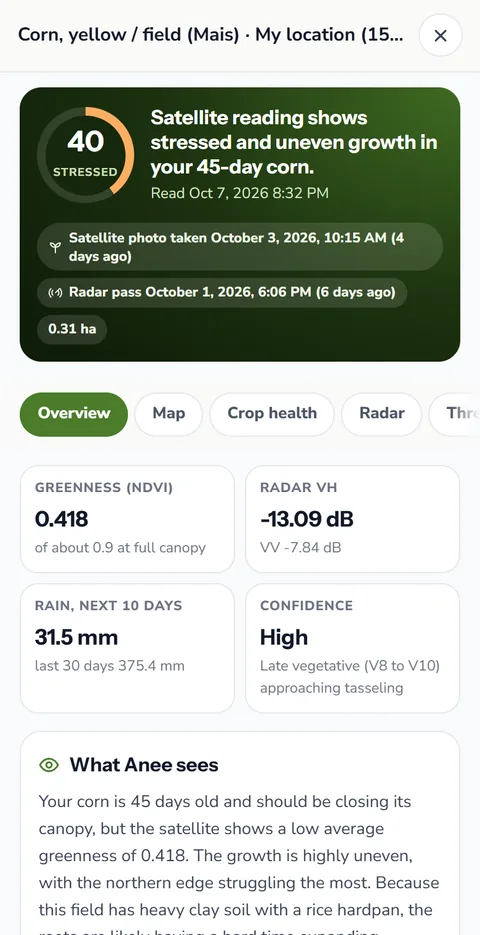
On Farm Owner, each worker can have a team login and open the same board, with view or edit rights you choose. If a lot runs late, Realign by Anee reads its real stage, and the day headers follow her reading. Each morning, Anee's tip of the day gives you one more thing worth checking.
A tick on the day beats ten from memory on Saturday. Tick each task as the crew finishes it, and your farm reports match what really happened.
How the daily board helps your crops and your farm
- Start each day knowing what to do. Today's work for every lot is on one screen.
- Less checking on the workers. Ticks, names and photos show what was done without a trip to the field.
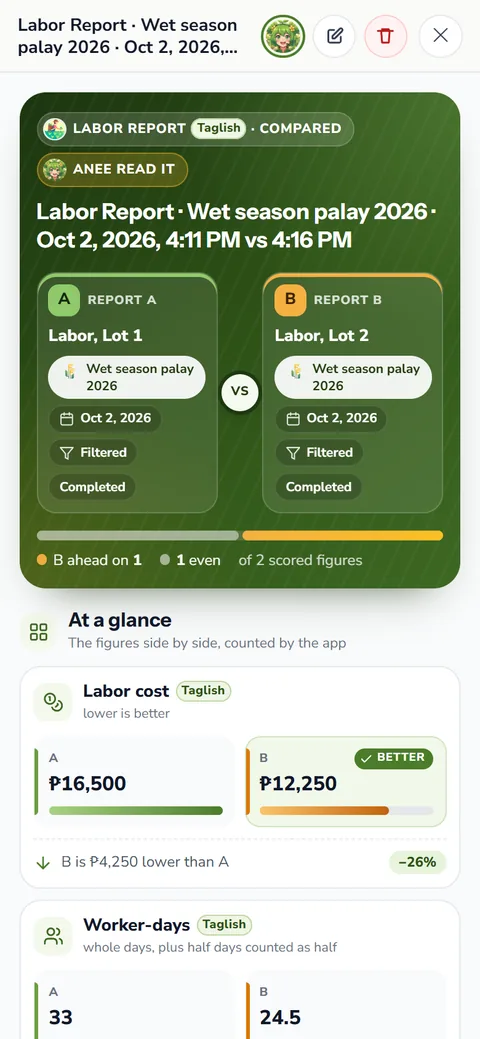
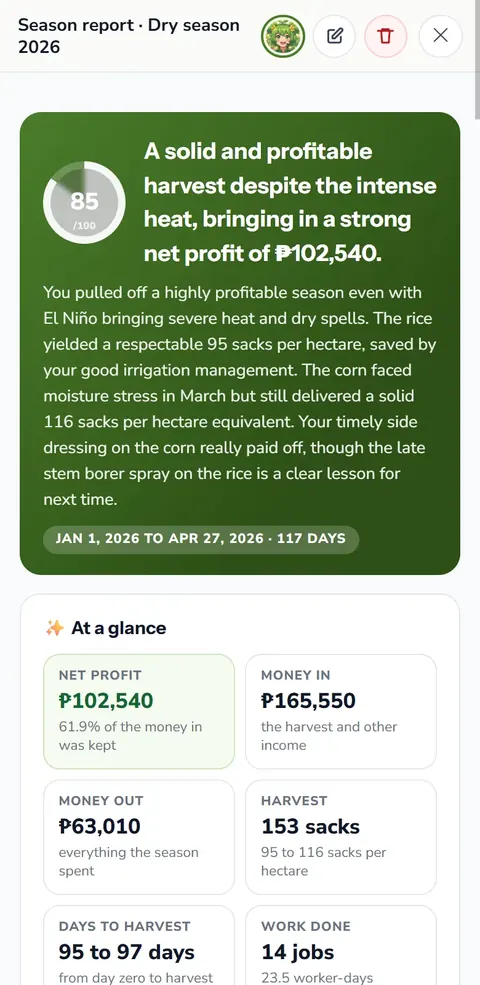
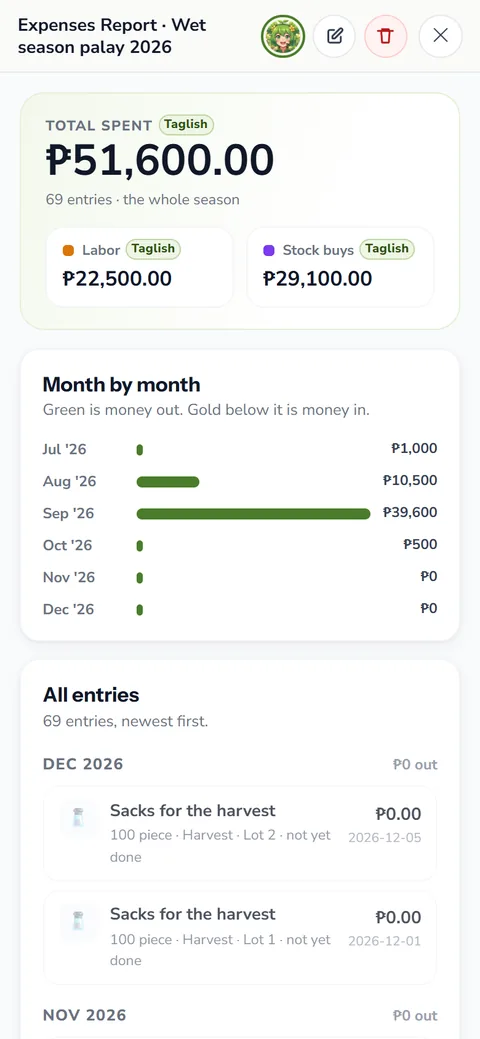
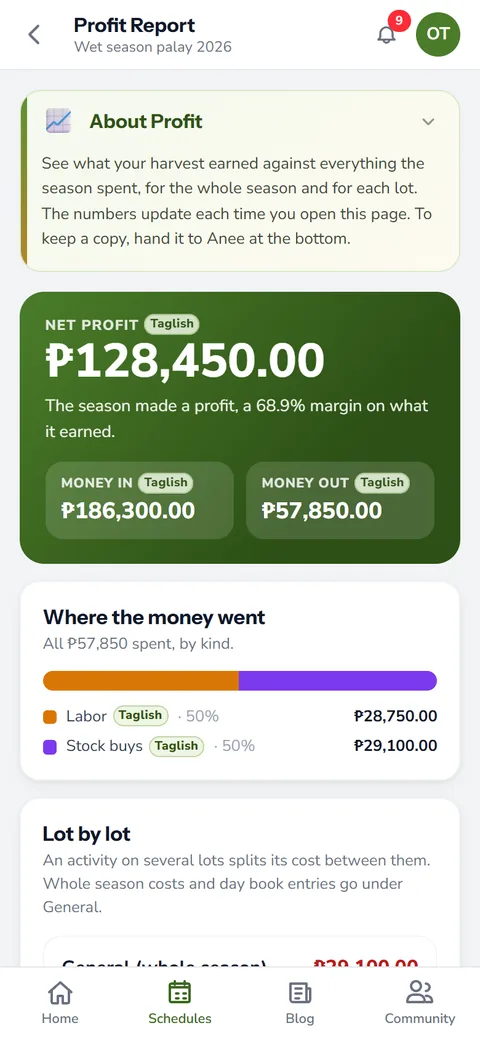
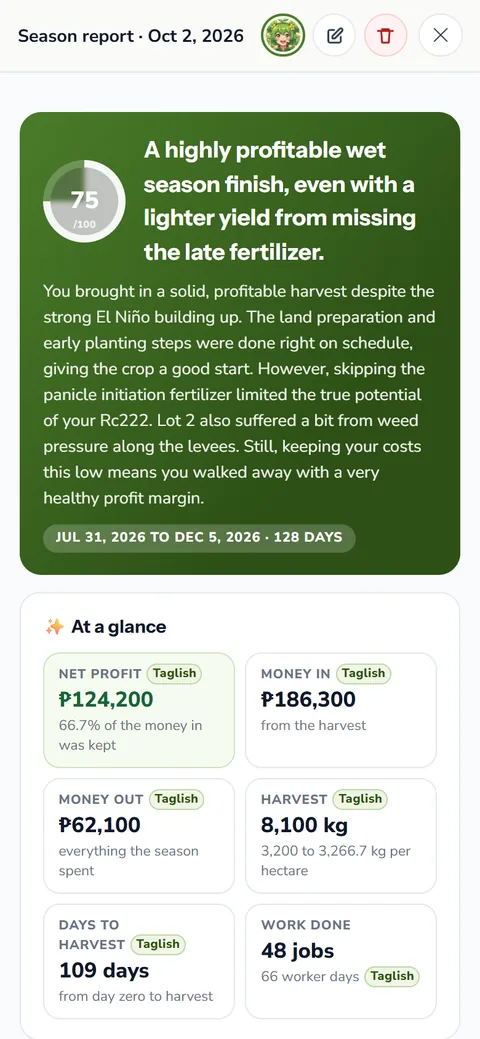
- Records without extra work. Each tick feeds the labor, the stock and the reports, so you never type the season twice.
- Problems seen early. A photo or a voice note on a task flags trouble the day it shows, not at harvest.
Sign up free. The Libre plan includes the Activities board for one season, with photos and voice notes.
Start free