View as Protocol

View as Protocol: Turn Your Best Lot Into Next Season's Recipe

View as Protocol turns one lot's finished season into a step by step recipe. It lists the work you really did, in order by the lot's own day count, with the materials and the crew. At the bottom sits what the recipe produced, so you can tell a protocol worth keeping from one to fix.

Start free See plans Free forever on Libre. No card needed.
Recorded in the real app

What View as Protocol writes down

Pick a lot and tap Make the protocol. The app walks through the season's board and keeps only the work you ticked done on that lot, plus the whole farm tasks. Each step then lands on its day in the lot's own count.

  • The day: DAS, DAT or DAP from the lot's day zero, with the date beside it. Work before day zero, like land preparation, shows a minus day.
  • The task: its name, half or whole day, how many workers, and a whole farm tag where it applies
  • The materials: each one with the amount and unit you used, like 2 bags of urea
  • The lot: crop, variety, size, the day count it keeps, day zero and the span from first step to last
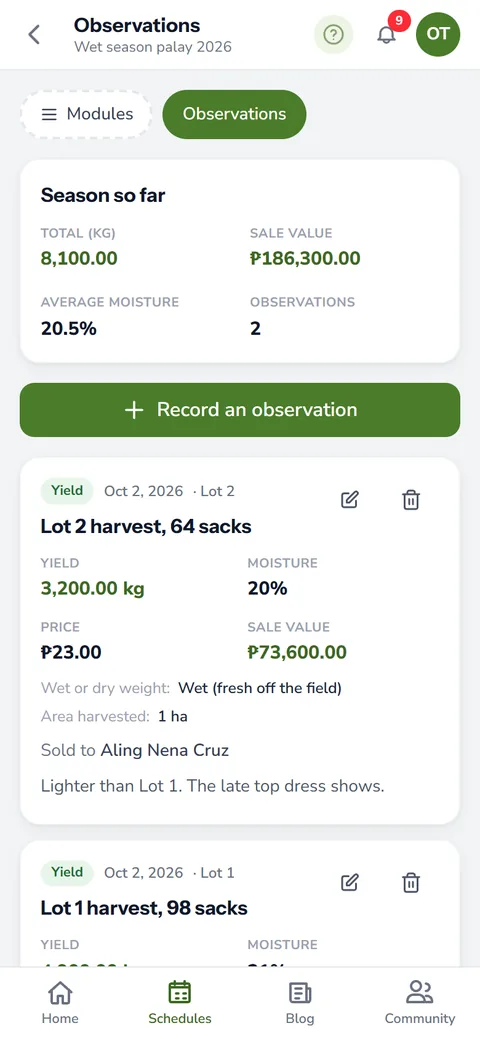
  • The harvest: the yield you recorded in Observations and the price it sold at

Planned tasks you never ticked stay out, and the page tells you how many it left out. What you get is what really happened, not what the plan hoped for.

Why a finished lot makes a good farm protocol

Most farmers carry their best season in their head. Then the next season starts, and the timing of the second fertilizer application becomes a guess again. A written protocol keeps it.

Say Lot 3 gave your best ani this year. View as Protocol shows exactly what you did there: the day you sprayed the herbicide, the day you put on the top dressing fertilizer, and how many bags went in. For palay, set it next to our guide on fertilizer for rice. You will see where your timing matched the usual advice and where it did not.

Check it against the usual season

A protocol from your own lot is honest, but it can still carry habits worth fixing. If you grow rice, our guide to pagtatanim ng palay lists the usual steps from seedbed to harvest. Hold your recipe up against it and look for the step that came late or never came at all.

From recipe to next season's plan

The protocol is a ready start, not a copy you must follow. Open the Protocol Builder and write next season's plan from it. Keep the steps that worked, move the ones that came late, and drop what did nothing.

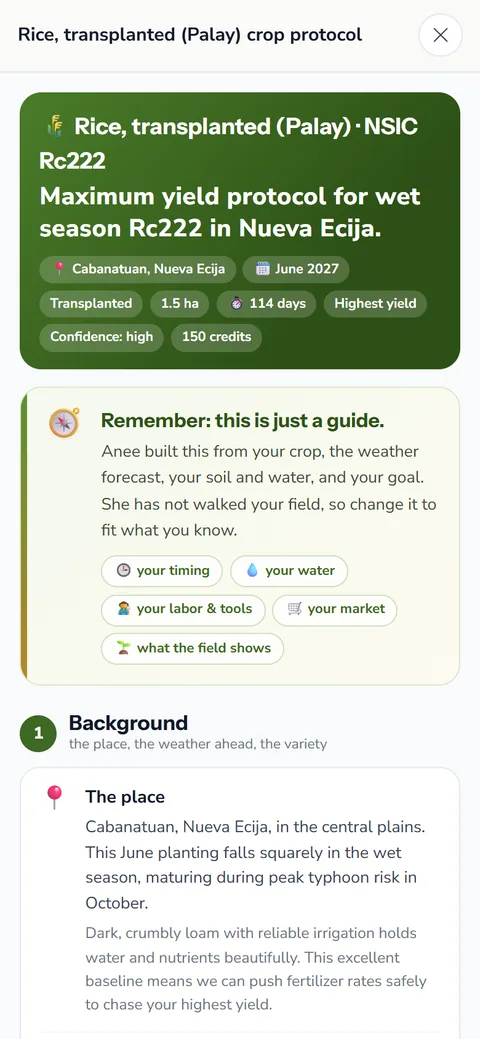
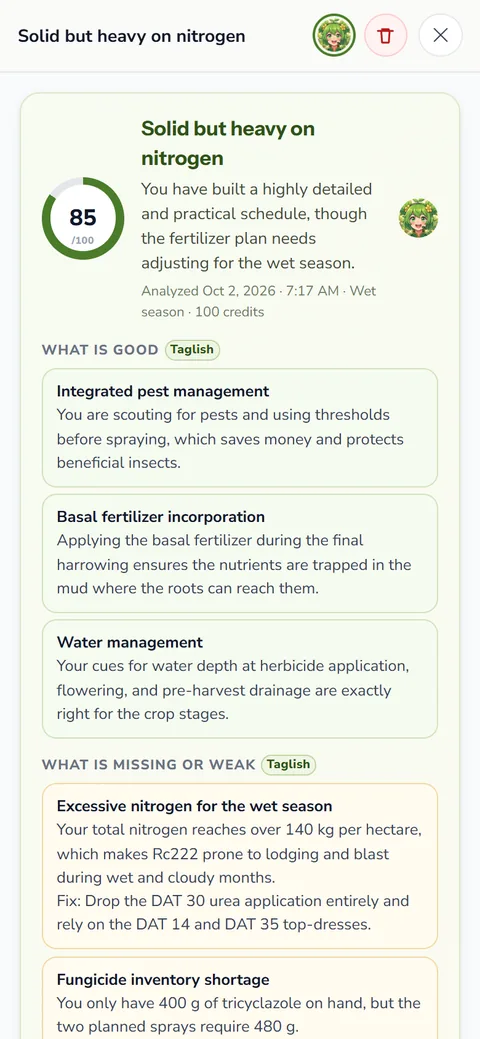
Before you port the new plan into a season, you can also ask Anee to read it in Protocol Review by Anee. That review runs on credits, and the price shows before you confirm.

Keep it, compare it, ask about it

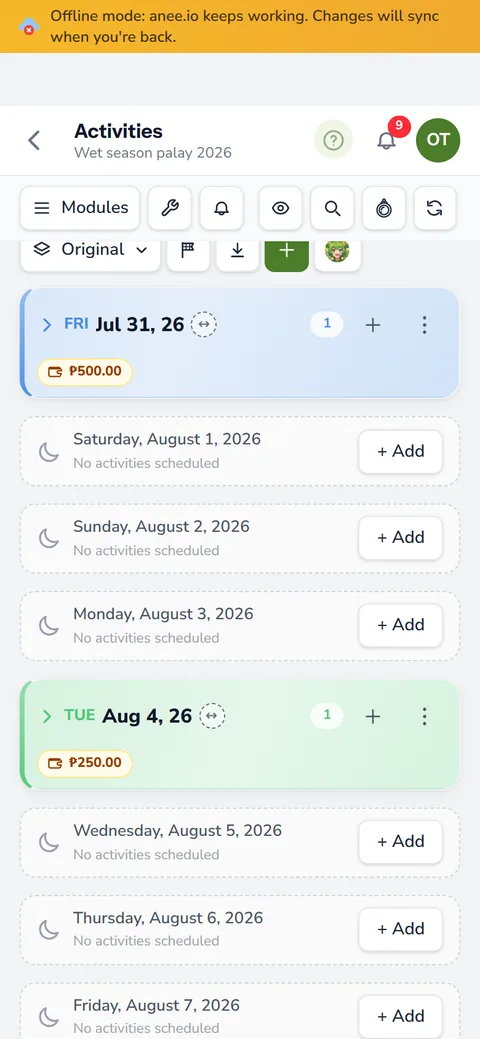
The app saves every protocol on the spot, on the Saved tab, newest first. Give it a name, a description and tags, like 'best wet season lot'. Tap Ask Anee and the chat opens with the protocol attached, so you can ask what to change. Questions in the chat run on credits.

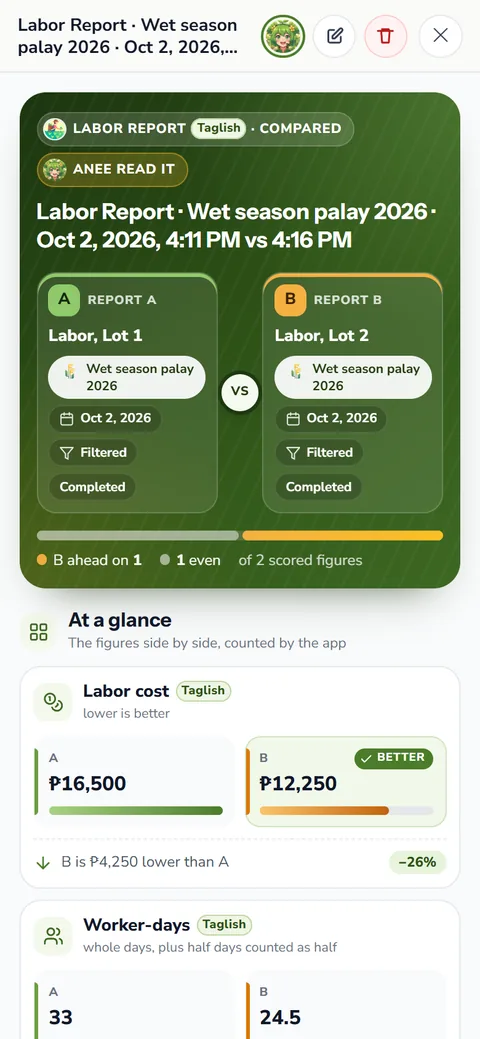
Two protocols also compare well. In Compare Reports they line up day by day, each step on its own day count. You also see the yield, the harvest value, the steps done and the crew days of each. It is the clearest way to see why one lot beat another.

Tick the work on the day

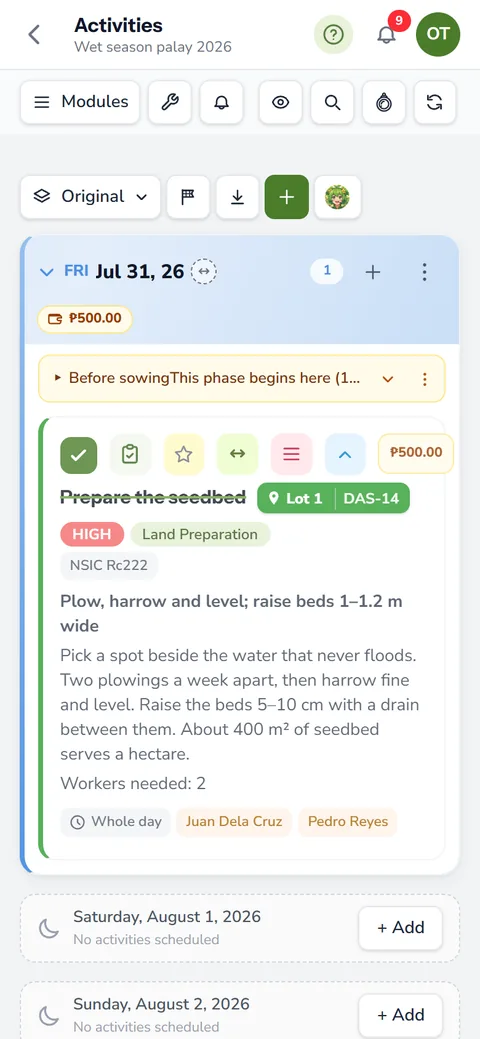
View as Protocol lists only work marked done. If a task happened but stayed unticked, it will be missing from the recipe. So tick tasks done on the cropping calendar as you go, and your protocol writes itself.

View as Protocol comes with the Solo Farmer and Farm Owner plans, along with the other reports beyond the labor report. See the whole family on the farm reports page.

How View as Protocol helps your crops and your farm

  • Turn your best lot into a recipe. What was done, with what and when, written as steps.
  • Repeat success on purpose. Next season starts from a plan that already worked on your farm.
  • Check it against the usual season. See where your lot did better or differently.
  • Save planning time. Use it as the start of next season's protocol.
Write down what worked

Sign up free and run your season on the board. Then turn your best lot into a protocol on Solo Farmer or Farm Owner.

Start free

Questions about View as Protocol

What is a farm protocol?
It is the season's recipe: every task in order by day count, with the inputs and the amounts. View as Protocol writes one from a lot's real records instead of from a plan.
Does it include tasks I planned but did not do?
No. Only work ticked done goes in. The page notes how many planned tasks it left out.
Which day count does it use?
The lot's own: DAS, DAT or DAP, counted from the lot's day zero. Work before day zero, like land preparation, shows a minus day.
Can I turn it into next season's plan?
Yes, by hand. Use it as your starting point in the Protocol Builder, keep what worked, then port the new protocol into a cropping schedule.
Can I make one for the whole farm?
Each protocol covers one lot, plus the whole farm tasks that touched it. Make one per lot, then compare two of them in Compare Reports.

More of what anee.io does

See all features ›
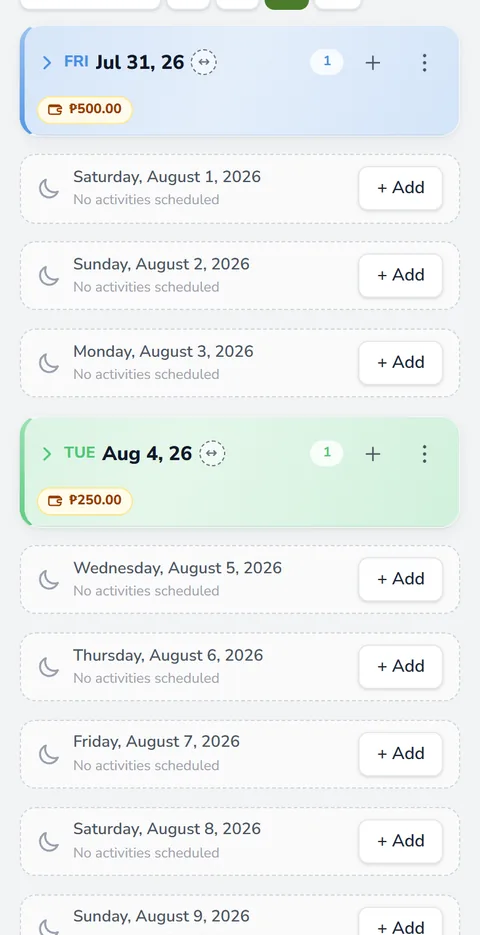
Cropping Calendar The whole season on one board

Plan the whole season by DAS, DAT or DAP, from land preparation to harvest. Every lot keeps its own day zero.

Read the guide
Farm Maps Draw, measure and pin your fields

Trace your fields over a satellite view and measure their area, boundaries and distances.

Read the guide
When to Plant The best planting window for your town

Anee reads the rainfall and typhoon record of your town and ranks the best planting weeks.

Read the guide
Protocol Builder Write the whole season before day zero

Write your crop protocol once, on a day count, and bring it into every new cropping schedule.

Read the guide
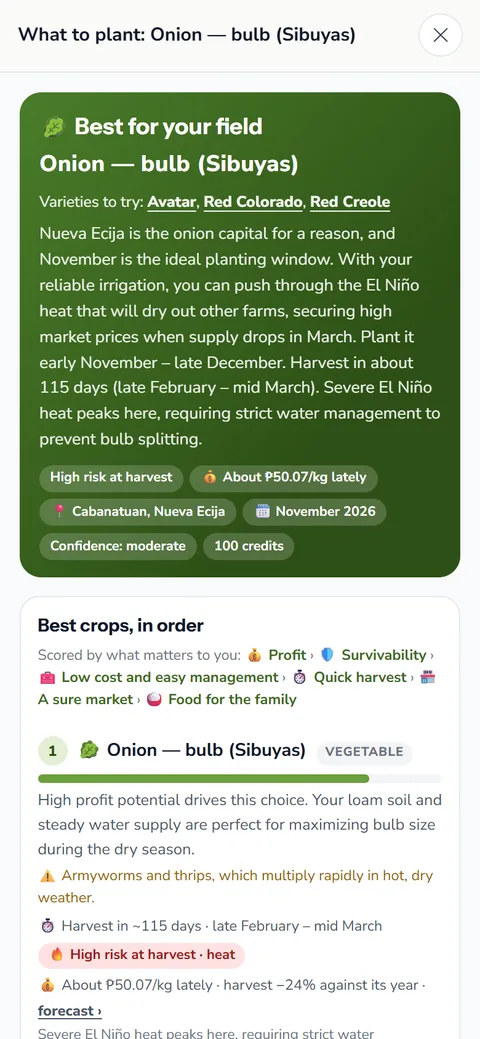
What to Plant The crop that fits your land this season

Anee weighs your climate, soil and water and ranks the crops that should do best this season.

Read the guide
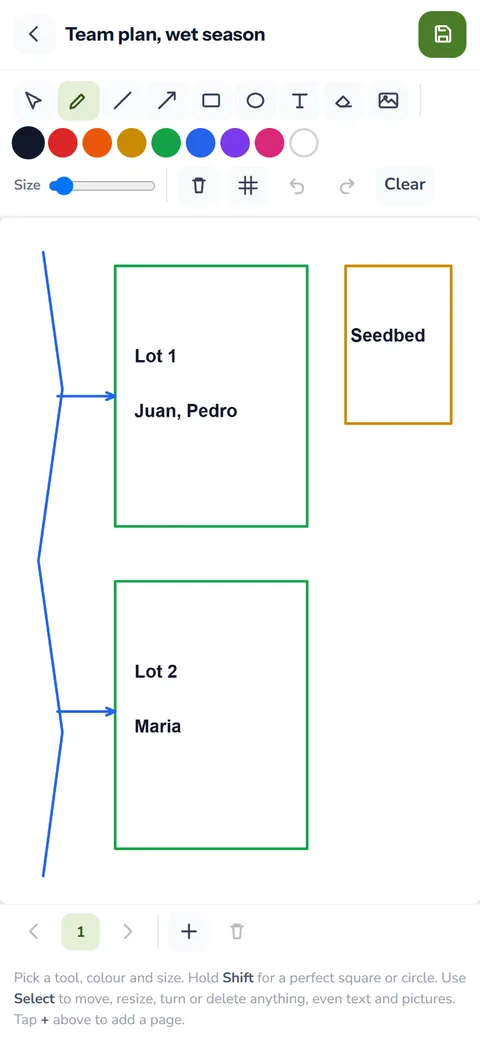
Farm Drawing Team planning: sketch the plan everyone follows

Sketch the seedbed, the water and who works which lot, and keep one plan for the team.

Read the guide
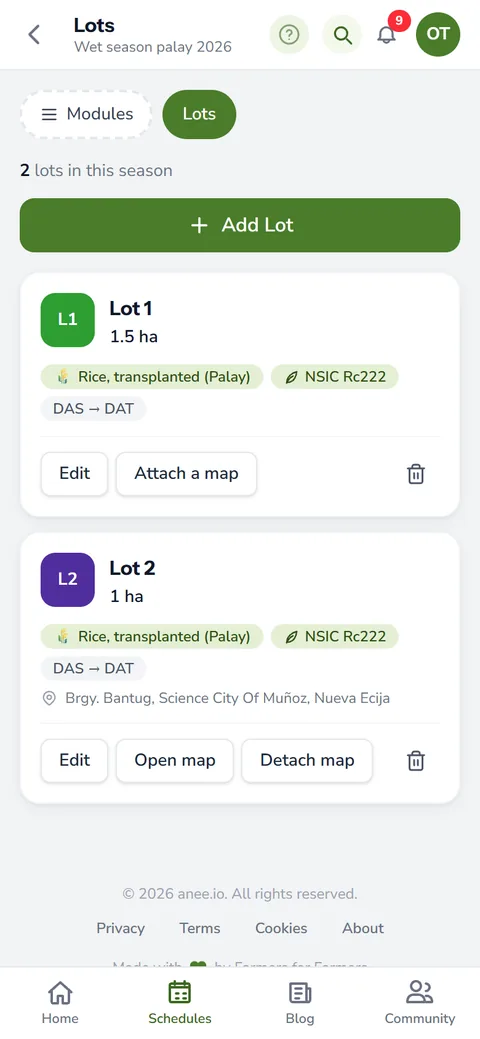
Farm Lots Each field with its own crop and count

Each field as a lot with its own crop, variety, size, place and day count.

Read the guide
New
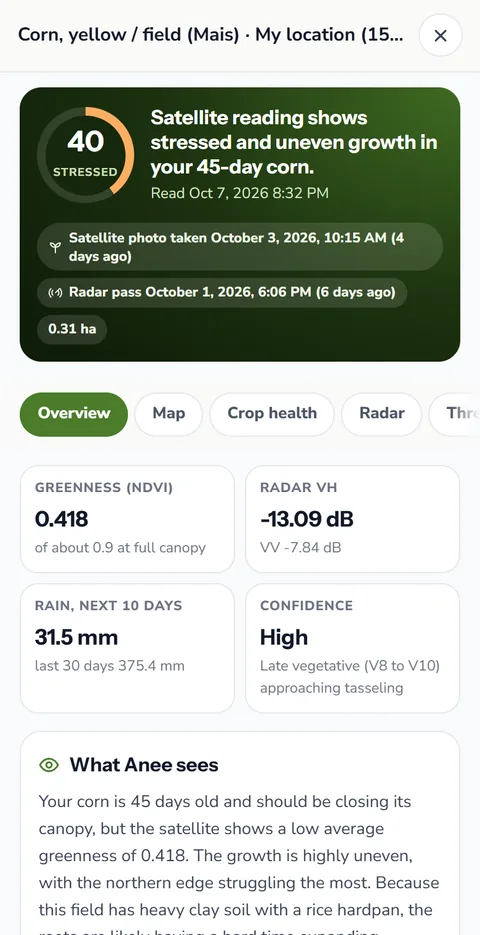
Satellite Analysis Your field, read from space

Draw your field and see its health from space: greenness, weak spots, and radar that sees through clouds.

Read the guide
New
NPK Plus Calculator Every nutrient in your fertilizer plan

Every nutrient in your fertilizer plan, checked against what your crop needs, with no credits used.

Read the guide
LCC Checker Rice: is it time for nitrogen?

Read your rice leaves against the leaf color chart, or let Anee read your photos, and know if urea is due and how much.

Read the guide
Range Effect How long every fertilizer and spray keeps working

Every bag of fertilizer and every spray keeps working for a while, then fades. That fading is its residual eff...

Read the guide
Land Prep Planner Every lot ready on time for planting

Every step of getting your field ready, dated back from your planting day, for any crop. Free.

Read the guide
Anee, Your Smart Farm Technician Ask anything, even with a photo

Ask about pests, fertilizer or a sick plant in Tagalog or English, and show her a photo of it.

Read the guide
Growth Stages and Weather Where every lot stands today

See the crop growth stage of every lot on any date, with the weather forecast for your farm.

Read the guide
Workers and Payroll The right hands on the right task

Keep your workers, their daily rates and attendance, and let the labor cost add itself up.

Read the guide
Inventory and Expenses Know what to buy before you need it

Know what fertilizer, seeds and chemicals sit in the shed, and what each bag really cost you.

Read the guide
Farm Reports Labor, expenses and profit, added up

Labor, expenses, profit and your ani per hectare, added up from the records you already keep.

Read the guide
Notes, Photos and Voice Snap it, film it or just say it

Write down what you see in the field with photos, video clips and voice notes, dated to the day.

Read the guide
Farmer Community Ask growers who have seen it before

Share wins and warnings with farmers across the Philippines, and climb a ladder of 100 levels.

Read the guide
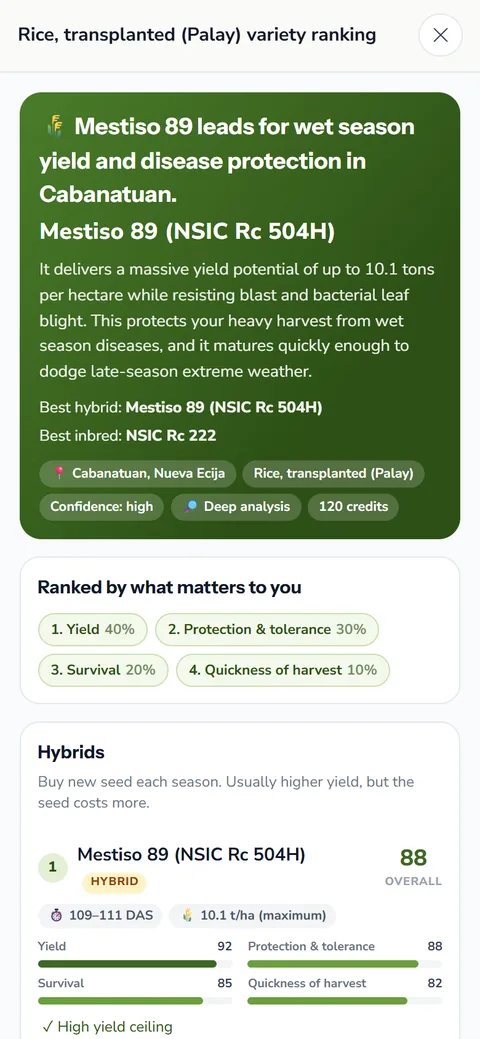
Variety Ranking Compare varieties before you buy seed

Compare seed varieties for your area on yield, maturity and resistance before you buy.

Read the guide
Crop Protocol Analysis Anee writes a protocol for your variety

Anee writes the season for your crop and variety, stage by stage, checked against your field.

Read the guide
Protocol Review by Anee A second pair of eyes on your plan

Before you commit, Anee reads your protocol and points out the problems and weak spots.

Read the guide
Team Logins Your team sees what you allow

Give a worker their own login and decide what they may see and change, module by module.

Read the guide
Collab Room Chat, whiteboard and live cameras for the team

A room for each season: team chat, a shared whiteboard, live cameras and Anee.

Read the guide
Morning Plan Email Today's work in every inbox at 6 AM

The day's farm work in every inbox at 6 AM, sent on its own.

Read the guide
Automatic Stock Deduction Tick a task and the shed updates

Tick a fertilizer or spray task done and the shed takes it out of stock.

Read the guide
Farm Weather Forecast The forecast where your field is

The forecast for each lot, beside the plan, with a reminder when rain falls on a spray day.

Read the guide
Realign by Anee When a crop runs ahead or behind

When a crop runs ahead or behind, Anee finds the stage it is truly in.

Read the guide
Daily Farm Tasks Tick the work as it gets done

Open the day, see each task on its lot and tick the work as it gets done.

Read the guide
Offline Farm App Keep going at the far lot

Keep ticking tasks and writing notes where there is no signal, and it syncs later.

Read the guide
Farm Tip of the Day One useful thing to do today

One useful farm tip each morning for the stage your crop is in.

Read the guide
Analyze So Far A checkup halfway through

Halfway through, Anee reads the season so far: each lot, the risks ahead and what to do next.

Read the guide
Crop Problem Guides Pests, diseases and weeds, explained

Guides to the pests, diseases and weeds of Philippine crops, with what to do.

Read the guide
Harvest Records Yield, moisture, price and problems

Yield, moisture, price and buyer for every lot, so next season plans from real numbers.

Read the guide
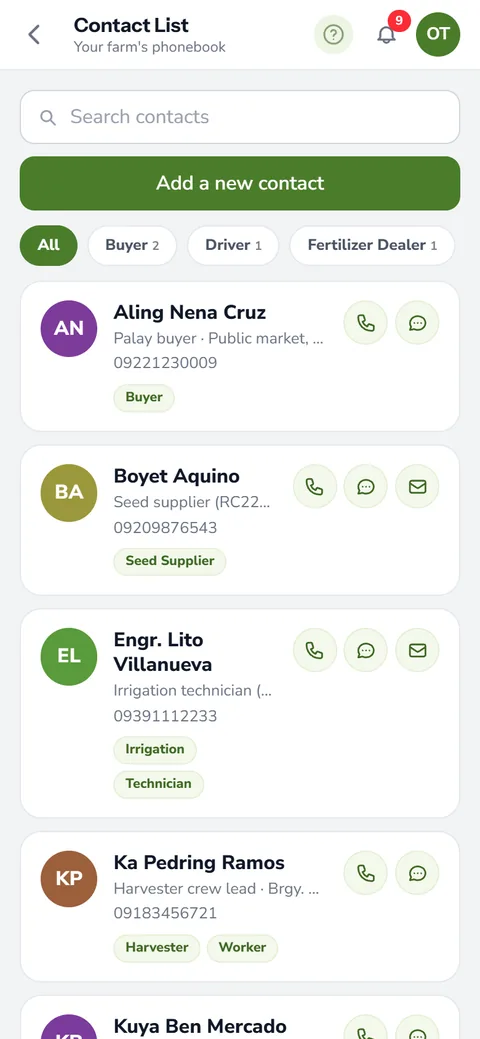
Farm Contact List Buyers, traders and workers in one place

Buyers, dealers, drivers and workers in one phonebook, with call and text buttons.

Read the guide
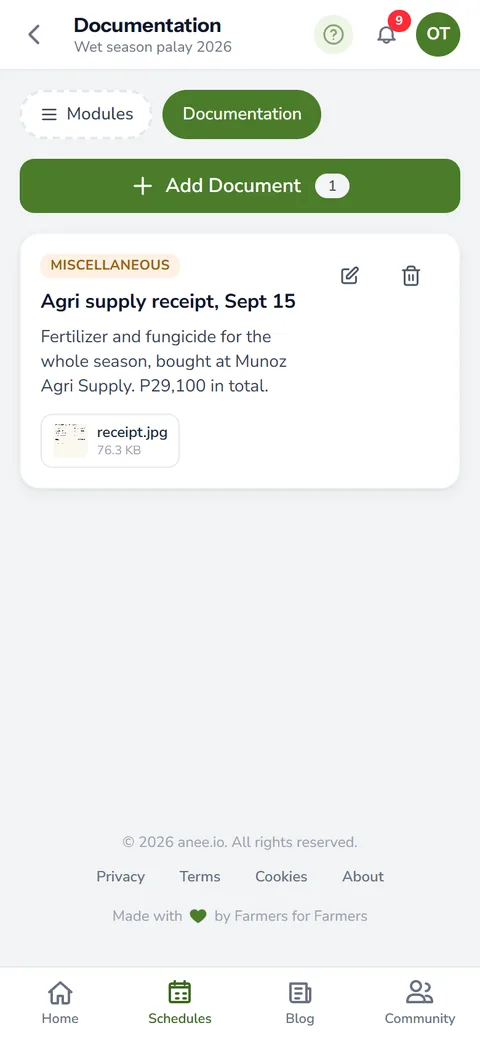
Farm Documentation The season's papers in one place

The season's protocol, rules, receipts and files kept together.

Read the guide
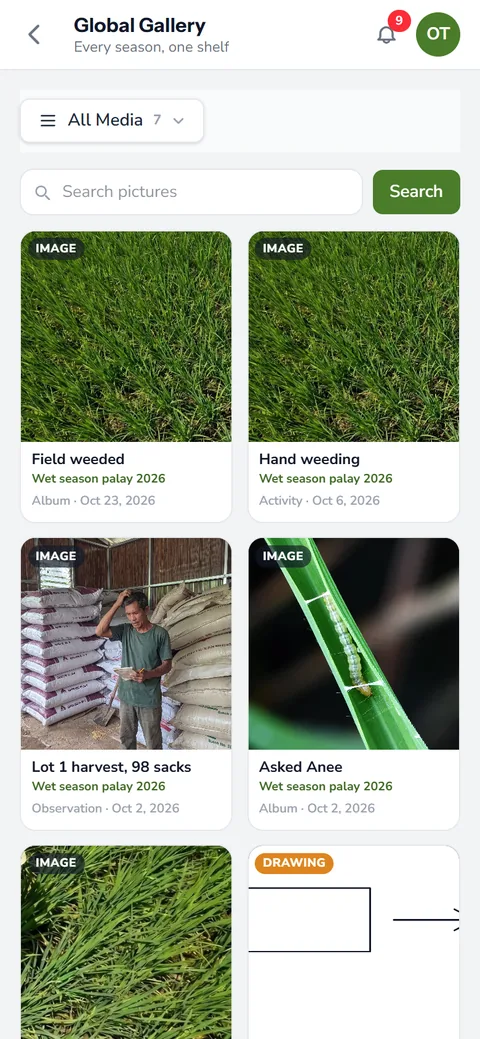
Farm Photo Gallery Every photo from planting to harvest

Every photo, clip and drawing of every season, with albums you make.

Read the guide
Labor Report Worker days and labor cost

Worker days and labor cost for the season, added up from the board.

Read the guide
Expenses Report Every peso spent this season

Every peso the season cost in materials, services and labor.

Read the guide
Profit Report What the harvest earned against the cost

What the harvest earned against everything the season spent, lot by lot.

Read the guide
Anee Season Report What went well and what went wrong

Anee reads your finished season and says what went well, what went wrong and what to change.

Read the guide
Compare Reports This season against the last

Two reports side by side, the difference line by line, and Anee on what changed.

Read the guide
New
Satellite Weather Clouds, rain and typhoons over your farm

Clouds and rain over your farm, played back and forward, with every typhoon's path and its distance to you.

Read the guide
New
Pest and Disease Finders From the damage you see to what to spray

From the damage you see to the active ingredient to spray, with its group, for every crop, and weed control by the age of your crop.

Read the guide
Nutrient Deficiency Finder From the leaves you see to the missing nutrient

From the leaves you see to the missing nutrient and the fertilizer sold here that fixes it, for every crop.

Read the guide
New
The Stash Partners' magazines and guides, in the app

Magazines and guides shared by anee.io's partners, starting with every PhilRice Magazine issue.

Read the guide