Team Logins: Each Worker Opens Only What You Allow
Team logins in anee.io give each worker, foreman or partner an account of their own on your farm. You decide, module by module, what each person may open and what they may change. The season also keeps a diary of every change, with the name of the person who made it.
How team logins work
A login starts from the worker's own card in the Workers module. Open the card, find Login access and pick one of two ways in. Send registration link emails the worker a link, and they set their own password. Set a password lets you type one for them, at least 8 characters, to hand over in person.
Until the worker registers, the card says Invite sent. After that it says Login, and the panel of rights opens below it.
Already on anee.io? Then use the Has an anee.io account tab and type the email they sign in with. They join your farm with view rights to start.
One login for each person
Every worker login is the person's own anee.io account, tied to their own email. So nobody shares a password written on the back of a calendar, and the diary can tell Mang Ben's edits from Aling Rosa's. Someone who helps on two farms simply switches between them.
A login is also an invitation to a job, not to your whole farm. The worker sees the season whose roster they are on, not the next field's crop, costs or crew.
None, view or edit, module by module
Once a login exists, each module takes one of three answers. None closes the door, View lets the worker read, and Edit lets them add and change things. Changes save by themselves, so there is no extra button to forget.
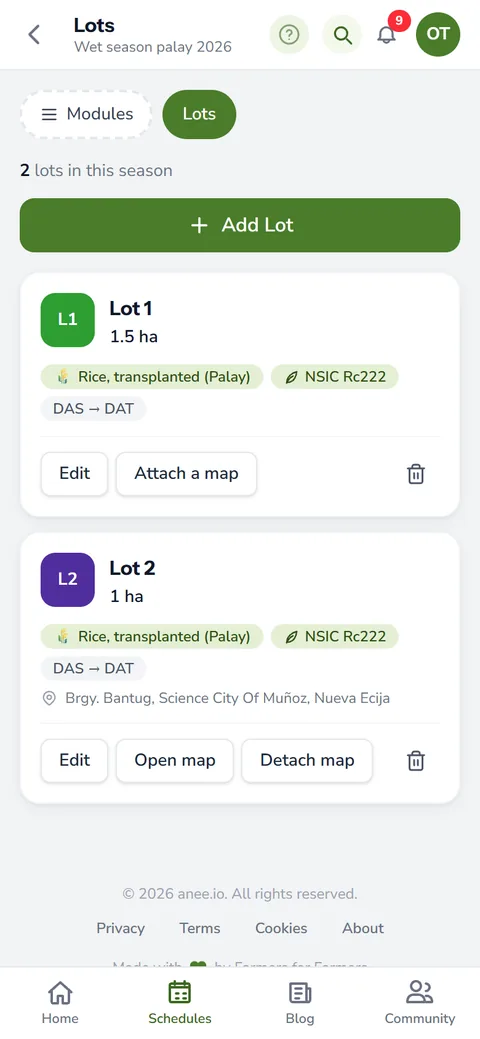
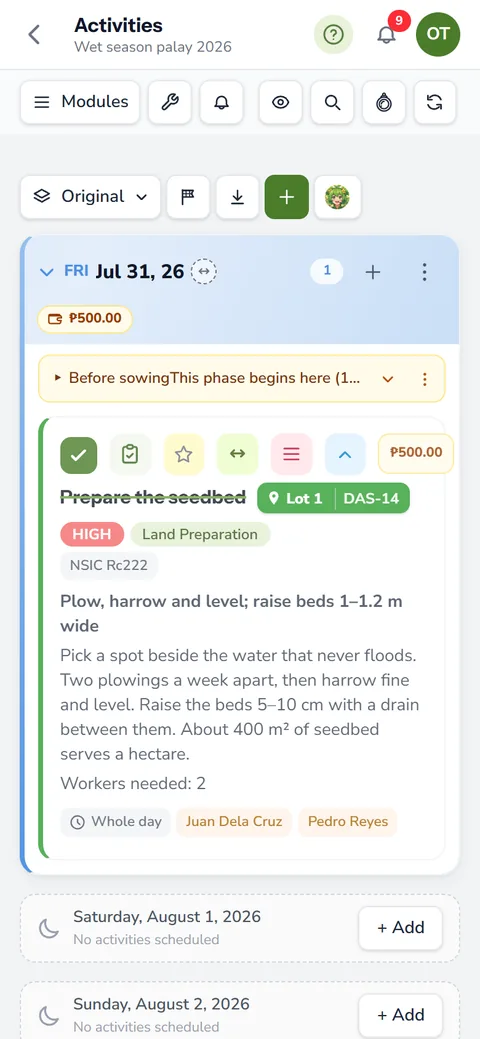
- Activities: the daily plan, the board and the lots. Every worker can at least view it, so here the choice is View or Edit.
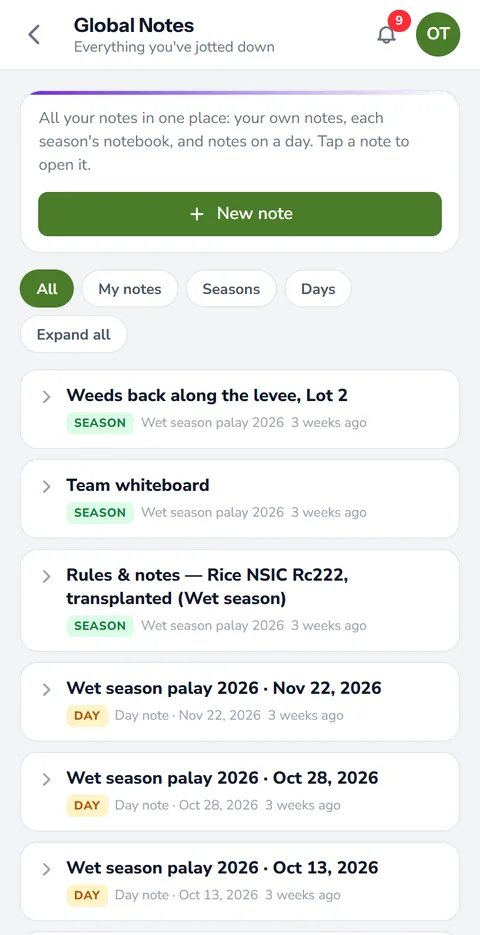
- Notes: day notes with their photos and videos. Starts at View.
- Reports: the labor and money reports of the farm. Starts at View.
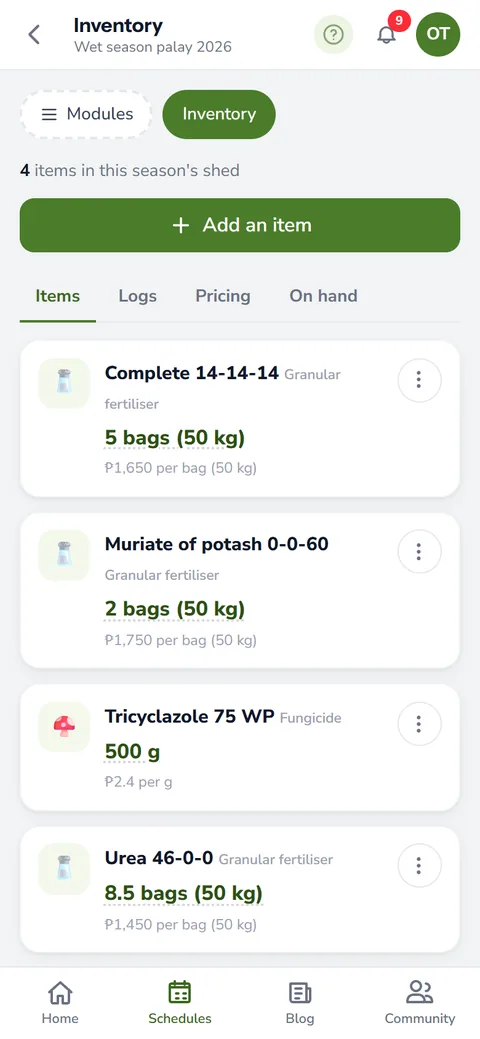
- Inventory: items on hand, stock moves and what they cost. Starts at None.
- Maps: field and lot maps, to view only or to draw and save. Starts at None.
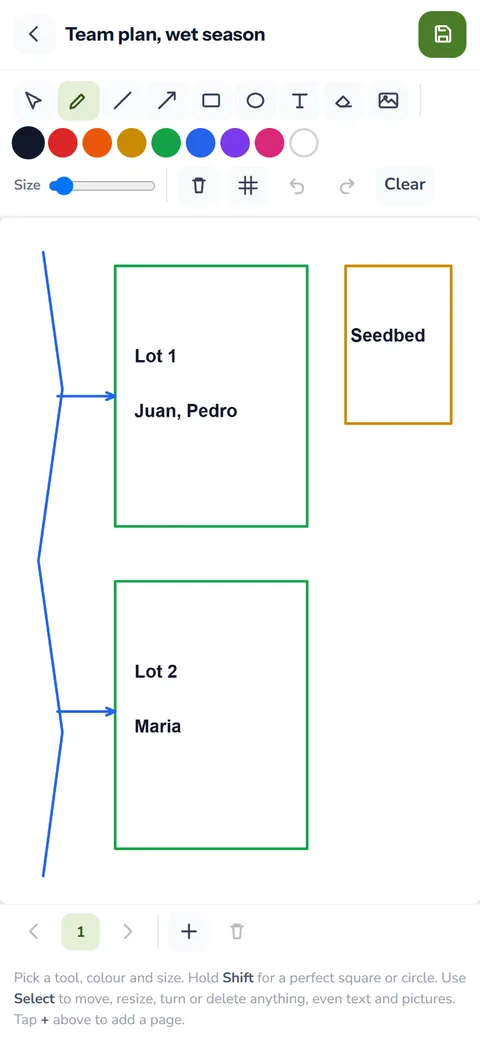
- Draw: drawings and saved pictures. Starts at None.
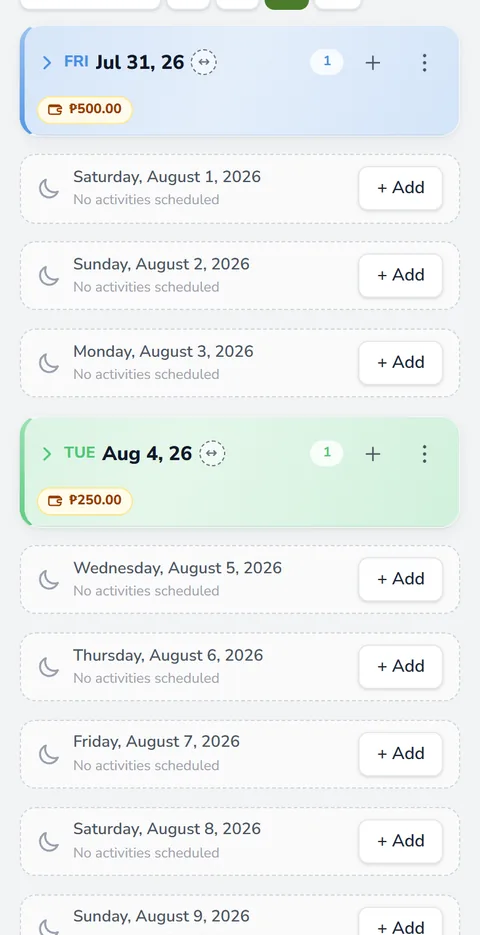
Take a sprayer with View on Activities. He can read that the urea fertilizer goes on Lot 2 on Thursday, but he cannot drag the task to Friday. Your foreman, with Edit, can.
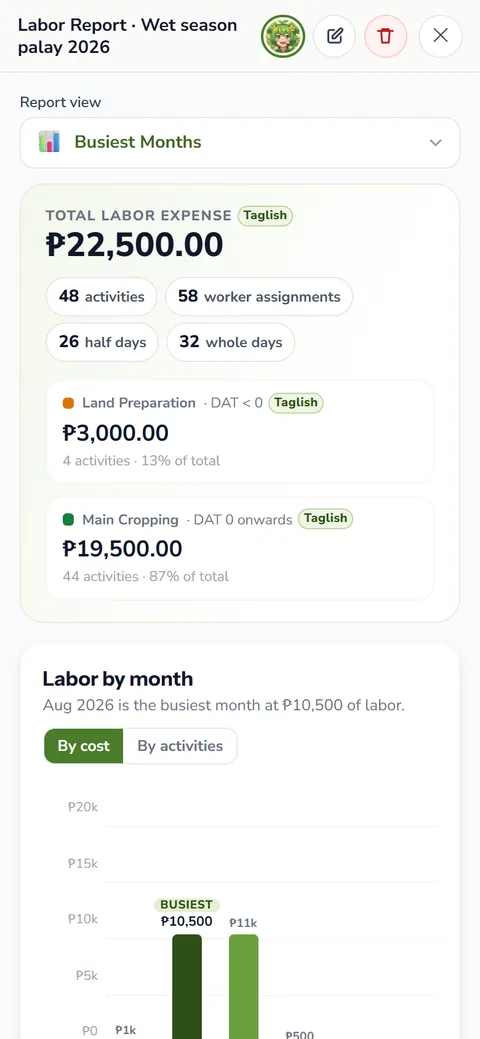
Think about Reports too. The labor report shows what each worker earns, and the Data Privacy Act of 2012 treats a person's details as personal information. So set Reports to None for anyone who has no need to see the pay.
Switches for Anee, the camera and voice
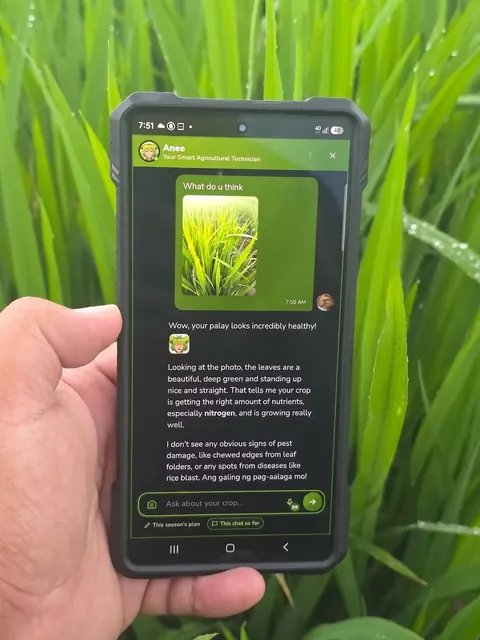
Four more rows are plain switches, and each one starts off. Camera lets the worker take photos into the farm, and Video record lets them record clips. Voice record lets them speak a note instead of typing it, which helps when their hands are full of seedlings. Finally, Chat Anee lets them ask Anee, the smart farm technician, about your farm.
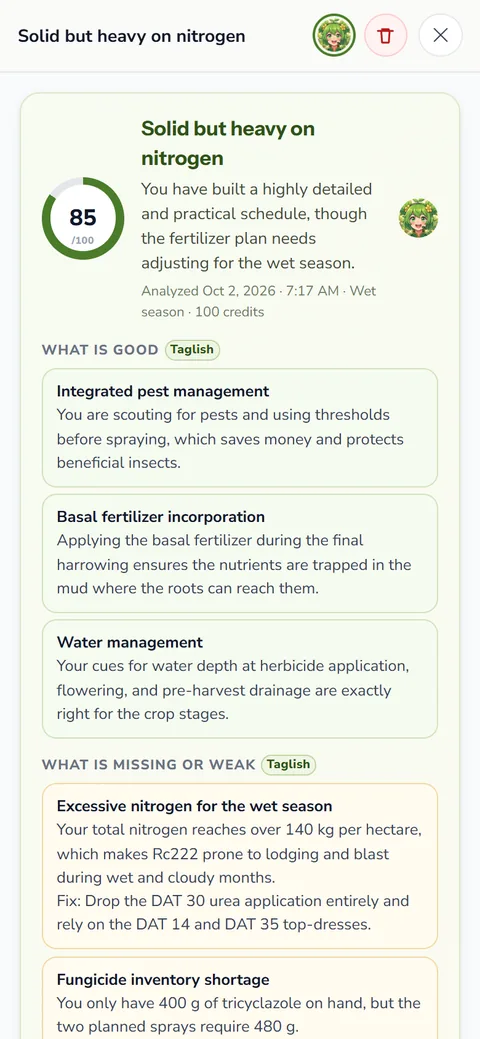
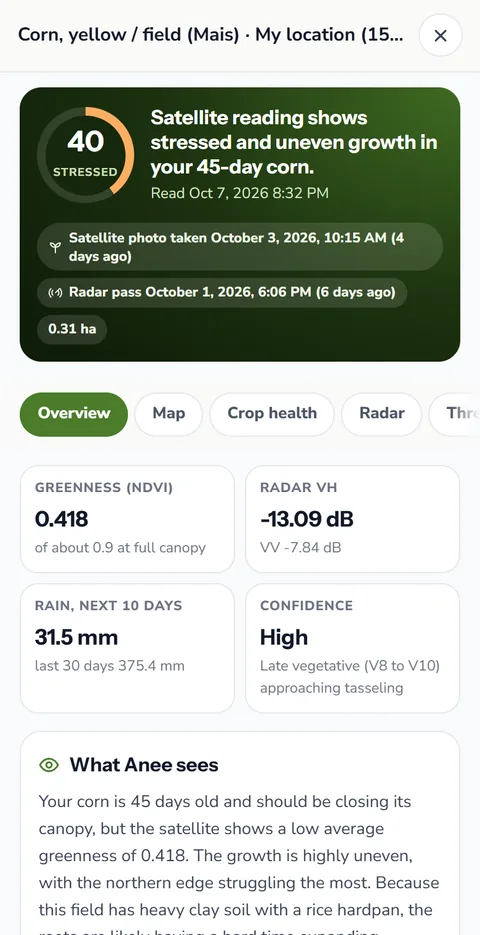
When a worker chats with Anee or runs a season read on your farm, your account pays the credits. Turn off Chat Anee, or set Reports to None or View, to stop that. On their own farm, they pay their own.
Who team logins are for
- A foreman (katiwala) who runs the board while you are in town: Edit on Activities, Notes and Inventory.
- A sprayer who only needs the day's tasks: View on Activities, with the camera on for photos of what he finds.
- A partner who financed the palay: View on Activities and Reports, None on the rest.
- A family member who keeps the books: Edit on Inventory, View on Reports.
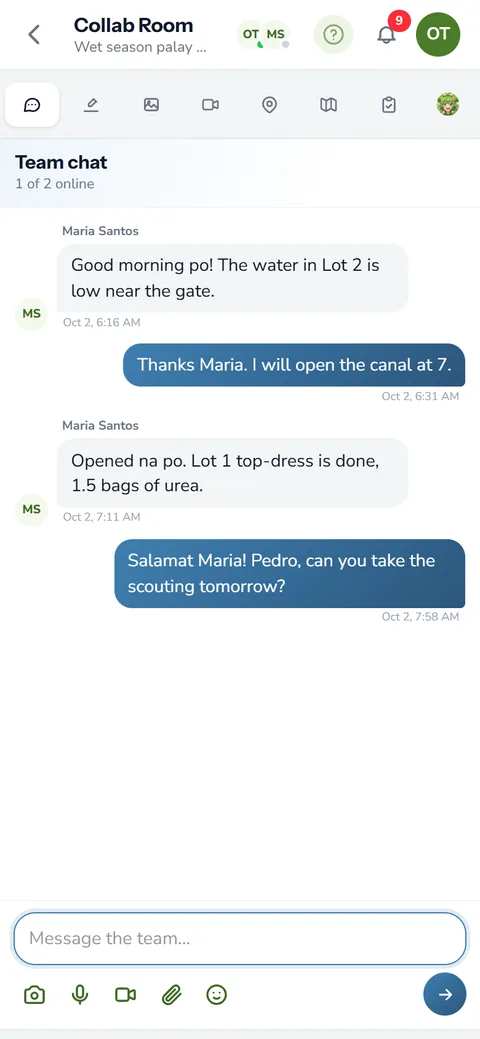
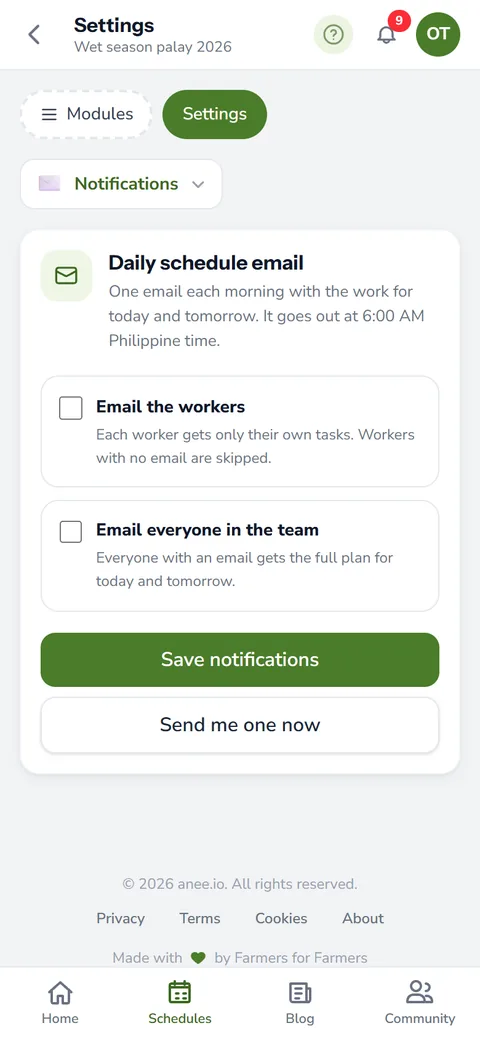
Logins also open the season's Collab Room, where the team chats and draws on one whiteboard. A worker with no login can still get the morning plan email with their own tasks, as long as their card has an email address.
A diary of every change, with a name on it
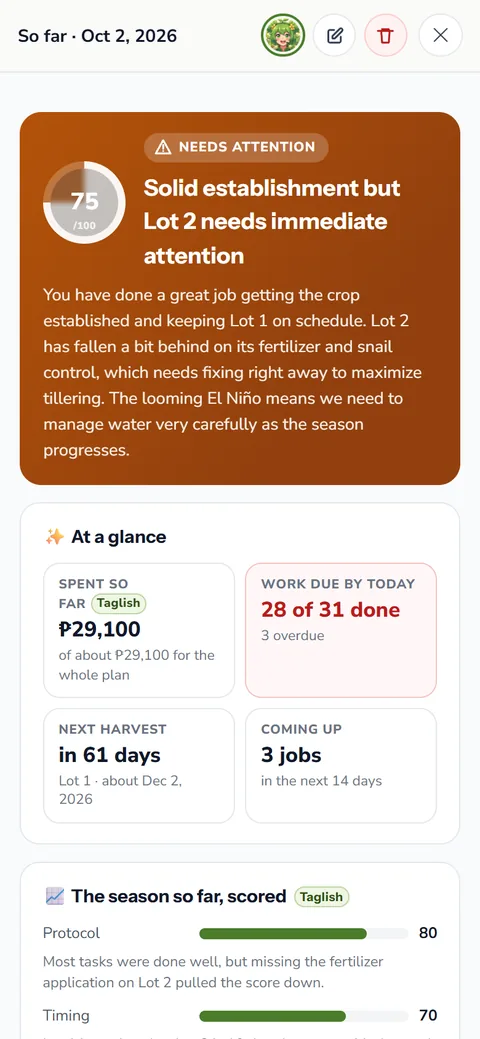
Each season keeps a logs diary under Settings. It lists what was done, whose hand did it and when, and you can narrow it to one person. So when a date moved and nobody remembers why, the diary answers.
Worker logins and the logs diary come with the Farm Owner plan. See farm workers and payroll for the roster, rates and payroll days that come before them.
How team logins helps your crops and your farm
- Your team helps without seeing everything. Each person opens only the modules you allow.
- Less work for you. Workers tick their own tasks and add their own notes.
- Trust with a record. A diary shows who changed what and when.
- One login for each person. No shared passwords, and a login you can switch off at any time.
Team logins come with the Farm Owner plan, along with the Collab Room and the logs diary. Compare the plans and pick the one that fits your farm.
See the plans