Morning Plan Email

Morning Plan Email: The Day's Farm Work in Every Inbox at 6 AM

The morning plan email puts the day's farm work in your team's inbox at 6 AM Philippine time, every day, on its own. Each task says if it is for today or tomorrow and which lot it is on, so the crew walks out to the field already knowing the plan.

Start free See plans Free forever on Libre. No card needed.
Recorded in the real app

What the morning plan email says

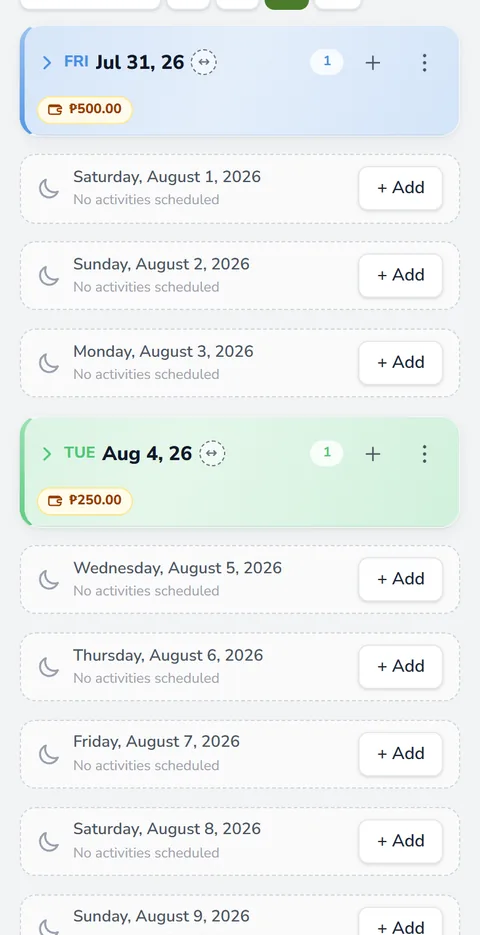
The email lists the tasks on the board for today and tomorrow. Each line carries the task's name, the word Today or Tomorrow, and the lots it is on. The task's own notes follow as plain text, so the amounts and reminders you wrote on the board reach the worker too.

What a worker might read on a Tuesday morning
When and whereTaskFrom the task's notes
Today, Lot 2Top dress with ureaTake 2 bags from the shed. Start at the gate side.
Today, Lot 1Hand weedingWhole day. Bring your own bolo.
Tomorrow, Lot 1 and Lot 2Check the waterClose the inlet if the paddy is full.

Drafts and hidden tasks stay out of it. If the board has nothing for today or tomorrow, nobody gets an email that morning. An empty email only teaches people to skip the next one.

Two switches: the workers, or everyone

Turn the morning email on in the season's Settings, under Notifications. There are two choices, and you can tick one or both.

  • Email the workers. Each worker gets only their own tasks, the ones you put them on. A worker with nothing today or tomorrow gets nothing, and workers with no email are skipped.
  • Email everyone in the team. The owner and every worker with an email get the full plan for today and tomorrow.

With both on, a worker who already got the full plan does not get a second, shorter copy. The email leaves at 6:00 AM Philippine time, the same hour for every farm, so there is no clock to set.

Send me one now

Want to see it before your crew does? Tap Send me one now, and the same email goes to you alone, right away. It is the quickest way to check that your task names and notes read well in an inbox.

Why an email beats a text the night before

On many farms the plan travels by text at nine in the evening, or by word of mouth at the gate. Then somebody misses it, and a fertilizer application lands on the wrong lot or a day late. The email leaves at the same hour every morning, and nobody has to remember to send it.

It also carries the details. Timing matters for fertilizer for rice, so a crew that reads tomorrow's work today can have the urea fertilizer out of the shed on time. That is why the email covers two days, not one.

No login needed

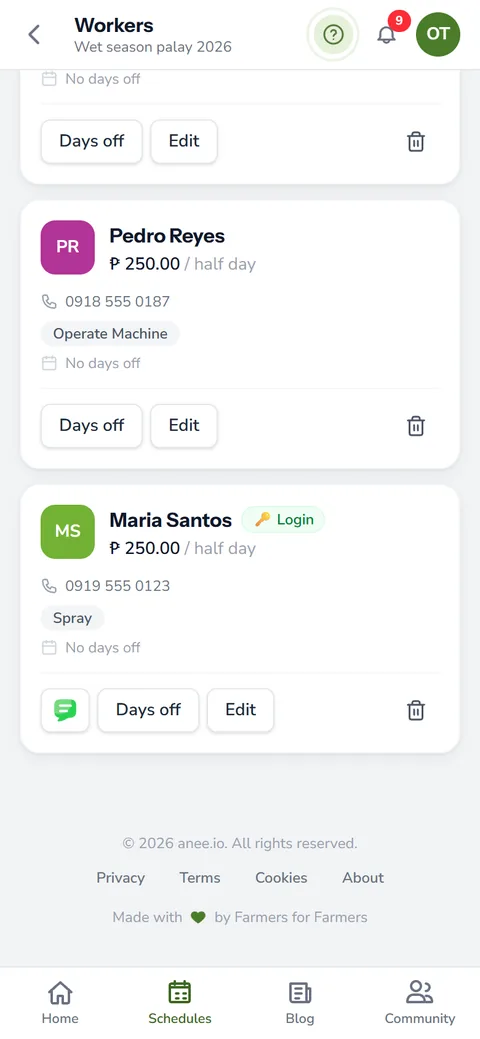
A worker does not need an anee.io account to get the email. An email address on their card in the Workers module is enough. If they should open the board too, give them a team login on the Farm Owner plan.

The switches work on every plan. But a crew of workers to email needs the Workers module, and that comes with Solo Farmer and Farm Owner.

Write each task for the person who reads it

The email is only as clear as the board. Name tasks the way your crew talks, put the lot on every task, and write the amount in the notes, like '2 bags' instead of 'fertilizer'. Plan the season on the cropping calendar, and the email does the rest.

Need the crew to know about Thursday tonight? Open that day's menu on the board and tap Email this date. Pick who gets it from the season's workers and send it right away, with a short note of your own if you like.

How the morning plan email helps your crops and your farm

  • Everyone starts on the same page. The day's work reaches you and your team at 6 AM, with no calls to make.
  • Nothing to remember to send. It goes out by itself every morning.
  • Fewer mistakes in the field. Workers read which lot and which task, not a rushed message the night before.
  • No login needed. Workers read it in their email, even without the app.
Start every day on the same page

Sign up free and build your season on the board. Add workers on Solo Farmer or Farm Owner, then switch on the morning email.

Create a free account

Questions about the morning plan email

What time does the morning email arrive?
It leaves at 6:00 AM Philippine time every day. The hour is the same for every farm.
Does it cover tomorrow too?
Yes. Each email lists today's work and tomorrow's, and marks every task Today or Tomorrow.
Do my workers need an account?
No. An email address on the worker's card is enough. They only need a login if they should open the board itself.
What if nothing is planned?
Then no email goes out that day. It only comes when there is work on the board for today or tomorrow.
Can I test it first?
Yes. Tap Send me one now in the season's Notifications settings, and the email comes to you alone.

More of what anee.io does

See all features ›
Workers and Payroll The right hands on the right task

Keep your workers, their daily rates and attendance, and let the labor cost add itself up.

Read the guide
Team Logins Your team sees what you allow

Give a worker their own login and decide what they may see and change, module by module.

Read the guide
Collab Room Chat, whiteboard and live cameras for the team

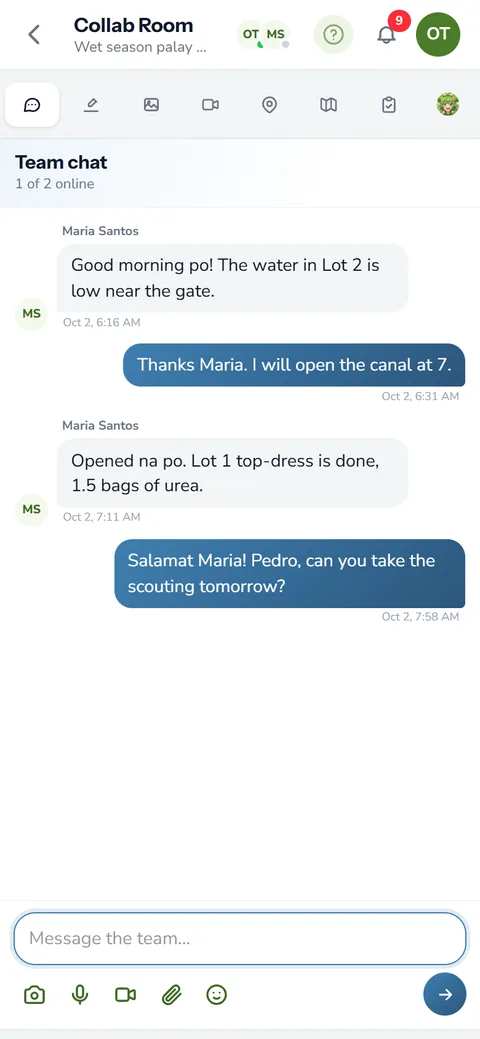
A room for each season: team chat, a shared whiteboard, live cameras and Anee.

Read the guide
Cropping Calendar The whole season on one board

Plan the whole season by DAS, DAT or DAP, from land preparation to harvest. Every lot keeps its own day zero.

Read the guide
Anee, Your Smart Farm Technician Ask anything, even with a photo

Ask about pests, fertilizer or a sick plant in Tagalog or English, and show her a photo of it.

Read the guide
Growth Stages and Weather Where every lot stands today

See the crop growth stage of every lot on any date, with the weather forecast for your farm.

Read the guide
Inventory and Expenses Know what to buy before you need it

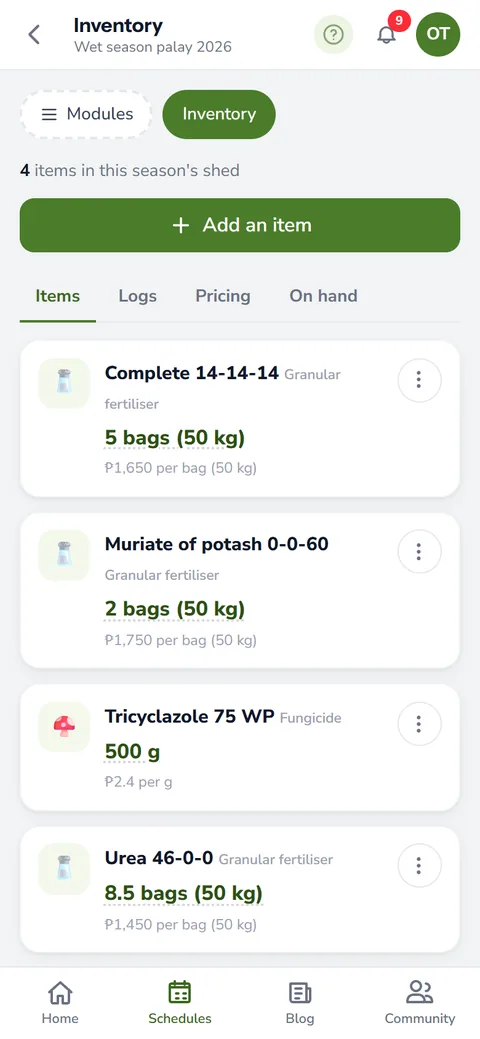
Know what fertilizer, seeds and chemicals sit in the shed, and what each bag really cost you.

Read the guide
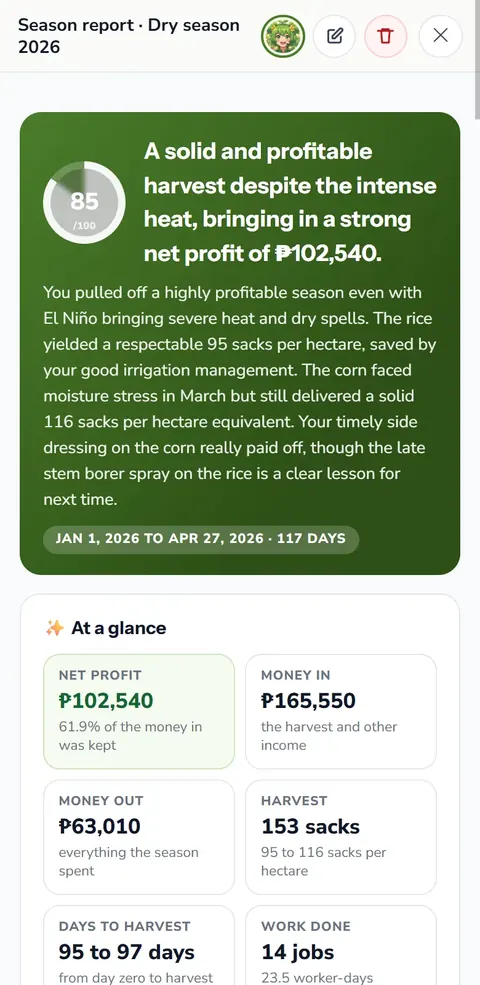
Farm Reports Labor, expenses and profit, added up

Labor, expenses, profit and your ani per hectare, added up from the records you already keep.

Read the guide
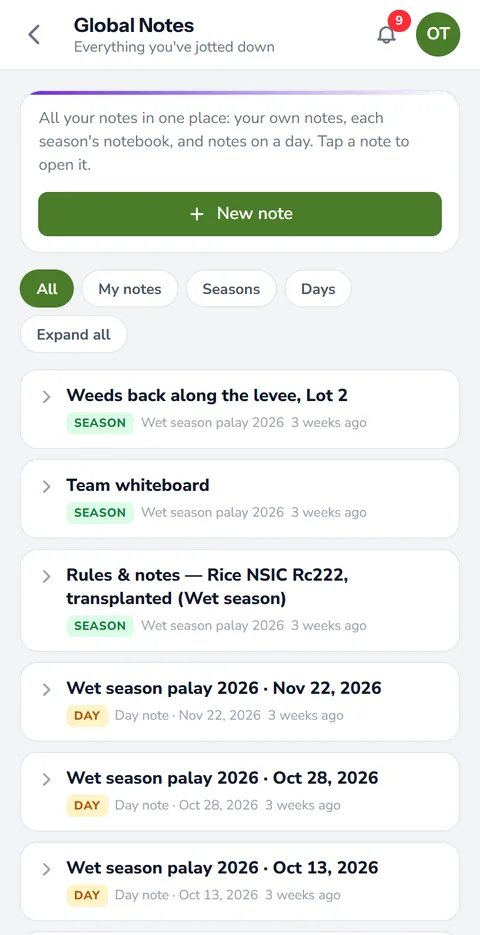
Notes, Photos and Voice Snap it, film it or just say it

Write down what you see in the field with photos, video clips and voice notes, dated to the day.

Read the guide
Farm Maps Draw, measure and pin your fields

Trace your fields over a satellite view and measure their area, boundaries and distances.

Read the guide
When to Plant The best planting window for your town

Anee reads the rainfall and typhoon record of your town and ranks the best planting weeks.

Read the guide
Protocol Builder Write the whole season before day zero

Write your crop protocol once, on a day count, and bring it into every new cropping schedule.

Read the guide
Farmer Community Ask growers who have seen it before

Share wins and warnings with farmers across the Philippines, and climb a ladder of 100 levels.

Read the guide
What to Plant The crop that fits your land this season

Anee weighs your climate, soil and water and ranks the crops that should do best this season.

Read the guide
Variety Ranking Compare varieties before you buy seed

Compare seed varieties for your area on yield, maturity and resistance before you buy.

Read the guide
Crop Protocol Analysis Anee writes a protocol for your variety

Anee writes the season for your crop and variety, stage by stage, checked against your field.

Read the guide
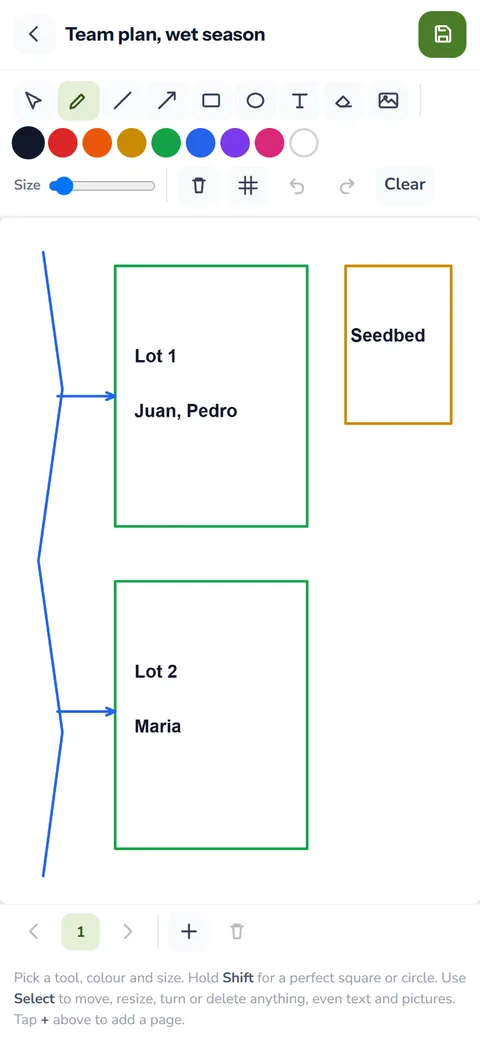
Farm Drawing Team planning: sketch the plan everyone follows

Sketch the seedbed, the water and who works which lot, and keep one plan for the team.

Read the guide
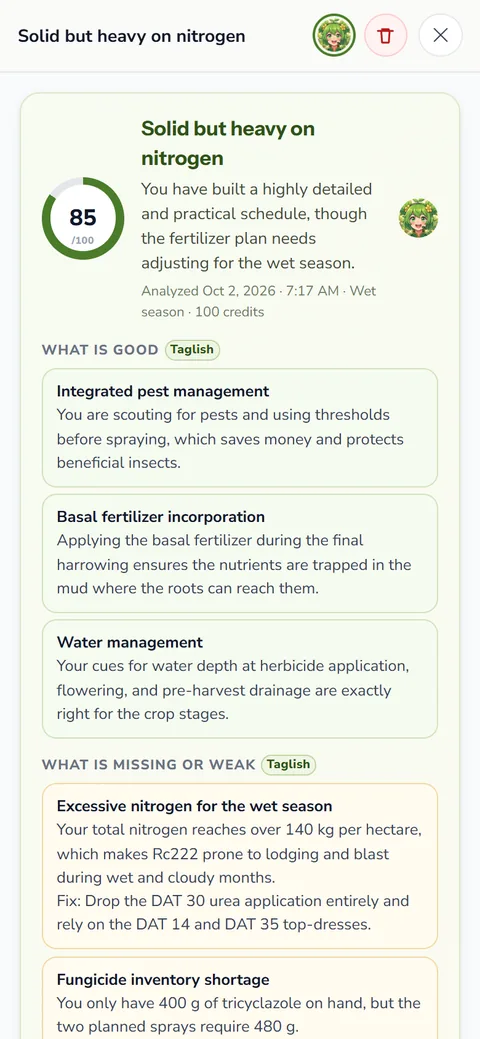
Protocol Review by Anee A second pair of eyes on your plan

Before you commit, Anee reads your protocol and points out the problems and weak spots.

Read the guide
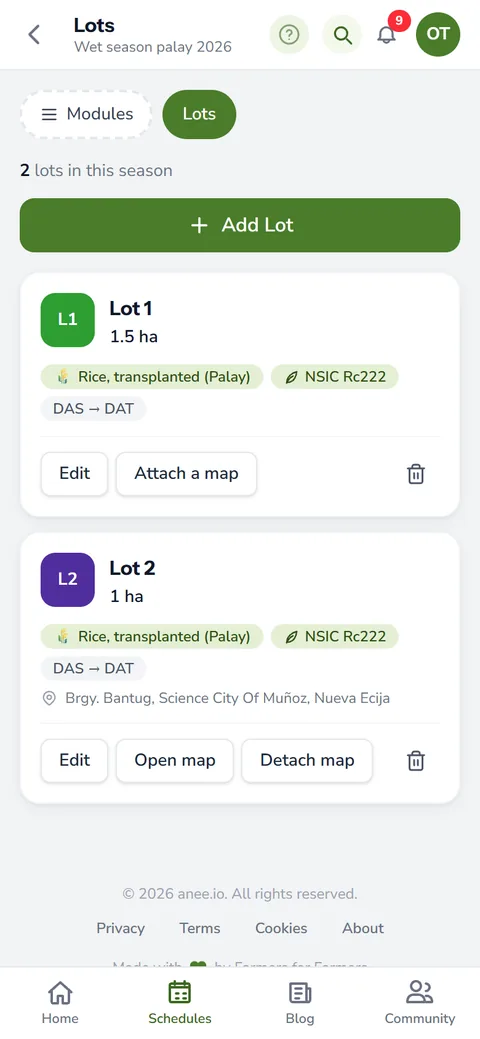
Farm Lots Each field with its own crop and count

Each field as a lot with its own crop, variety, size, place and day count.

Read the guide
Automatic Stock Deduction Tick a task and the shed updates

Tick a fertilizer or spray task done and the shed takes it out of stock.

Read the guide
Farm Weather Forecast The forecast where your field is

The forecast for each lot, beside the plan, with a reminder when rain falls on a spray day.

Read the guide
Realign by Anee When a crop runs ahead or behind

When a crop runs ahead or behind, Anee finds the stage it is truly in.

Read the guide
Daily Farm Tasks Tick the work as it gets done

Open the day, see each task on its lot and tick the work as it gets done.

Read the guide
Offline Farm App Keep going at the far lot

Keep ticking tasks and writing notes where there is no signal, and it syncs later.

Read the guide
Farm Tip of the Day One useful thing to do today

One useful farm tip each morning for the stage your crop is in.

Read the guide
Analyze So Far A checkup halfway through

Halfway through, Anee reads the season so far: each lot, the risks ahead and what to do next.

Read the guide
Crop Problem Guides Pests, diseases and weeds, explained

Guides to the pests, diseases and weeds of Philippine crops, with what to do.

Read the guide
Harvest Records Yield, moisture, price and problems

Yield, moisture, price and buyer for every lot, so next season plans from real numbers.

Read the guide
Farm Contact List Buyers, traders and workers in one place

Buyers, dealers, drivers and workers in one phonebook, with call and text buttons.

Read the guide
Farm Documentation The season's papers in one place

The season's protocol, rules, receipts and files kept together.

Read the guide
Farm Photo Gallery Every photo from planting to harvest

Every photo, clip and drawing of every season, with albums you make.

Read the guide
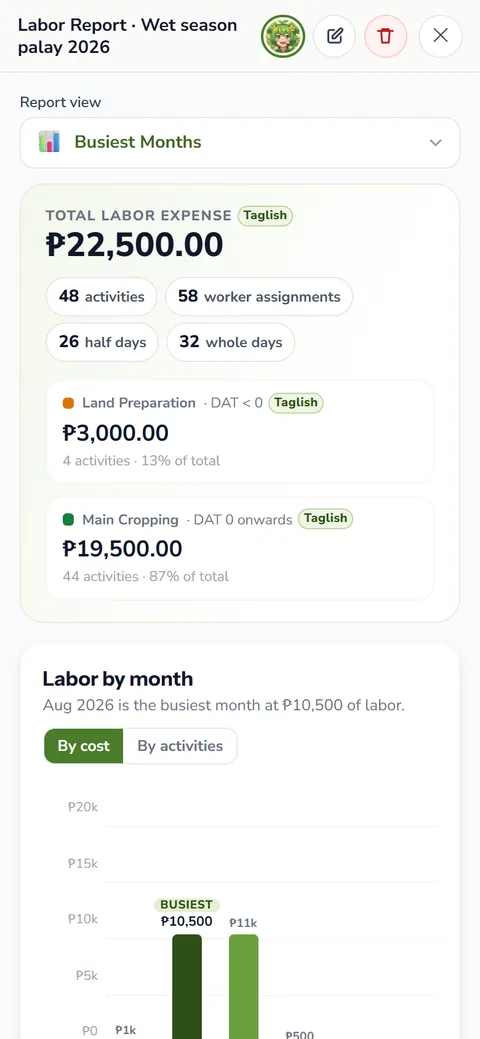
Labor Report Worker days and labor cost

Worker days and labor cost for the season, added up from the board.

Read the guide
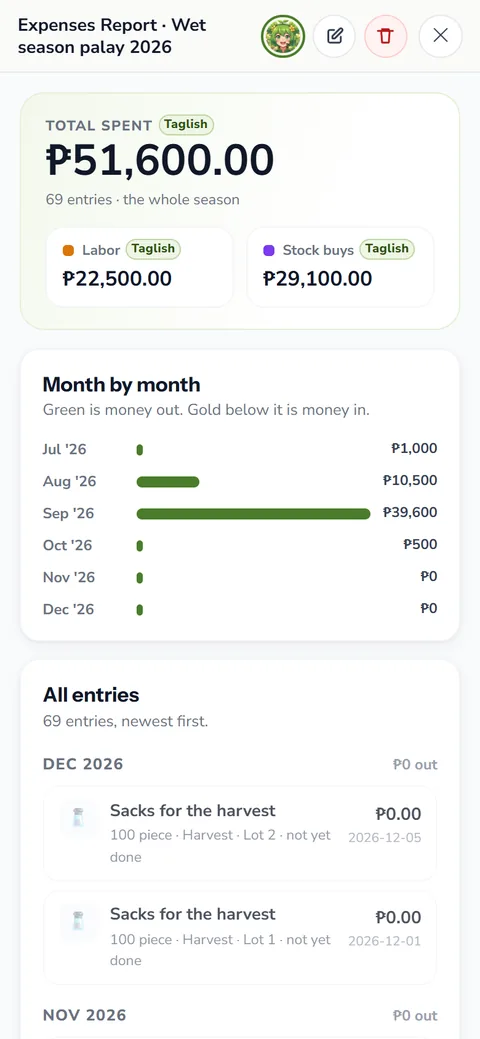
Expenses Report Every peso spent this season
Every peso the season cost in materials, services and labor.
Read the guide
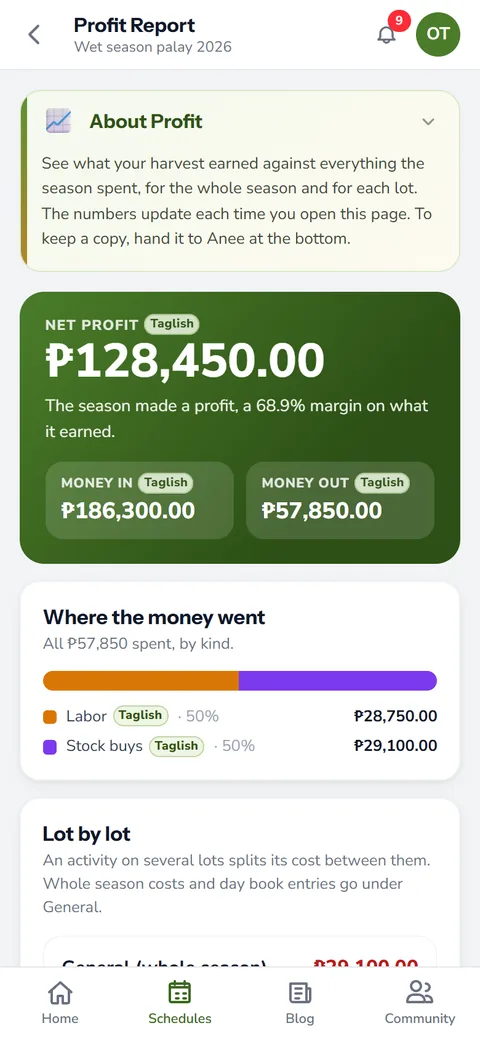
Profit Report What the harvest earned against the cost

What the harvest earned against everything the season spent, lot by lot.

Read the guide
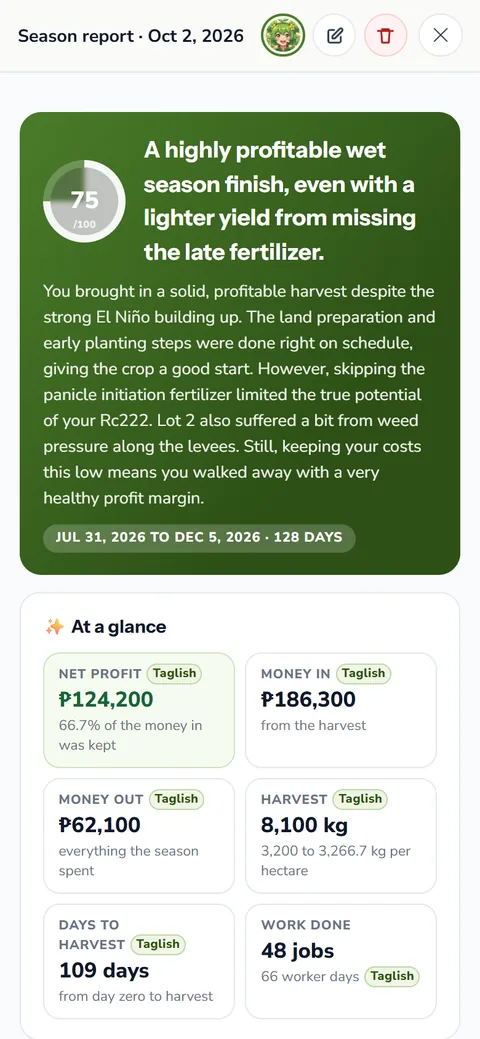
Anee Season Report What went well and what went wrong

Anee reads your finished season and says what went well, what went wrong and what to change.

Read the guide
Compare Reports This season against the last

Two reports side by side, the difference line by line, and Anee on what changed.

Read the guide
View as Protocol Your best lot as next season's recipe

Your best lot's finished season as a step by step recipe for the next one.

Read the guide
New
Satellite Analysis Your field, read from space

Draw your field and see its health from space: greenness, weak spots, and radar that sees through clouds.

Read the guide
New
Satellite Weather Clouds, rain and typhoons over your farm

Clouds and rain over your farm, played back and forward, with every typhoon's path and its distance to you.

Read the guide
New
NPK Plus Calculator Every nutrient in your fertilizer plan

Every nutrient in your fertilizer plan, checked against what your crop needs, with no credits used.

Read the guide
LCC Checker Rice: is it time for nitrogen?

Read your rice leaves against the leaf color chart, or let Anee read your photos, and know if urea is due and how much.

Read the guide
Range Effect How long every fertilizer and spray keeps working

Every bag of fertilizer and every spray keeps working for a while, then fades. That fading is its residual eff...

Read the guide
Land Prep Planner Every lot ready on time for planting

Every step of getting your field ready, dated back from your planting day, for any crop. Free.

Read the guide
New
Pest and Disease Finders From the damage you see to what to spray

From the damage you see to the active ingredient to spray, with its group, for every crop, and weed control by the age of your crop.

Read the guide
Nutrient Deficiency Finder From the leaves you see to the missing nutrient

From the leaves you see to the missing nutrient and the fertilizer sold here that fixes it, for every crop.

Read the guide
New
The Stash Partners' magazines and guides, in the app

Magazines and guides shared by anee.io's partners, starting with every PhilRice Magazine issue.

Read the guide