Farm Payroll and Workers: Rates, Attendance and Labor Cost
Farm payroll in anee.io lives on the same board as the work. Keep a roster with each worker's rate, put the right hands on each activity, tick who came, and the labor cost adds itself up in pesos as the season runs. No more adding up a notebook on Saturday.
Your worker roster
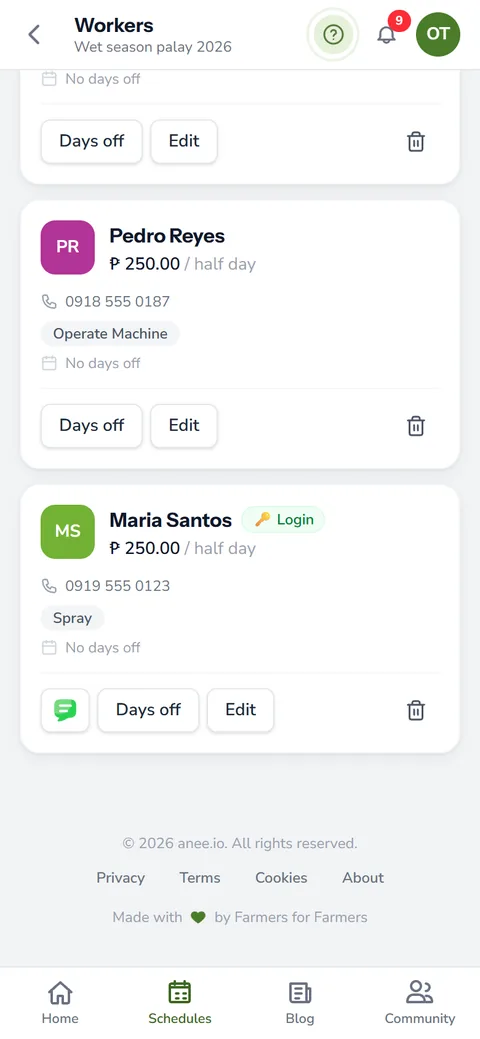
Each worker has a card with a name, contact details, a rate per half day and the skills they bring. A whole day counts as two halves, so one rate covers both. Skills like spraying, broadcasting granulars, operating a machine or harrowing (pagsusuyod) help you pick the right person. You can also mark each worker's days off.
The Workers module comes with the Solo Farmer and Farm Owner plans.
Assign workers and count labor cost live
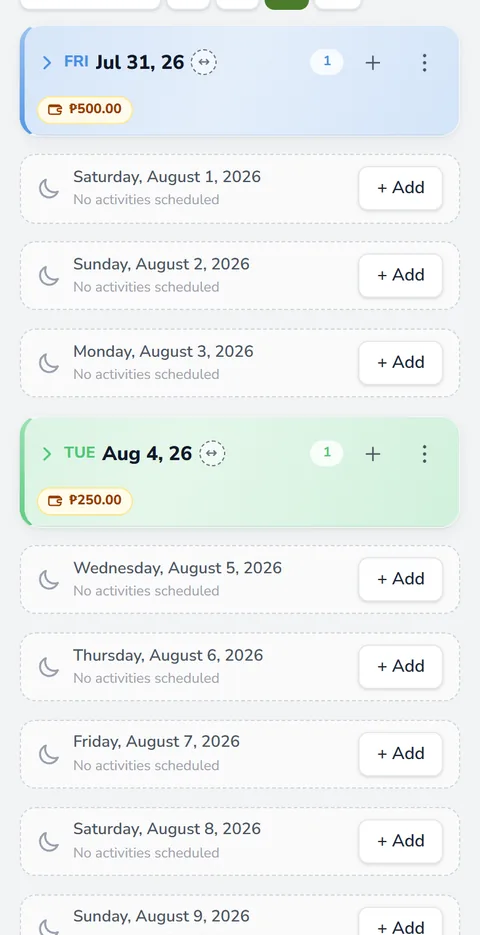
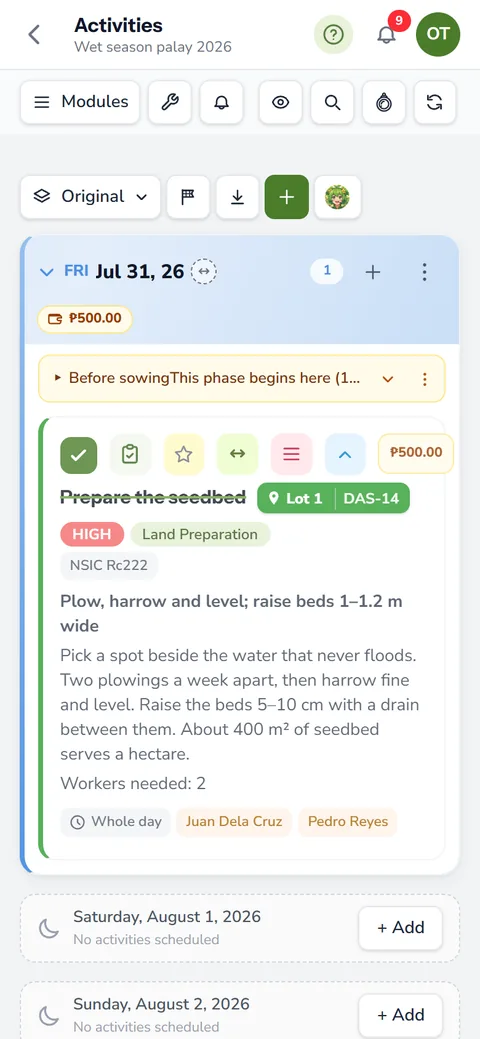
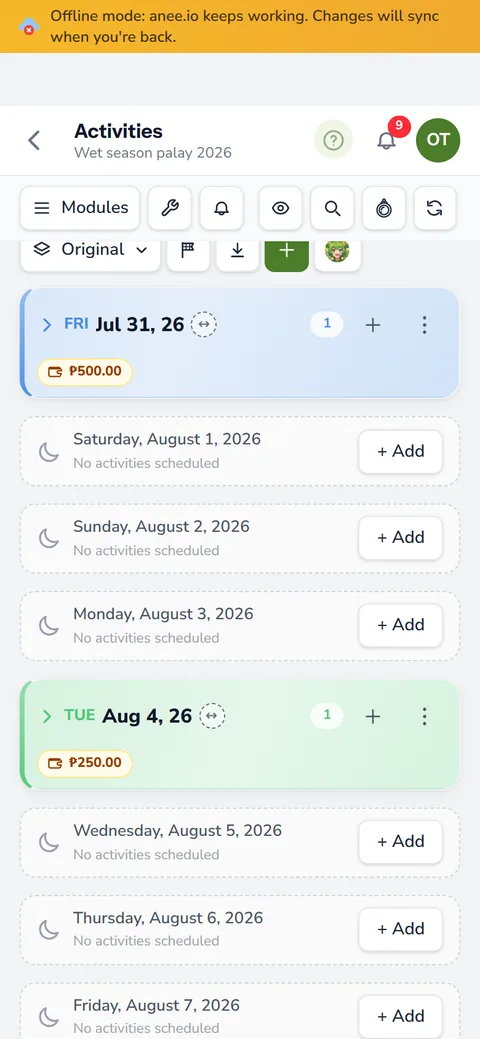
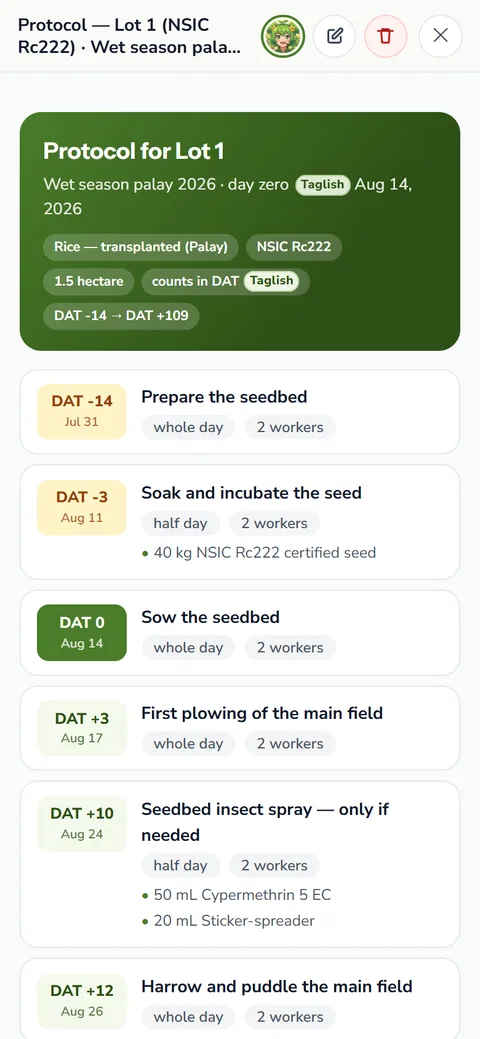
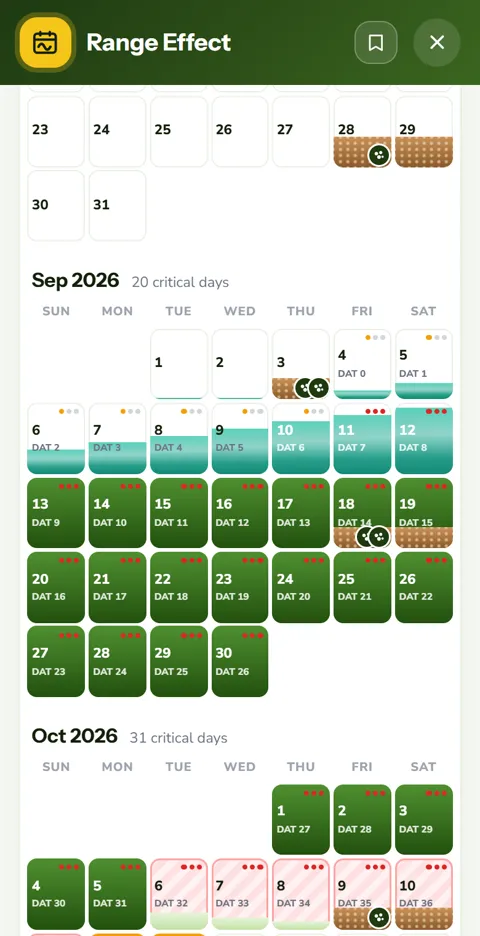
Open an activity on the cropping calendar and add the workers who will do it, marked whole day or half day. The form shows what the task will cost before you save, and the day card shows what the whole day comes to. Change a worker or switch a half day to a whole day, and the figure moves with it. You know the cash to prepare before a single peso leaves your pocket.
Payroll days and attendance
A payroll day is a card on the board with its own roster. On the day itself, tick who came to work. The ones who did not turn up stay on the list, but their pay comes out of the day's total, so the figure matches what you owe. If you allow it on a task, workers with a login can tick their own attendance from their phones.
Short jobs, like a morning of spraying, often take only half a day. One rate per half day prices both the short job and the full day, with no second rate to keep up to date.
Worker logins and permissions
On the Farm Owner plan, a worker can have a login of their own. You decide, module by module, what each one may do: none, view or edit. A foreman might edit the board and the inventory, while a new hand only views the day's tasks.
The 6 AM morning email
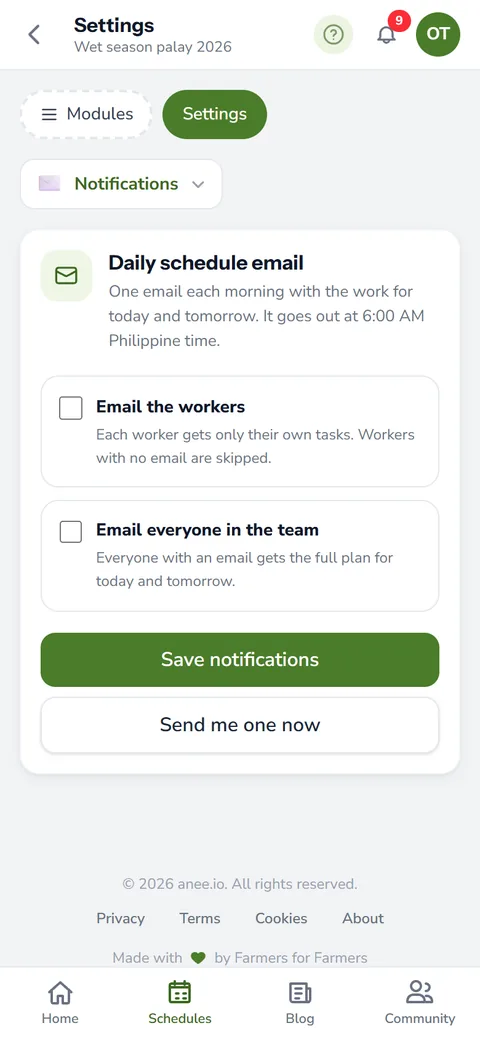
Switch on the morning email and, at 6 AM Manila time, the owner and each worker with an email address get what is on the board today and tomorrow. Nobody needs to text the whole crew the night before.
A logs diary of who changed what
The Farm Owner plan also keeps a logs diary. It records every change to the season with the name of the person who made it and the time, and for many edits the old and new values too. When a date moved and nobody remembers why, the diary tells you.
Farm payroll you can check against your reports
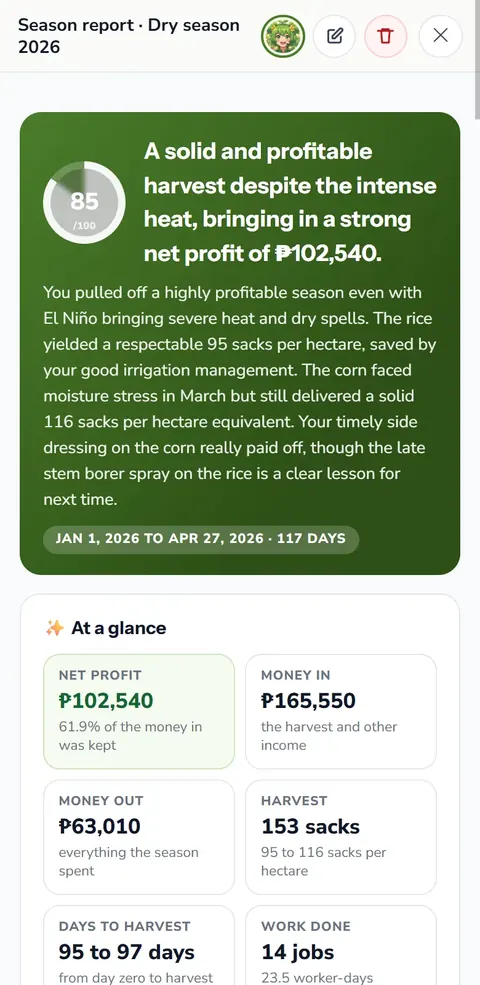
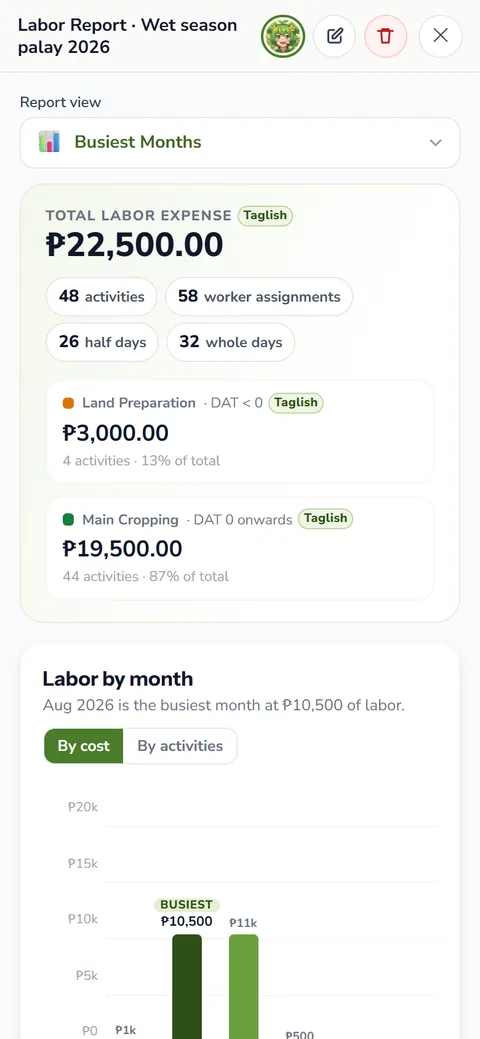
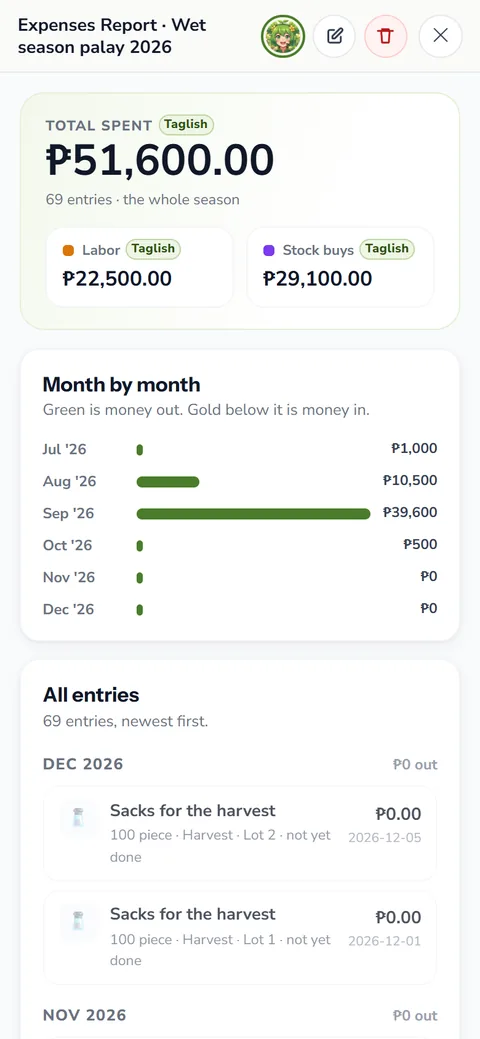
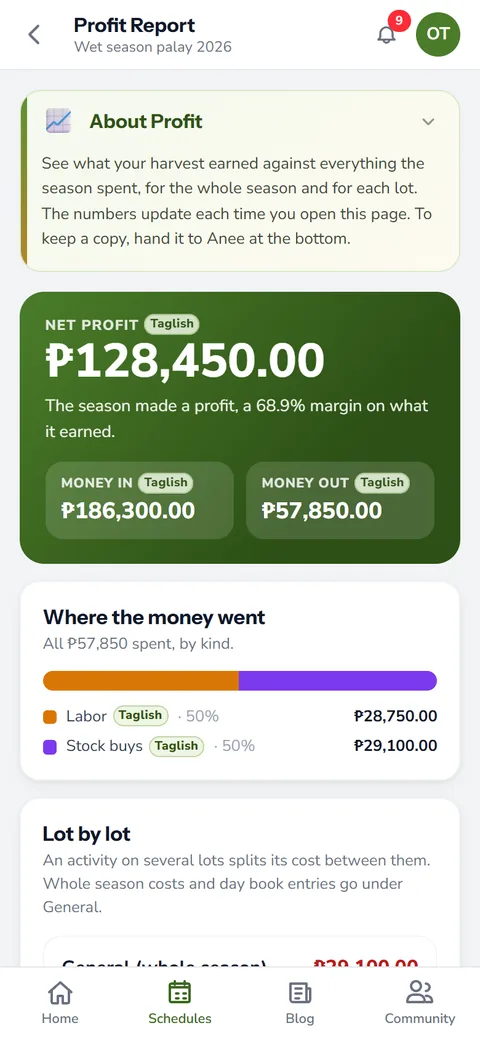
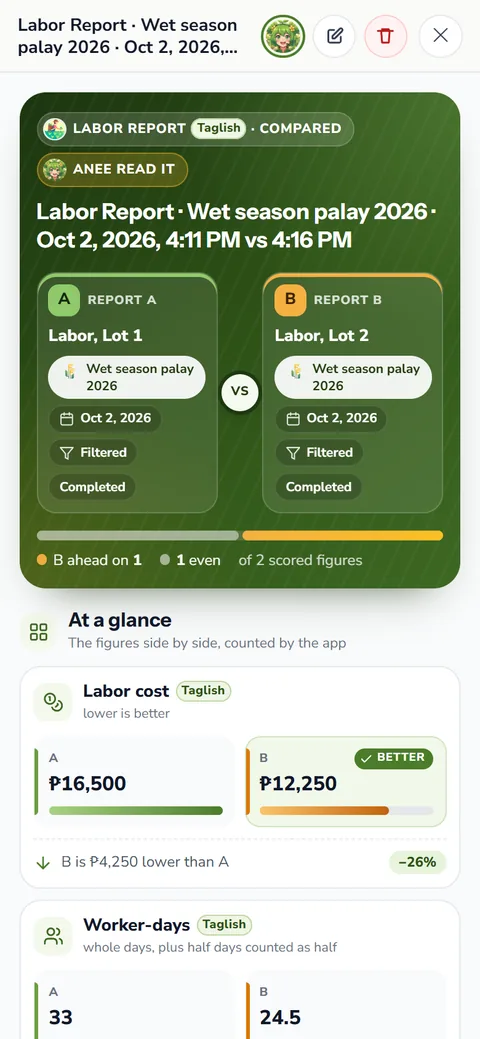
At any point in the season, open the labor report. It totals wages by activity type, by lot and by date range, down to each worker's pay. It also agrees to the peso with the expenses and profit reports, because all three read the same records.
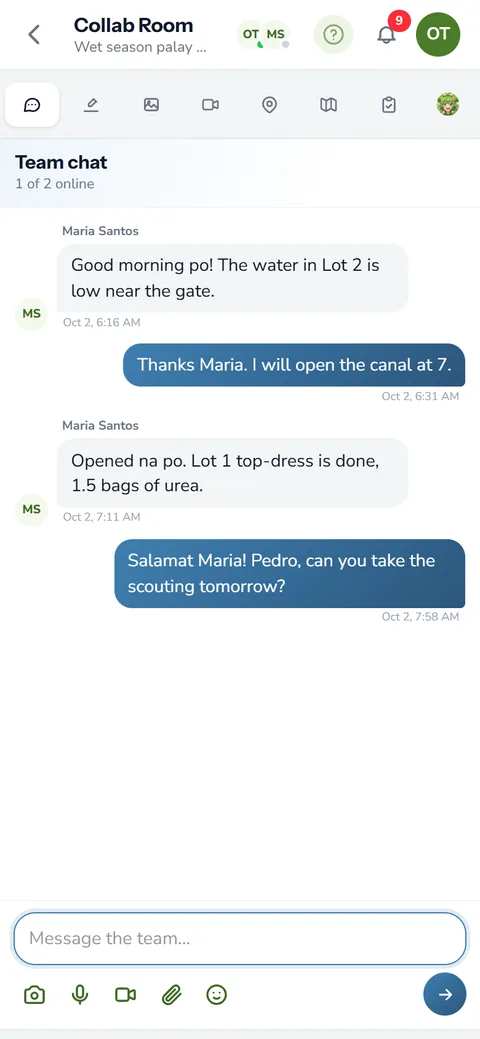
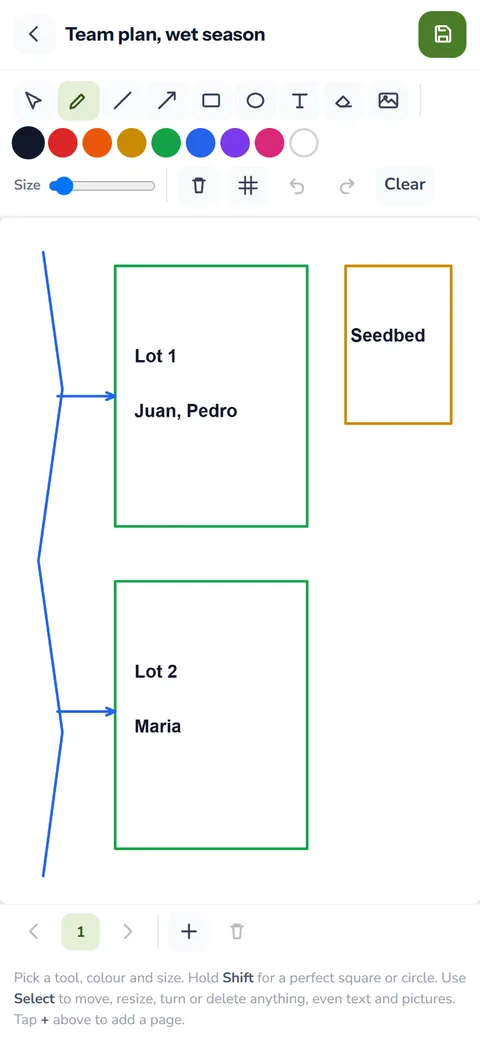
See farm reports for the rest of the money side, and farm inventory and expenses for what your inputs cost. If the crew works in a Collab Room, the farmer community page shows how the team chat and whiteboard work.
- Add your workers and their half day rates
- Assign them to activities, whole day or half day
- Tick attendance on each payroll day
- Open the labor report when it is time to pay
How workers and payroll helps your crops and your farm
- Pay day without the headache. Attendance, half days and rates add up the payroll for you.
- Labor cost you can trust. The cost is counted from who worked on each task, so the season's real labor cost is clear.
- The right hands on the right job. Assign workers to tasks and everyone knows their work for the day.
- Fewer disputes. A record of who came, on which day and for which task settles questions fairly.
Sign up free, then add workers on the Solo Farmer plan, or give them logins on Farm Owner.
Create a free account