Farm Documentation: The Season's Protocol, Rules and Files in One Place
Farm documentation in anee.io keeps the season's references together: the protocol you followed, the rules your crew must not break, receipts and any other file. Each document has its own text and attachments. It stays with the season, so you find it again next year.
What a document can be
Open a season, go to Documentation and tap Add Document. First pick the type. Four types come built in, and you can add your own.
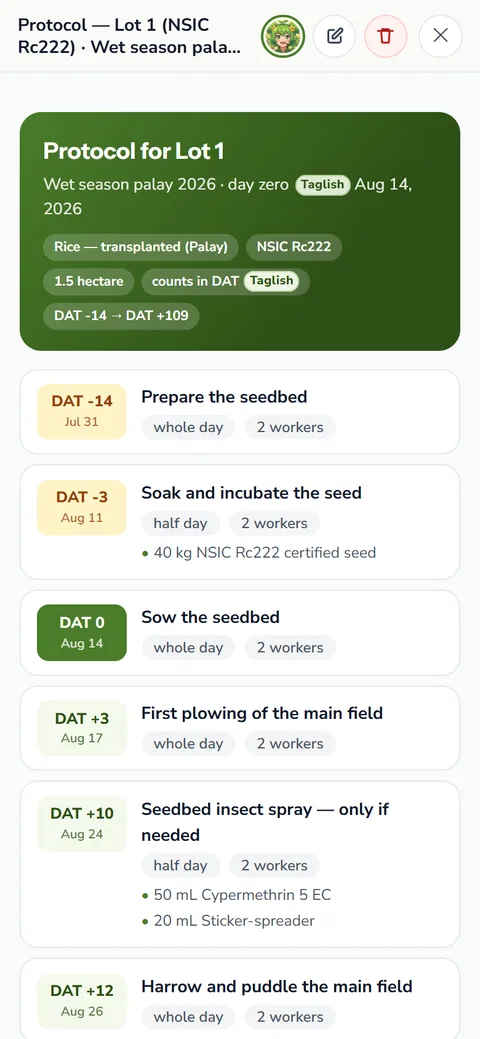
- Protocol: the plan you are following, like the season's fertilizer and spray program
- Introduction: what this season is about, the variety and why you chose it
- Critical Rule: what the crew must never get wrong, like the waiting days after a spray
- Miscellaneous: everything else worth keeping
- Your own type: tap New tag and name it, like Mixing Chart or Receipts, and the season keeps it for next time
Then add a title if you like, put on a few tags, and write the content. The editor keeps headings, bold text, numbered and bullet lists, quotes and links. A document can be words alone, a file alone, or both.
Text and files together
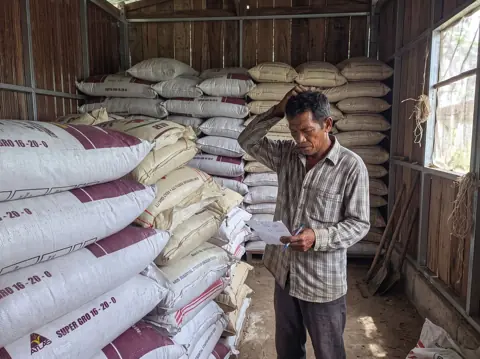
On the Solo Farmer and Farm Owner plans, attach files to any document: photos, PDF, Word, Excel or plain text, up to 10 MB each. Snap the official receipt from the agri supply, the result of a soil test, or the seed tag of the variety you planted. Each file shows as a chip on the card, and a tap opens it.
On the free Libre plan the words still save. So you can still type the protocol, the rules and what each receipt said.
Ideas for your farm documentation
- A mixing chart for your foliar fertilizer and sprays, so whoever mixes the tank reads the same numbers
- The fertilizer calculation for each lot, worked out once: how many bags its size needs
- A photo of each product label with its Fertilizer and Pesticide Authority registration, beside a Critical Rule on how to use it
- Receipts for seeds, fertilizer and hired services
- The lease or the agreement with your landlord
- The protocol from the seed company or the agriculture office, word for word
Documentation or the Protocol Builder?
If you want every task dated on the board, plan it in the Protocol Builder and import it as a new season. Documentation holds the words and papers around the plan instead: why you chose it, the rules and the receipts. For a researched starting point on a crop, try Crop Protocol Analysis.
Kept with the season, easy to find next year
Every document belongs to its season, so your farm documentation never mixes with another crop's papers. Open the same season a year later and the protocol, the rules and the receipts are where you left them. A count on the Add Document button tells you how many the season holds.
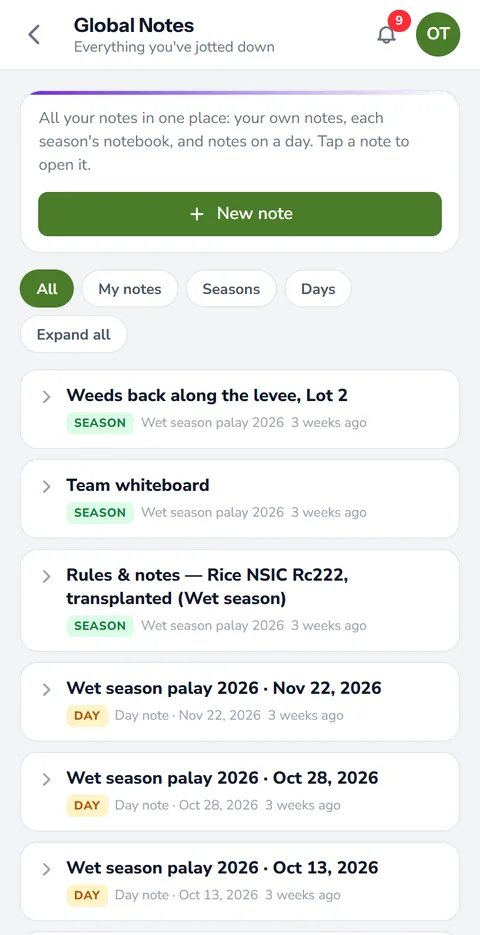
Planning the same crop again? Duplicate the season from your schedules list, and the copy brings its documents along with the lots, workers and activities. Tags help too. Tag a document by lot or by input, and it shows on the season's Tags page beside every activity and note with the same tag.
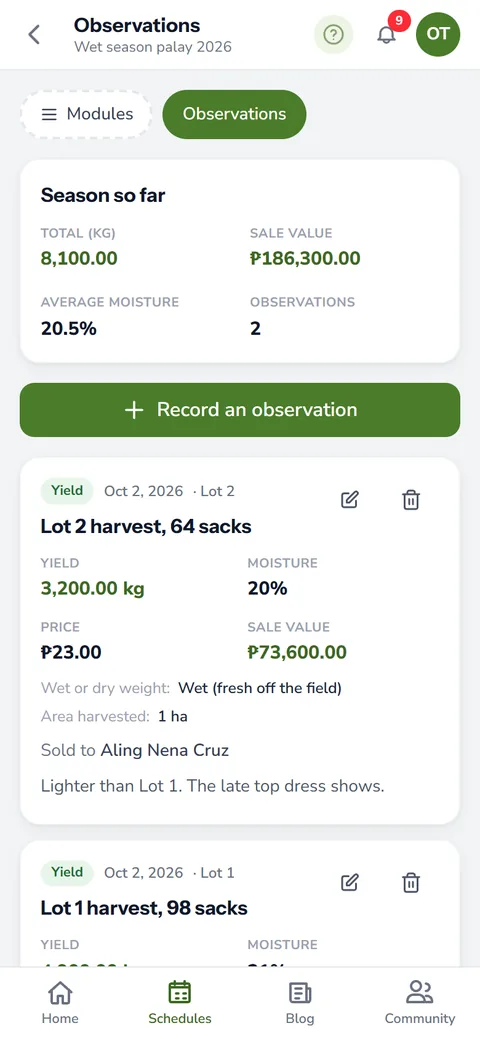
Use farm notes for what happened, day by day. Use Documentation for what you will read again: the plan, the rules and the papers. Harvest numbers go in your harvest records.
How farm documentation helps your crops and your farm
- Everything about the season in one place. The protocol you followed, the rules of the farm and the receipts sit together.
- Answers for next year. What was done and why is written down, so you do not depend on memory.
- Easier handovers. A new manager or worker reads how the farm runs instead of learning it by mistakes.
- Proof when you need it. Files and notes kept with the season help with buyers, lenders and programs that ask for records.
Sign up free. Documentation text is on every plan, and file attachments come with Solo Farmer and Farm Owner.
Start free