Farm Drawing: Sketch the Plan Your Whole Team Follows
A quick farm drawing settles what words cannot: where the seedbed goes, which way the water runs, which crew takes which lot. With the Draw pad in anee.io, you sketch it on your phone, even over a photo of the field. Then the picture stays where your team can find it.
What you can put on a farm drawing
Open Draw and start a new drawing. The pad has the tools a field plan needs. They work with a finger on a phone or a mouse on a computer.
- A pen for freehand lines, plus straight lines and arrows for canals and water flow
- Boxes and circles for lots, the seedbed, the shed or the pump
- Text labels in your color and size
- Nine colors, a size slider and a grid to keep shapes straight
- Select, to move, resize, turn or delete anything, even text and pictures
- An eraser, undo, redo and a clear button
- More than one page in a drawing, like the whole farm first and then one block up close
Draw over a photo of your field
Tap the picture button to take a photo, upload one from your phone or pick one from the gallery. The photo becomes a shape on the sheet. Move it, resize it or turn it, then draw on top of it.
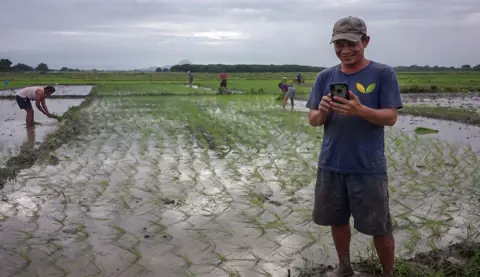
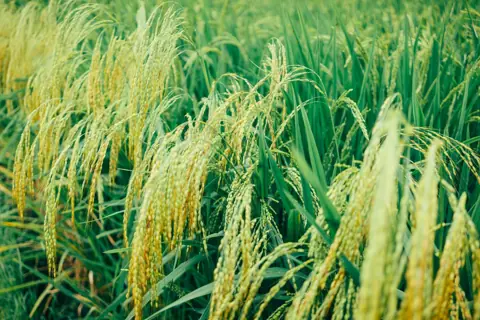
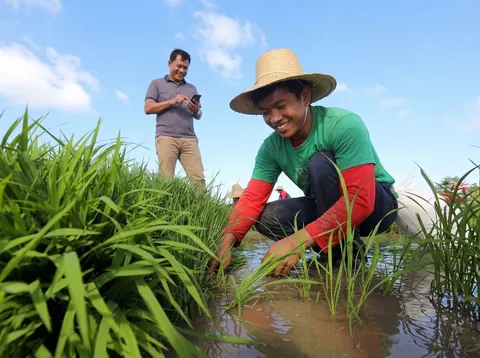
For example, photograph the paddy from the dike. Then mark where the water should enter, where the weeds are worst or where the bund needs repair. A worker who sees the photo with your arrows on it understands the job before reaching the field.
A palayan drawing or a maisan plan
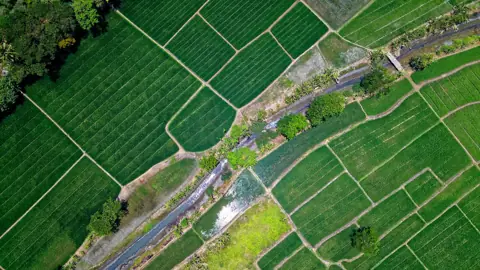
A palayan drawing does not need to be pretty. Palayan in English is a rice field. A few boxes for the paddies, a line for the canal and an arrow for the flow will do. Our list of farm words in Tagalog has more terms like it. The same goes for a maisan, a cornfield, where you mark the rows, the path and the low spot.
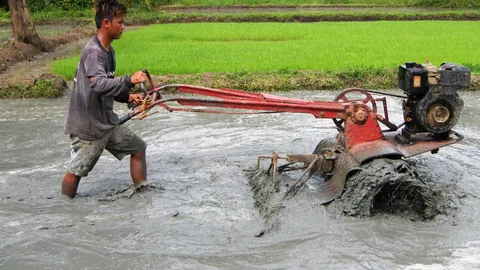
A sketch also helps before land preparation. A rice field should have no high and low spots after final leveling. So marking where water pools is a good first step. When you need exact areas and side lengths, trace the field in farm maps over the satellite view instead.
Plan with your team from the same picture
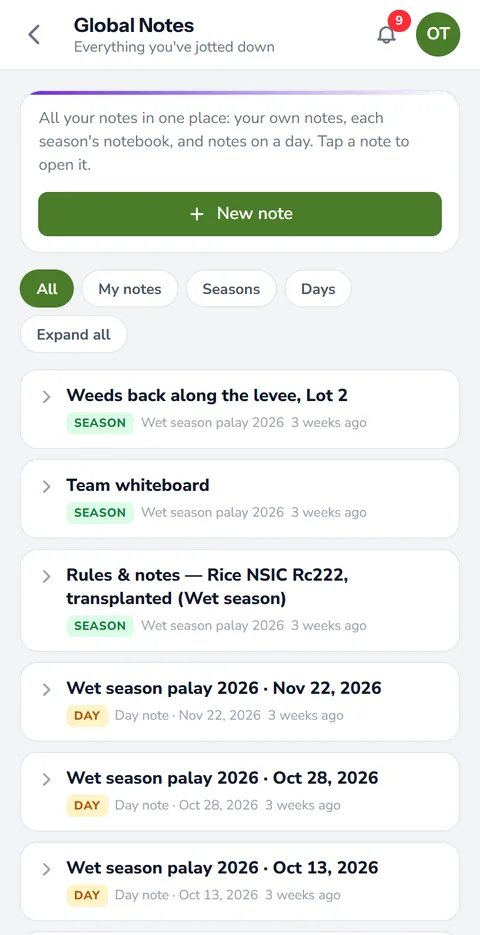
A drawing made inside a season stays with it, in a note, on a day of the board or on the team whiteboard. On Farm Owner, workers with their own login can open those drawings if you give them access to Draw. So the foreman in the field and the owner in town look at the same layout. You set that access per person on team logins.
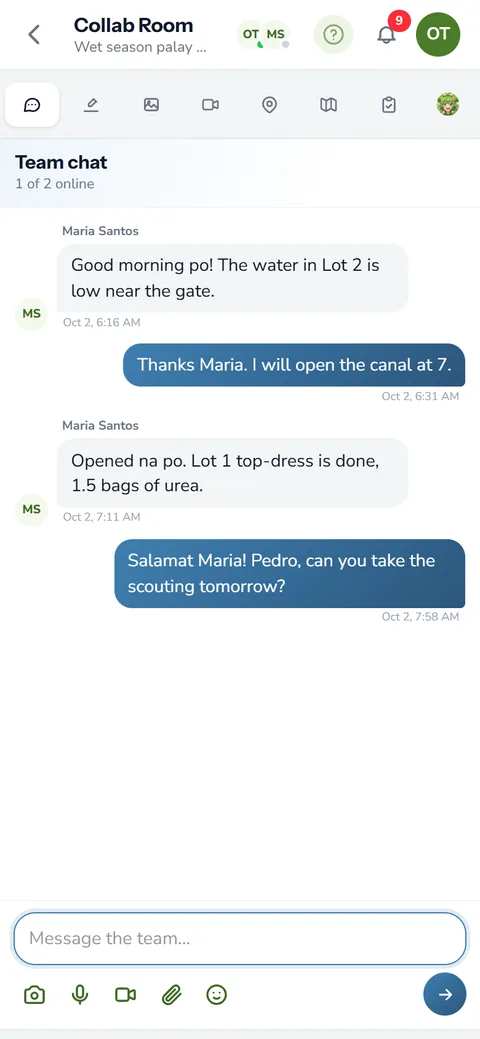
The Collab Room on Farm Owner also has a whiteboard the whole team can draw on. Save it, and it joins the season's drawings marked as a team drawing.
Saved where you will look for it
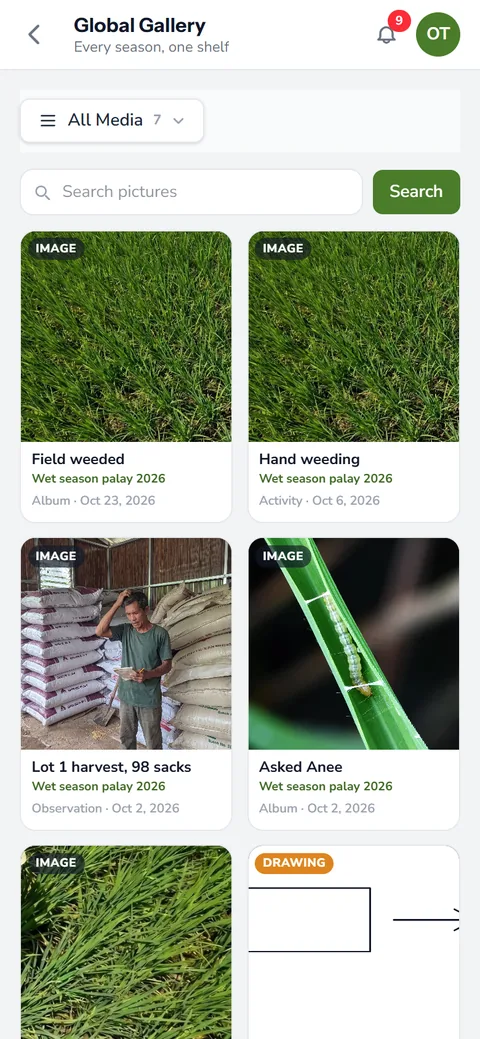
When you save, give the drawing a name and, if you like, a description. Save it as a drawing to change it later, or as a flat image you can still draw over. Either way it shows in your gallery and on its note, so you can open it again next season.
The Draw page keeps every drawing you can still change, newest first. They come from your own notes and from every season you work in. Each one carries its season's name and a link back to the note that explains it. See notes, photos and voice and the farm photo gallery for the rest.
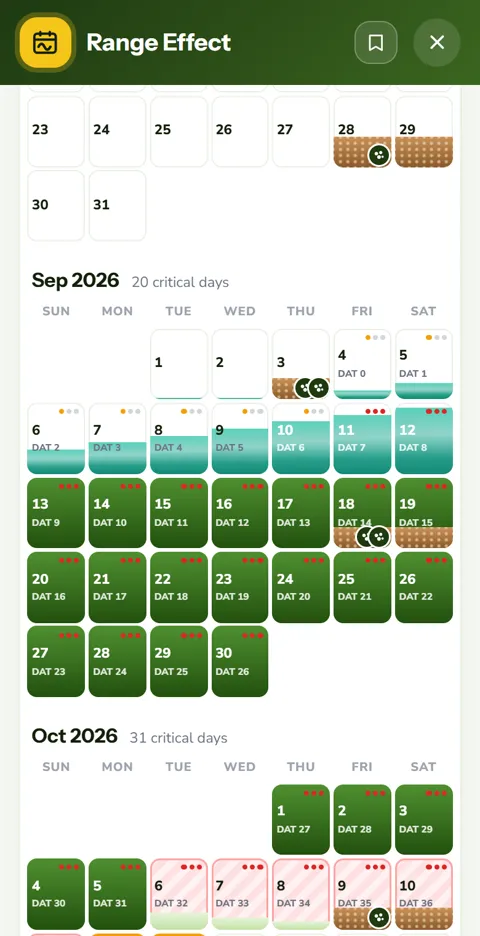
Draw the plan while changes are still free. Mark the seedbed, the order of planting and who takes each lot. Then put the work on the cropping calendar, lot by lot, so the dates match the picture.
How farm drawing helps your crops and your farm
- Everyone sees the same plan. A drawing of the field shows where the seedbed, the canal or the next planting goes, with no room for guessing.
- Fewer mistakes in the field. Workers follow a picture more easily than a long message.
- Plan changes in minutes. Draw over a photo of the field and share it, instead of walking everyone to the spot.
- Kept for every season. Drawings stay in the gallery, so last season's layout is there to start from.
Draw comes with every plan, including the free Libre plan. Sign up and make your first farm drawing today.
Start free