Farm Expenses Report: Every Peso Your Season Cost
The anee.io expenses report adds up every peso your season cost, straight from the records you already keep. Materials, labor, hired services, extra expenses and stock buys land in one total. You can read it by month, by lot or by any stretch of the crop's own day count.
What goes into the expenses report
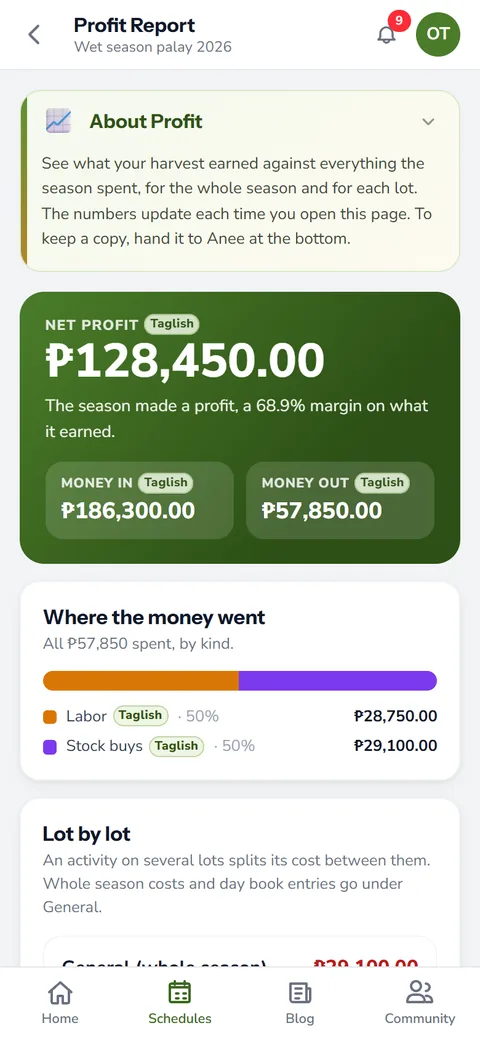
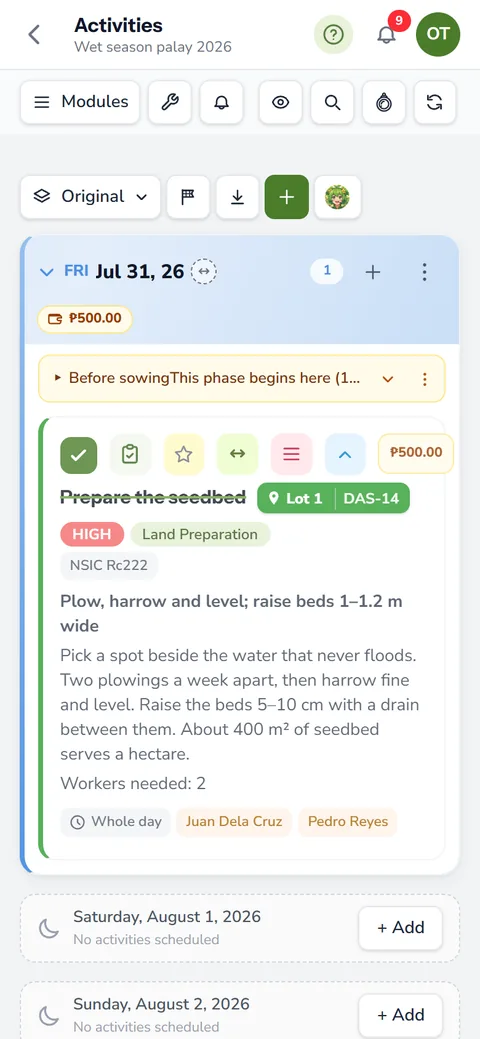
You do not type this report. It reads the season you planned and worked on the board, then sorts every cost into a bucket. The buckets are the same ones the profit report uses, so the two agree to the peso.
- Materials: what each activity used, from the shed or typed in, at the price you gave it
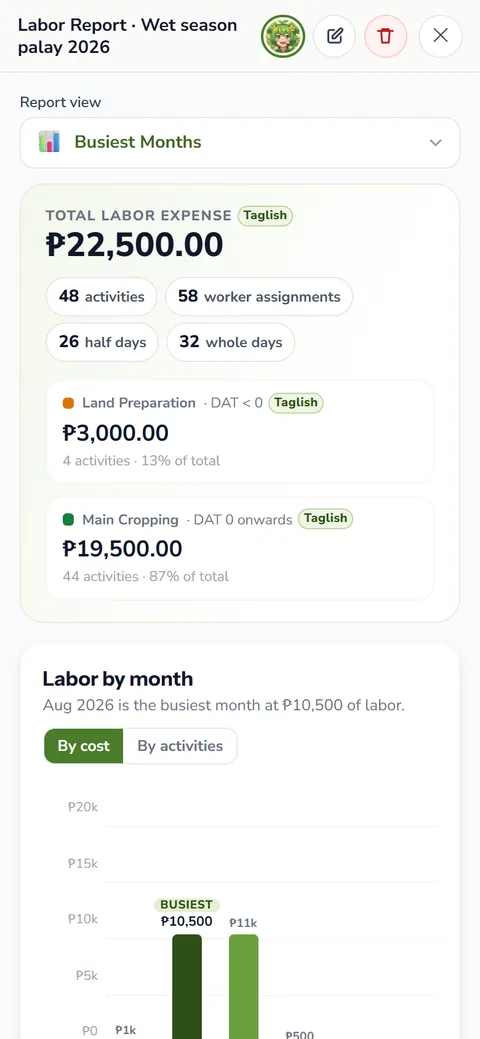
- Labor: each worker's rate times the whole or half days they gave the activity
- Services: hired work like the tractor or the harvester, and service activities with their own price
- Extra expenses: the fare to the agri supply, a pump repair, anything you logged on a day
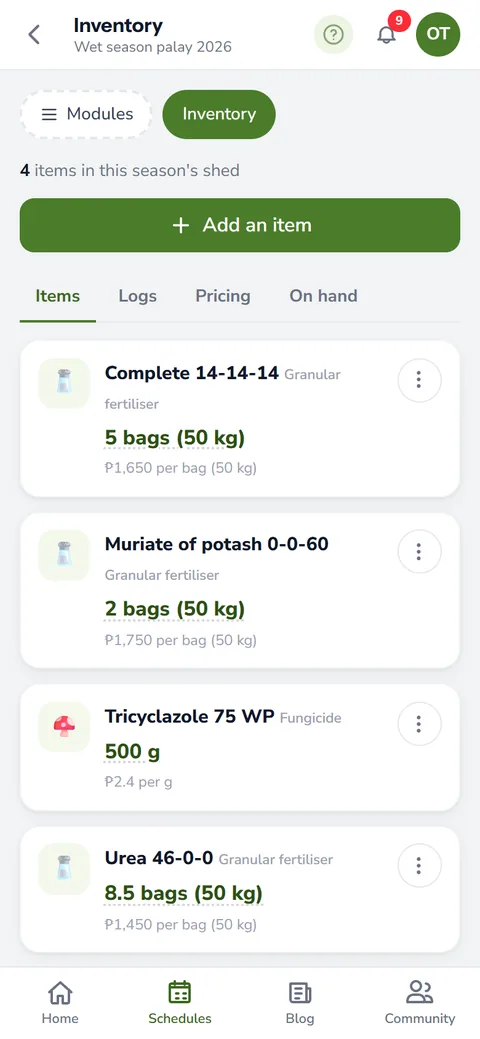
- Stock buys: fertilizer, seeds and chemicals bought into your farm inventory outside an activity
- Income: sales you logged by day, shown beside the total so you also see a net
Stock that an activity used counts once, as that activity's material line. A purchase tied to the same activity stays out, so nothing counts twice. Labor follows the arithmetic of the labor report, down to the half day.
Pick the part of the season you want
Every filter is optional. Leave them empty and the report adds up the whole season. Narrow it when you have a question, like what fertilizer cost on one lot alone.
- Lots: one lot or several. An activity on three lots splits its cost three ways.
- Categories: only labor, only materials, or any mix of the six
- Inventory kind: granular fertilizer, foliar feed, pesticide, herbicide, fungicide, molluscicide or seed. You can also leave the shed's stock out completely.
- Work status: planned and done, done only, or what the work still ahead will cost
- Which part of the season: the whole season, a range of dates, or a range of the crop's own day count
Count by DAS, DAT or DAP
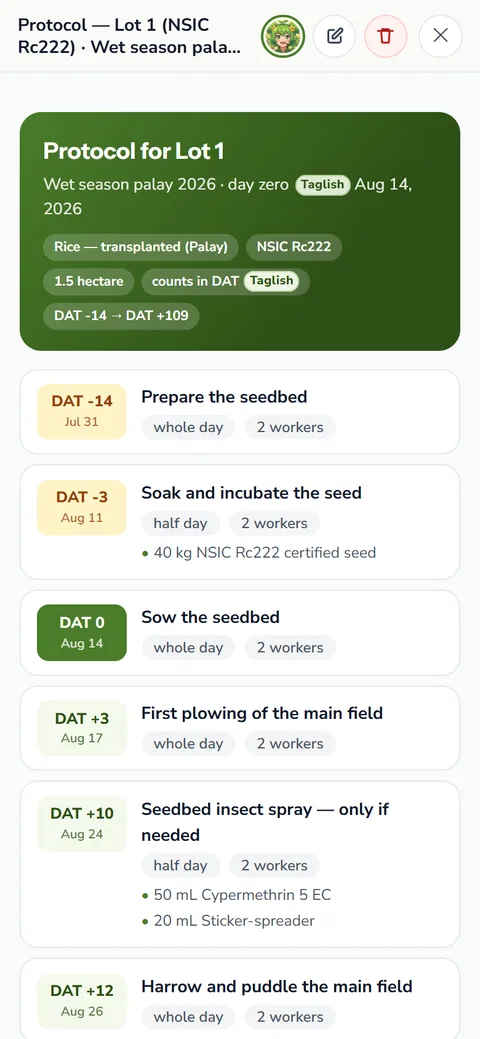
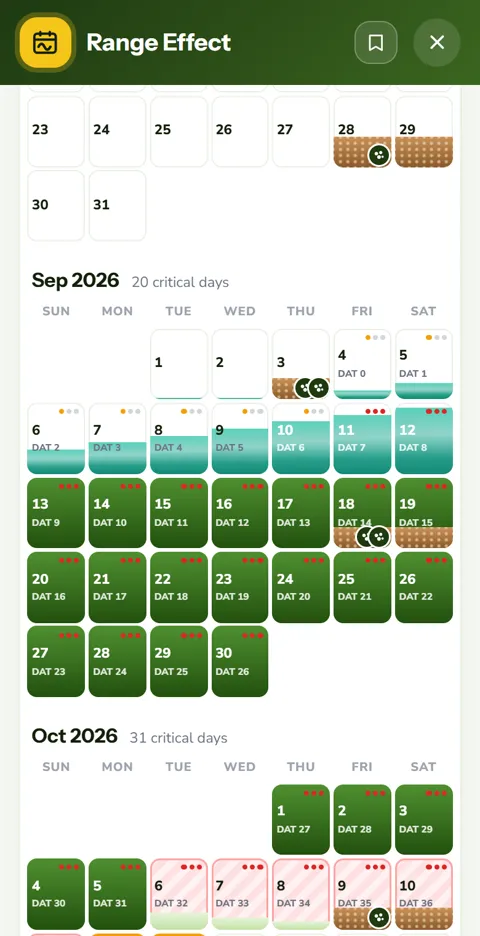
A day count range reads each row on its own lot. A transplanted lot counts DAT from its transplant day, a direct seeded lot counts DAS, and corn counts DAP. Fruit trees count their age in months. So one range, like DAT 0 to 45, gives you the early season cost of every lot at once, even if you planted them on different days.
Lines with no lot, like day book entries and stock buys, have no day count. That is why a day count range leaves them out, and the page tells you so as you set the range.
Reading the expenses report
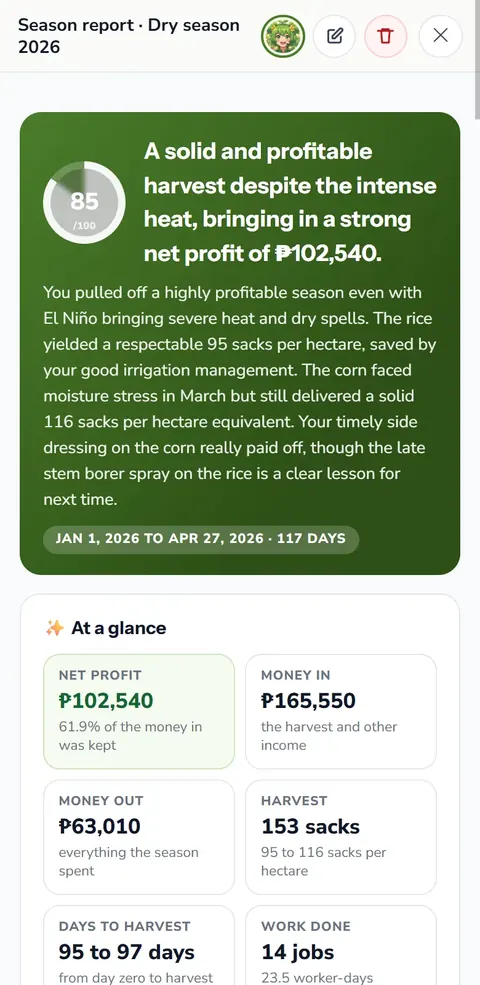
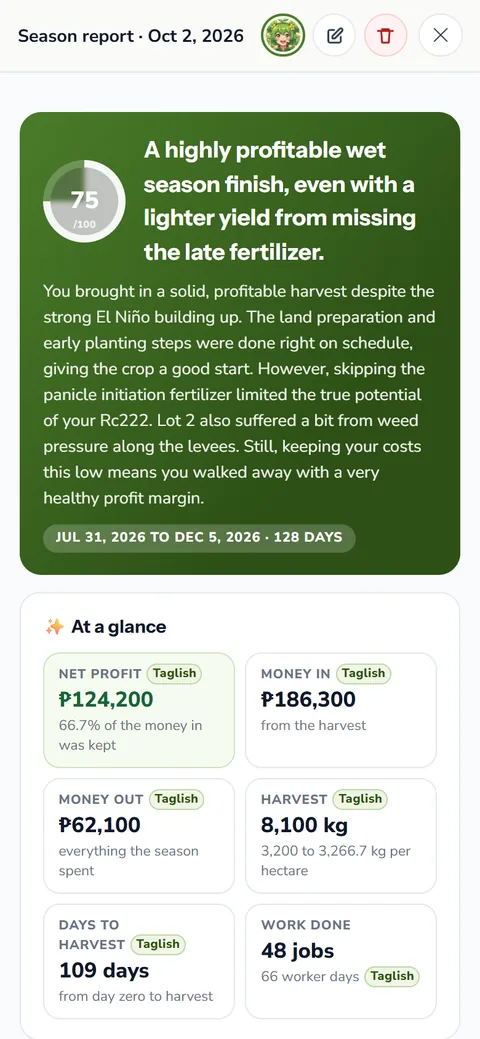
At the top sits the total spent, with your income and the net under it. Tiles show what each category cost. Next comes a month by month chart, green for money out and gold for money in. After that you get every entry, grouped by month, with its date and what it paid for.
This is where the fertilizer bill shows itself. If urea took the biggest bite, check the urea fertilizer price your dealer charged against the national average before you buy again.
Your farm expenses against the national figure
In 2024 the average cost of producing palay was 59,695 pesos per hectare, or about 14.52 pesos for each kilogram. Close to half of that went to labor. Your expenses report gives you your own cost per hectare instead of a national average, so you know which line to work on.
Your expenses report shows how many bags each lot really took. Put that next to a fertilizer calculation for the coming season, and you will know whether to buy more or less. A bag of 14 14 14 fertilizer you did not need is money you keep.
Saved, named and ready for Anee
The app keeps every expenses report you make on the Saved Reports tab, newest first. Give it a name, a short description and tags, so you find it next year. A filtered report also names what it covers, such as the lots, the day range and the categories.
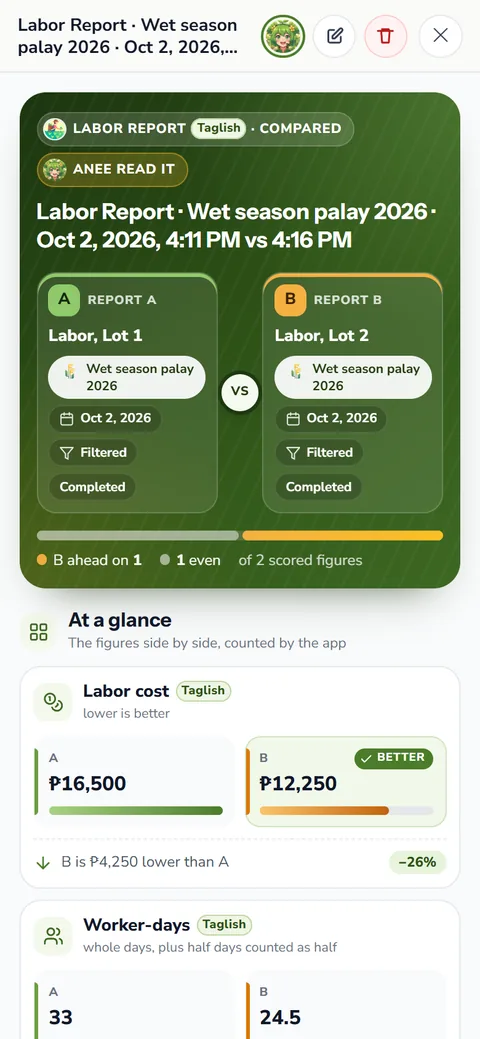
Open a saved report and tap Ask Anee. The chat opens with the report attached, so you can ask why one month cost so much or where to cut. Questions to Anee, the smart farm technician, run on credits. Saved reports also feed Compare Reports, where this season's spending stands beside the last.
Which plans have it
The expenses report comes with the Solo Farmer and Farm Owner plans. The free Libre plan has the labor report. On Farm Owner, a worker with view access to Reports can read the saved reports, while edit access lets them make new ones.
How the expenses report helps your crops and your farm
- Know where every peso went. Materials, services and labor, grouped so the big costs stand out.
- Cut what does not pay. With the costs laid out, you see which input to buy less of next season.
- Ready for a loan or a partner. A clean report of the season's cost helps when you talk to a lender, an insurer or a co owner.
- No receipts to add up. It is built from the board and the shed, so the numbers are there when the season ends.
Create a free account and keep your season on the board. Open the expenses report when you move to Solo Farmer or Farm Owner.
Create a free account