Farm Reports: Labor, Expenses, Profit and Your Season's Ani
The farm reports in anee.io add themselves up from the records you already keep on the board. Labor, expenses and profit come out of the season plan, and the harvest comes from your observations. Anee can then read all of it and tell you what to change next season.
Three money reports computed from the plan
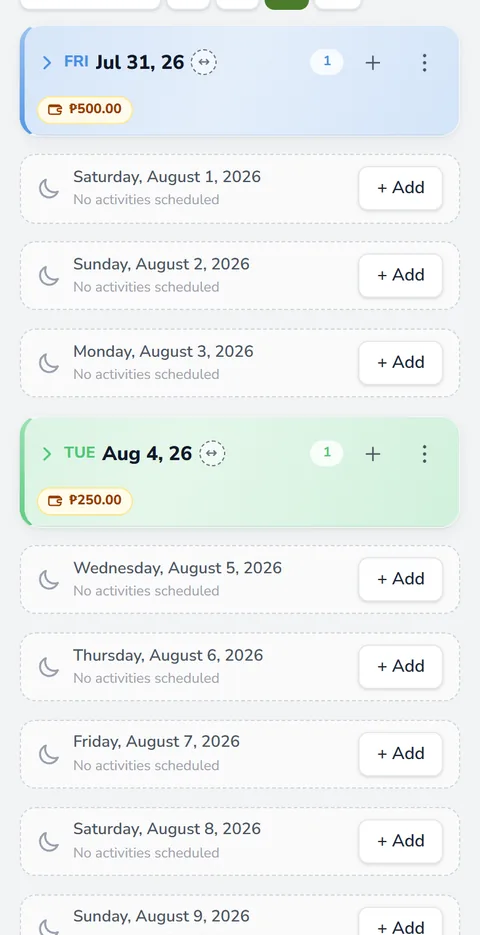
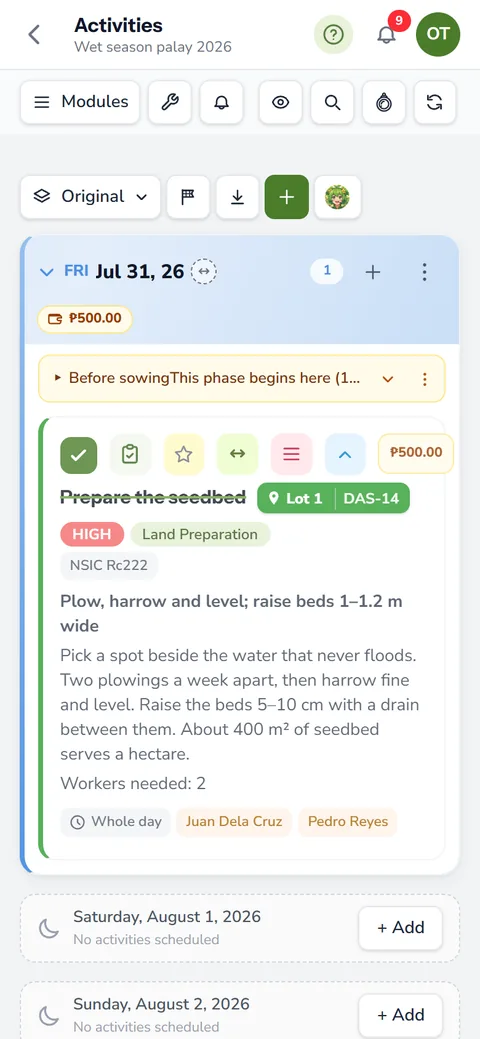
You do not type a report. Each one reads the tasks, workers, materials, services and day book of the season, so the numbers match what really happened on the board.
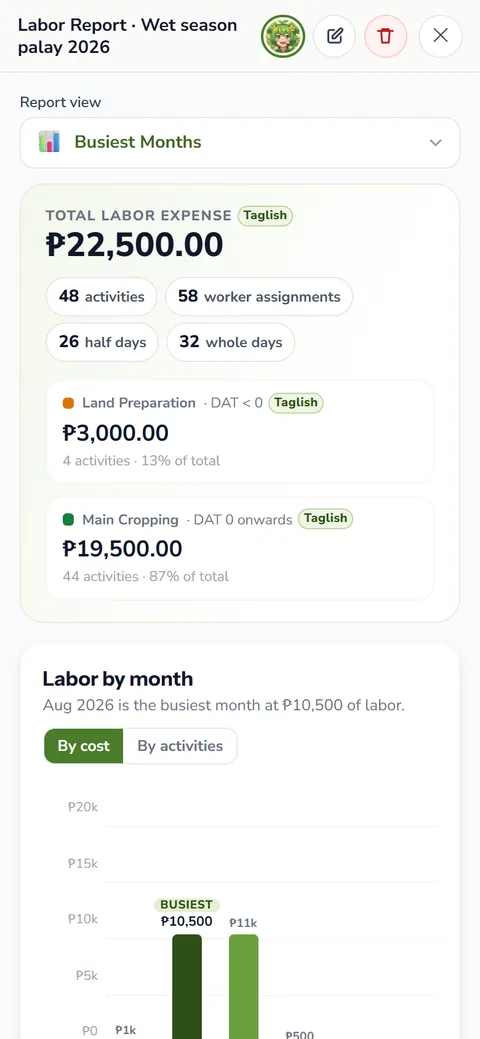
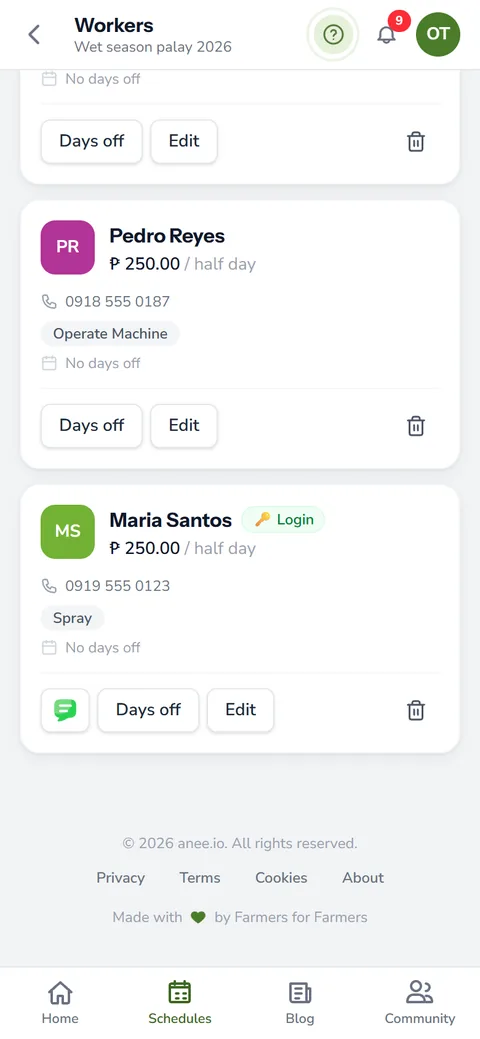
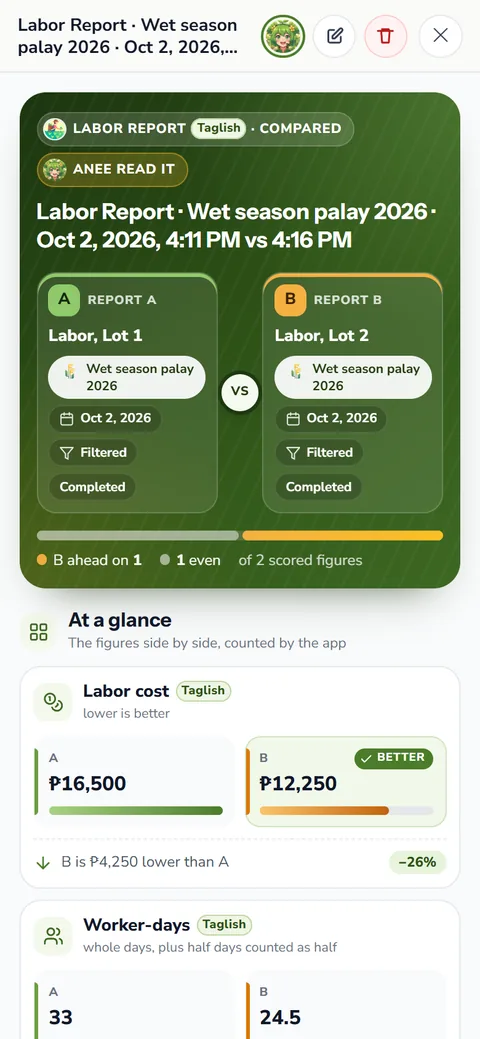
- Labor report: wages by activity type, by lot and by date range, down to each worker's pay
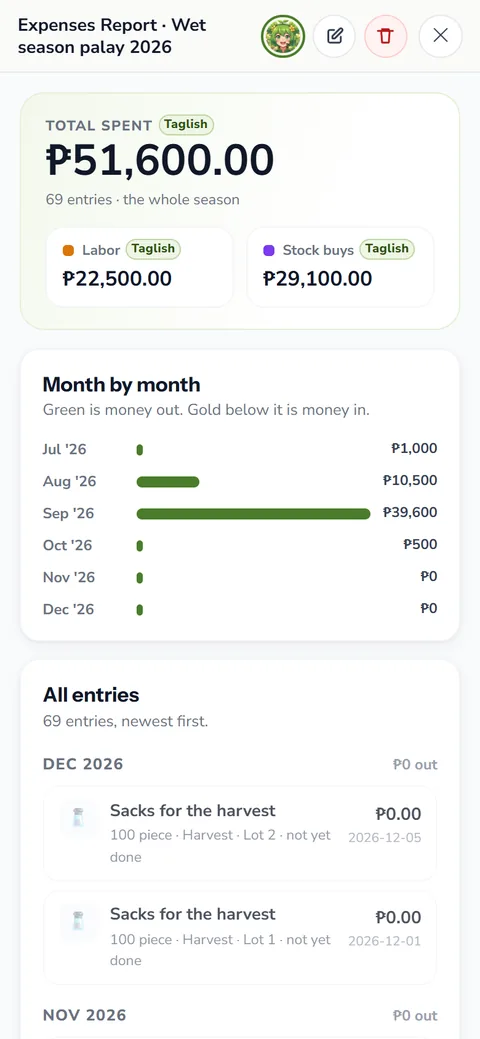
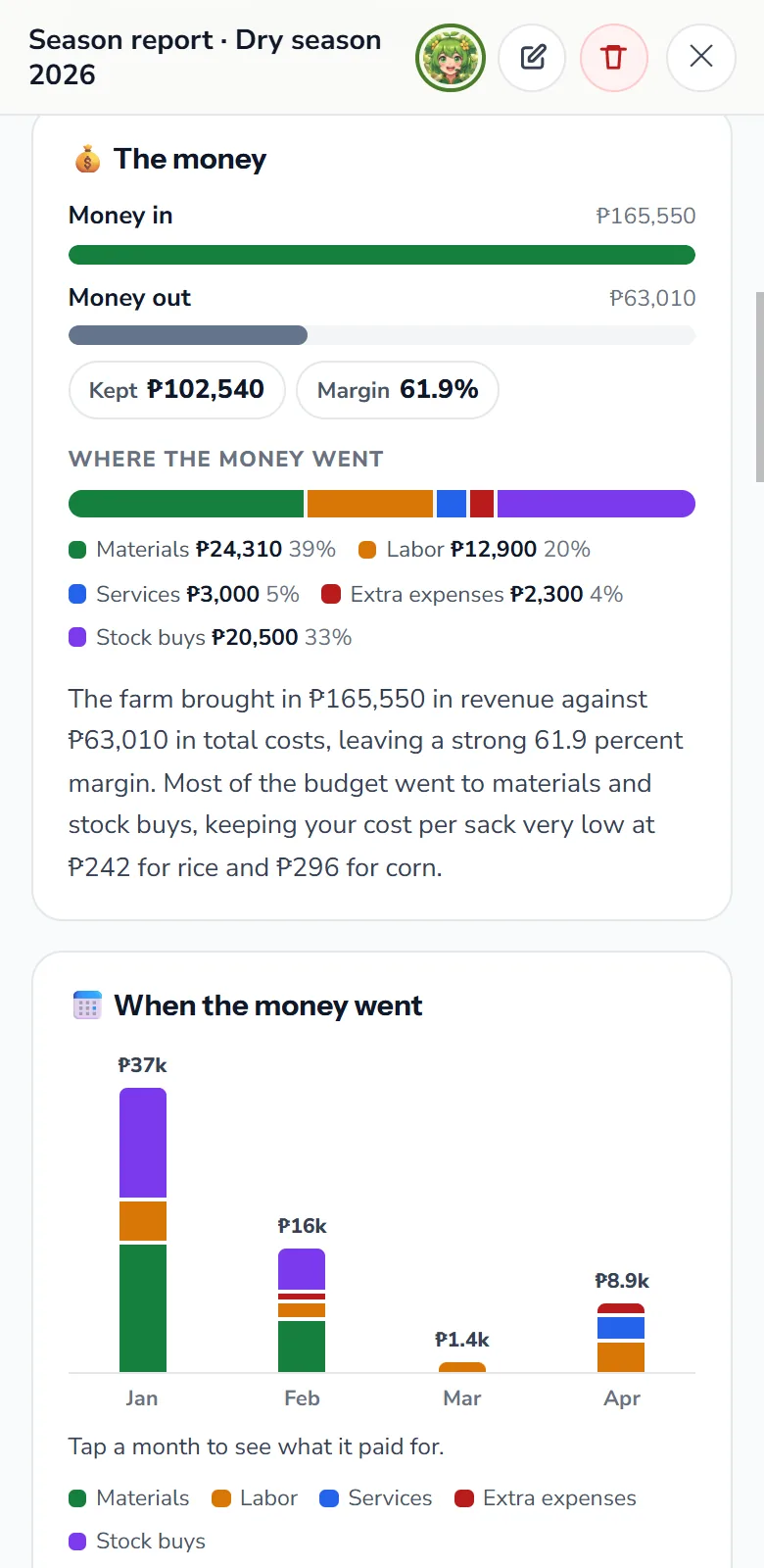
- Expenses report: materials, labor, services, extra expenses, stock buys and income, by category and by lot
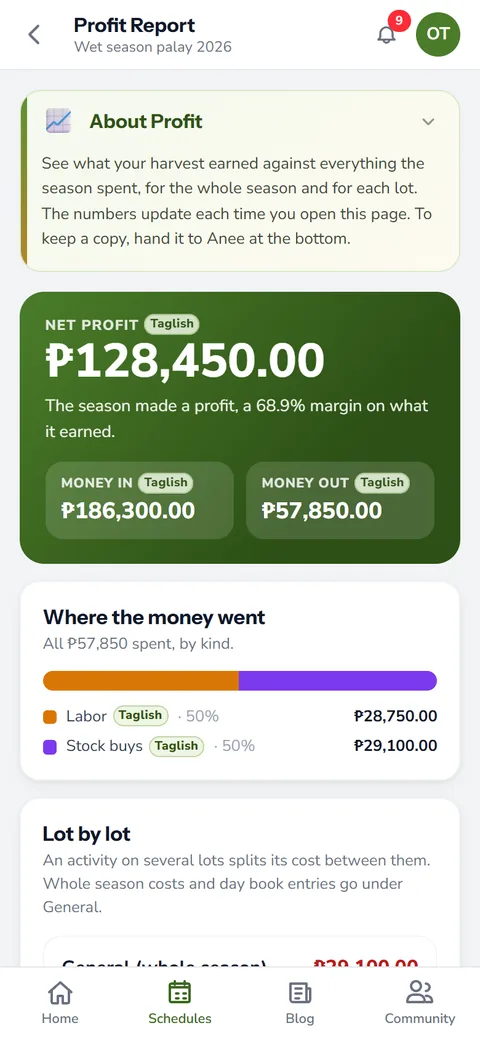
- Profit report: harvest income against everything the season spent, lot by lot
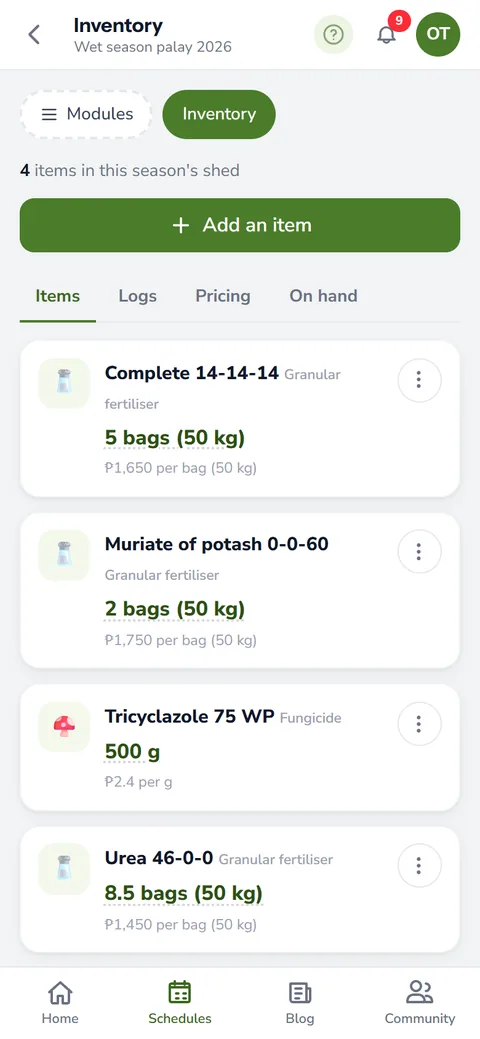
The three agree to the peso because they share one engine. If the labor report says your wages came to a certain figure, the labor line of the expenses report says the same. Costs come from your farm inventory and expenses and from the wages in farm workers and payroll.
Every plan has the labor report, including the free Libre plan. The expenses and profit reports come with Solo Farmer and Farm Owner.
Yield, buyers and prices in Observations
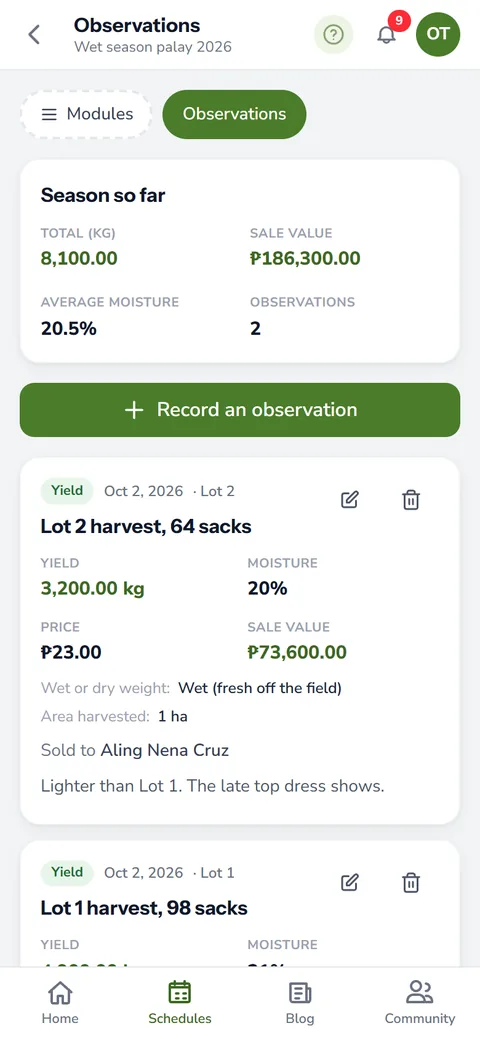
After harvest, record what came off each lot in the Observations module: the yield, who bought it and at what price. Add anything else you noticed after harvest while it is still fresh. The profit report needs at least one yield entry. Without one, it tells you so instead of showing a made up number.
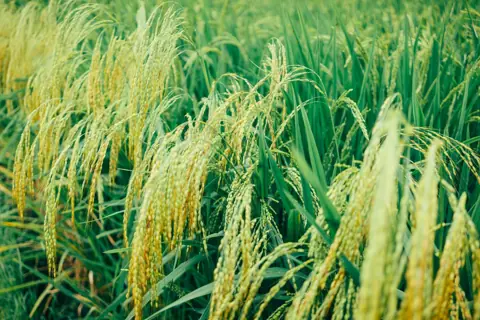
What crop yields mean
In Filipino we call the harvest ani. So what is the meaning of crop yields? It is the harvest you get from a given area. Farmers usually write it per hectare, in cavans or kilograms of palay per hectare. Yield per hectare lets you compare two lots of different sizes, or this season against the last, on fair terms. Our page on ani meaning goes deeper into the word. To judge the price a buyer offers, see palay price in the Philippines.
Anee's season report
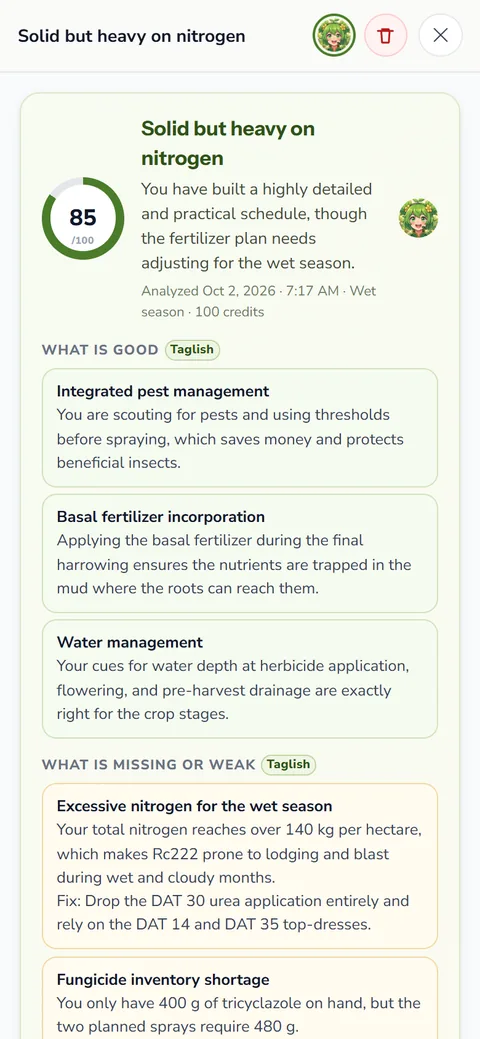
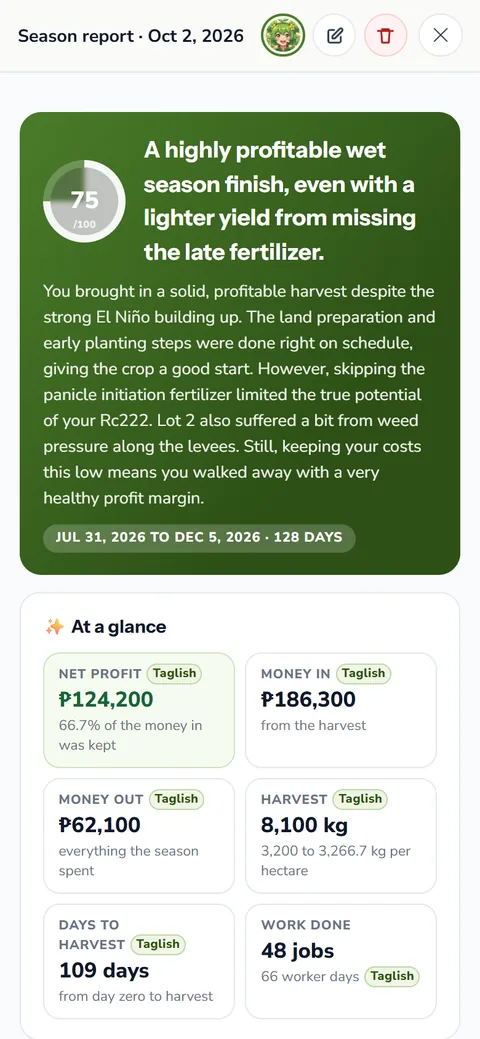
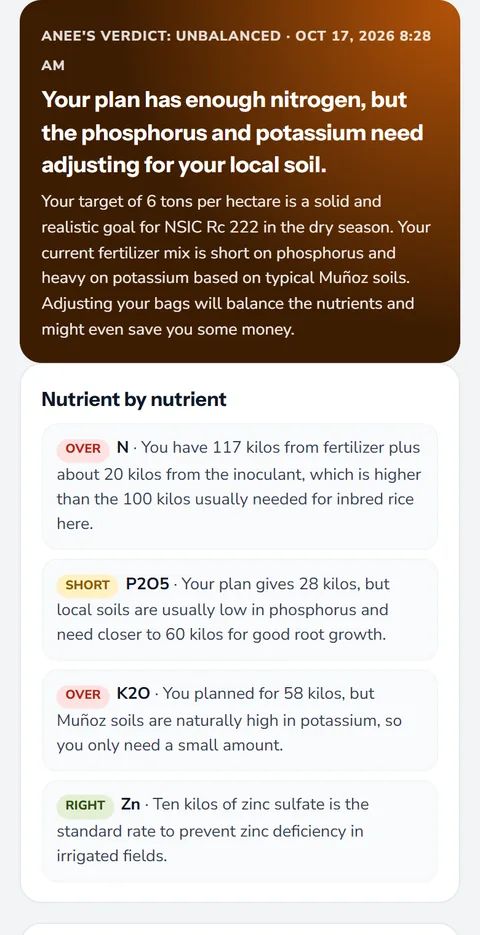
When the season closes, ask Anee for a season report. She reads the whole season: every activity, the money and your harvest records. She also looks at the weather your lots went through and your past seasons of the same crop. Then she writes the story of it, with a score, what went well, what went wrong and what to change next time.
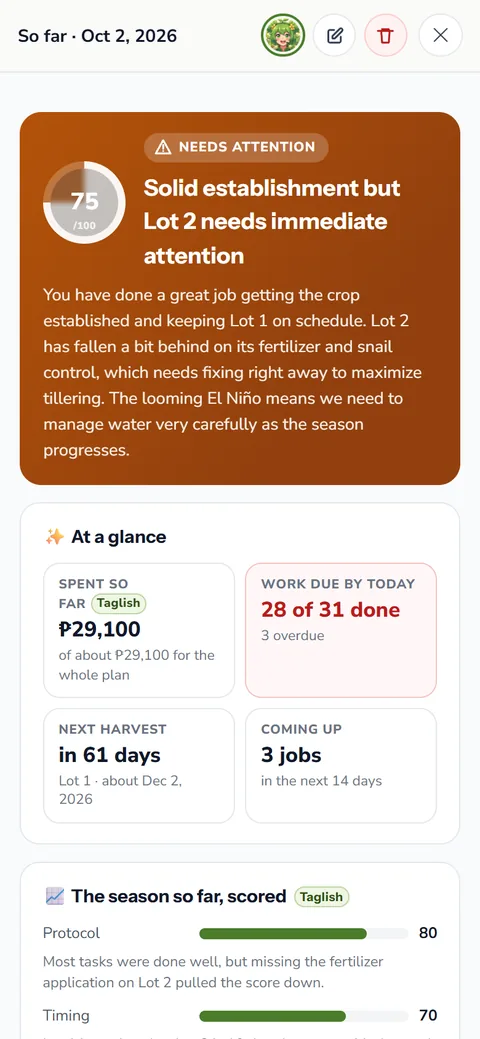
Mid season, Analyze So Far does the same for one lot. It tells you if the lot is on track, needs watching or needs rescue. Both run on credits, like everything Anee, the smart farm technician does.
Compare Reports, season against season
Pick two saved reports of the same kind, like the profit of this dry season and the last. Compare Reports lays one above the other. If you want, Anee reads the pair and points out the differences that matter. That read runs on credits, and the price shows before you confirm.
Saved farm reports stay on the shelf
Every report you generate stays on the season's shelf. Rename it, add a description and tags, and open it again any time. You can also attach a saved report to a chat with Anee and ask about it directly.
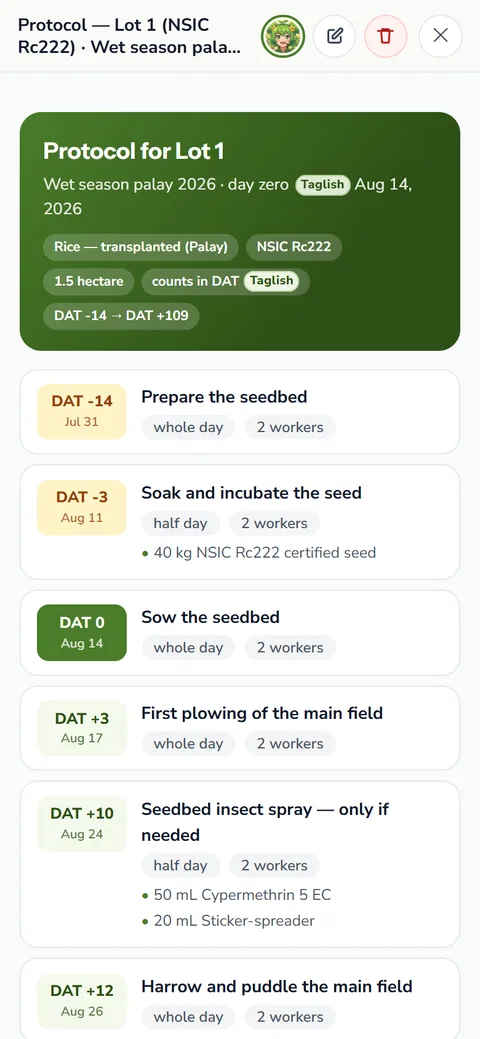
View as Protocol turns a finished lot's done tasks into a clean list on its day count. It is useful when you sit down to write next season's plan.
A report is as good as the board behind it. Tick tasks done on the day, log purchases when they arrive and enter every harvest, and the numbers will match your wallet.
How farm reports helps your crops and your farm
- Know if the season paid. Labor, expenses and profit are counted from your own records, not guessed.
- See the yield the fair way. Yield per hectare lets you compare lots and seasons of different sizes.
- Learn what to change. Anee's season report and the comparisons point to the steps that cost you most.
- Records that open doors. Clear reports help with loans, insurance and talks with buyers or partners.
Sign up free and start keeping the records your farm reports will read.
Create a free account