Farm Photo Gallery: Every Photo, Clip and Drawing From the Season
The farm photo gallery in anee.io fills itself. Every photo, clip, drawing and map the season makes lands there, from planting to harvest. Make albums for what you want to keep together, like the harvest or the lot that did best. The Global Gallery then shows every season at once.
Four shelves in each season's gallery
Open a season and go to Gallery. A button at the top says which shelf you are on, and a tap opens the others.
- All Media: every photo, drawing and map from this season
- Albums: groups of pictures you put together yourself
- Videos: every clip from notes, days, the Collab Room and Quick Record
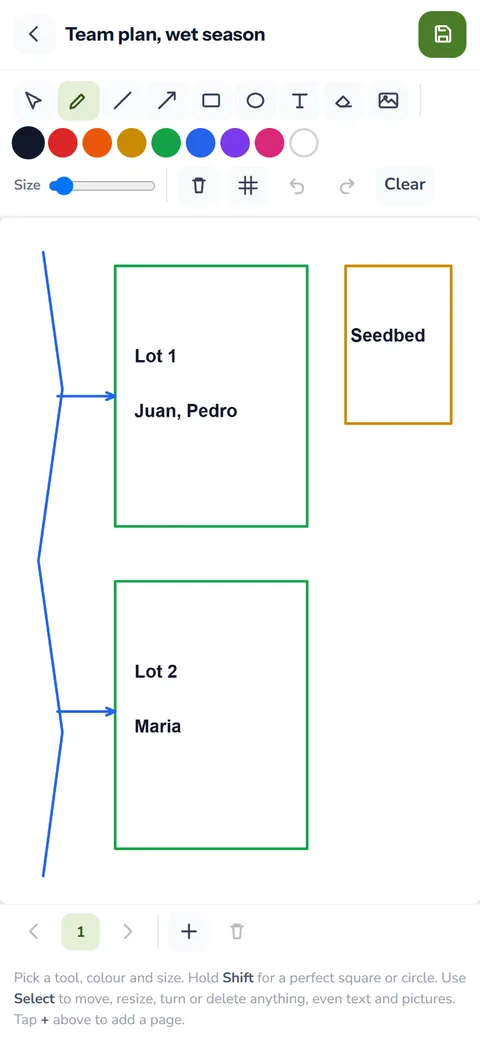
- Team box: call and camera recordings, whiteboard drawings and team maps from the Collab Room
On All Media, each tile says where the picture came from and when, like Note, Day note or Activity. Chips along the top narrow the shelf to one source, and the search box finds a picture by its name. Photos and clips open full size. Drawings and maps open where you can keep working on them.
Albums you make on purpose
The rest of the gallery fills itself, but an album is your own choice. Tap New album and give it a title and a short description, like 'Flooded corner, August'. Then add pictures from your phone, several at a time.
To tidy up, tap pictures to pick them, then move them to another album or delete them. You can also rename any album picture and add a description. A year from now it still says what it shows. Delete an album that still holds pictures and the app asks first, so you can move the keepers out.
Album ideas for a rice season
- Your palay seedlings in the seedbed, one photo every few days
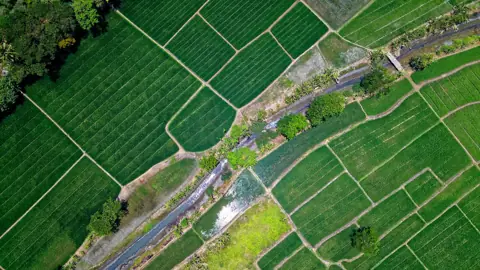
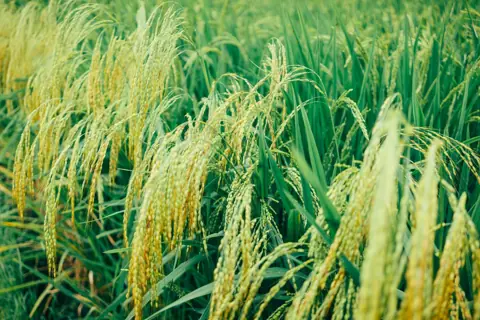
- One palay picture of the same spot each week, from tillering to harvest
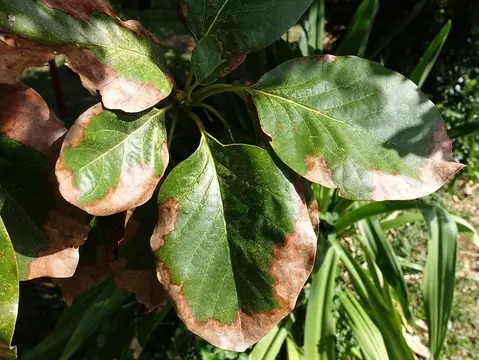
- A problem you are watching, like rats on one bund or yellow leaves in one corner
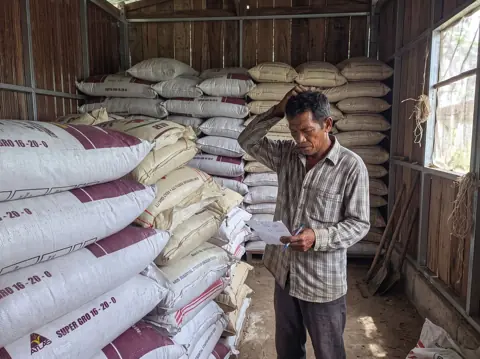
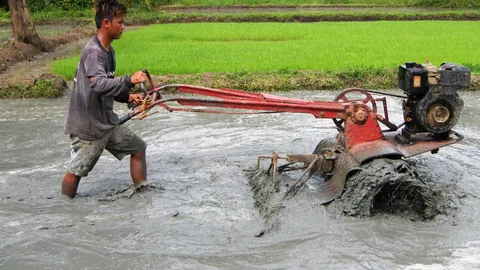
- The harvest: the cutting, the threshing, the sacks and the weighing
- The lot that did best, so you remember what worked
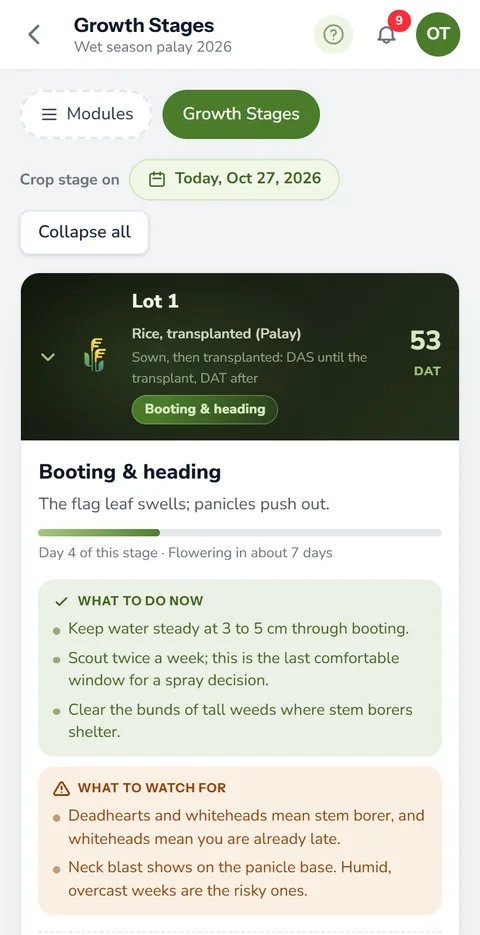
A palay image from the same spot every week shows the crop's progress better than memory. Then set it beside the growth stages and weather of that lot to see if the crop runs on time.
How pictures reach the farm photo gallery
You rarely add a picture by hand. Photos on notes, day notes and activities show up on their own, and so do drawings and saved maps. Quick Capture can also send photos straight to an album instead of a note. After you film a clip in a note, the app asks its name and can file it in an album.
A palayan drawing (a sketch of your rice field) made on the Draw pad lands in the gallery as well. So does every map you save in farm maps.
Use a picture again without taking it twice
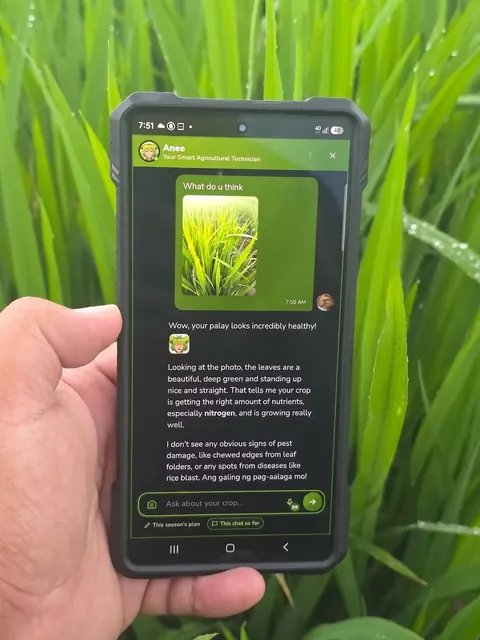
The gallery also works the other way. When you add photos to an activity or to your harvest records, tap Choose from the gallery. It lists what the season already has. Pick one and the same picture sits in both places. The Draw pad can also open a gallery picture to draw over. You can even show one to Anee in chat.
Every season in one Global Gallery
The Global Gallery, opened from the tools on your dashboard, puts every season on one shelf. All Media, Albums, Videos and Team box work as they do inside a season. Each tile names the season it came from. A Voice shelf plays every voice recording, Quick Voice notes included. One search box looks across all of it.
Albums are read only there. To make or change one, open its season's gallery.
Plans and storage
The gallery is on every plan. Video recording comes with Solo Farmer and Farm Owner. The Collab Room that fills the Team box is a Farm Owner feature. Your plan also sets the storage: 1 GB on Libre, 6 GB on Solo Farmer, 15 GB on Farm Owner.
A photo called IMG 2041 tells you nothing next year. So give each picture a title with the lot and what it shows, like 'Lot 2, tillering, day 30'. Later, search finds it by those words. For the story behind the photo, write farm notes.
How the farm photo gallery helps your crops and your farm
- See how the crop changed. Photos by date show the season's progress, so you spot what went wrong and when.
- Proof for buyers and programs. A clean album of the crop and the harvest helps when someone asks how it was grown.
- Find any picture fast. Albums and tags bring up the right photo without scrolling a whole phone.
- Pictures that work again. A saved photo can go on a task or a record without taking it twice.
Sign up free. The gallery, albums and the Global Gallery are on every plan.
Start free