Pest Identification Made Simple: The Pest Finder, Disease Finder and Weed Control Helper
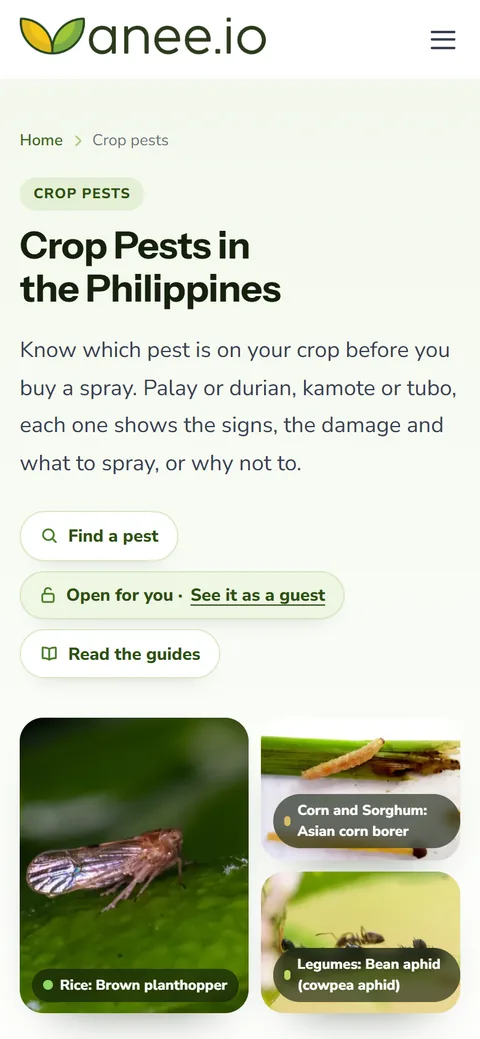
The Pest Finder, the Disease Finder and the Weed Control Helper turn pest identification into a few taps. Pick your crop and what you see in the field, and anee.io lists the pests, diseases or weeds that fit. Each one comes with its page and the active ingredients that work on it. They live inside anee.io, one tap away on your dashboard.
Pest identification in two taps
Open the Pest Finder in anee.io and pick your crop first. The crop button opens a list of every crop anee.io knows, shelf by shelf: palay, mais and sorghum, the beans, the root crops, the vegetables, onion and garlic, sugarcane, pineapple and the fruit trees, from coconut and banana to durian and dragon fruit. Search it by its Filipino or English name, like kamote or sweet potato. Then tell it where you see the damage. Choose the leaves, the stems, vines or trunk, the grain, panicles or ears, the fruits or pods, the roots or tubers, young seedlings or the whole plant. A choice with nothing for your crop turns grey, so you never land on an empty list.
Each pest that fits comes back as a card, the worst for your crop first, with its photo, its kind (insect, mite, snail, rat or bird) and one line on the damage it leaves. Tap the card to open its page in our catalogue of crop pests: a full guide with the signs, when to act and what to do first, or a short fact sheet with its names, the crops it attacks, what to spray and the sources behind it.
What to spray, by active ingredient
Under each card sits What to spray: the active ingredients that work on that pest, each with its IRAC group. That group number tells how an insecticide kills. For the brown planthopper, for example, the card shows pymetrozine in IRAC group 9B. Switch to a different group next time, so the pest does not learn to survive it. Where no spray helps, the card says why instead.
For palay younger than 30 to 40 days after transplanting, the finder also tells you to hold the insecticide unless a pest is at outbreak level. Early sprays kill the spiders and wasps that protect your crop.
The Disease Finder
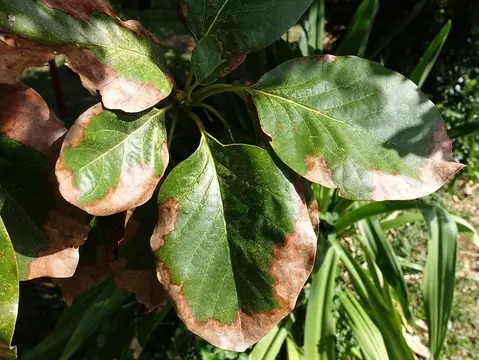
The Disease Finder works the same way, but it asks what you see. Pick spots or streaks, large dead patches, wilting, yellowing, stunted plants, rotting, powdery or fuzzy growth, or curled and mottled leaves. Back come the diseases that look like it, from fungi and bacteria to viruses and nematodes.
Fungicides come with their FRAC group, the fungicide version of the IRAC number. No spray cures a virus, so for rice grassy stunt the card says exactly that. Then it tells you to control the brown planthopper that carries it.
The Weed Control Helper for every crop
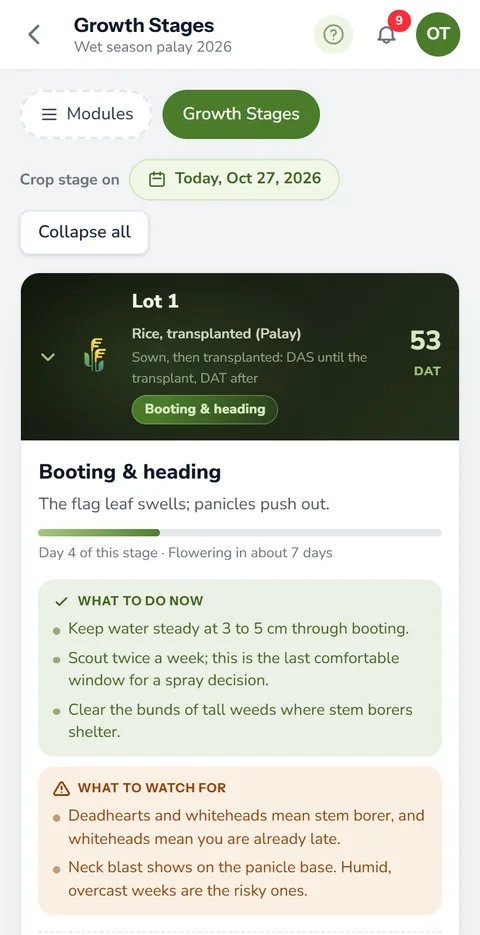
Weeds follow the age of the crop, so the Weed Control Helper asks about your crop first. Pick it from the same list of crops. For palay it asks how you planted: lipat tanim (transplanted) or sabog tanim (direct seeded). Next it asks how old the crop is: from 0 to 5 days up to 31 to 40 days for palay, from before planting to the last weeding for mais, beans, root crops, vegetables, onion and sugarcane, and from young trees to bearing trees for an orchard. Then pick the weeds you see: grasses, sedges or broadleaves. A short hint under each group helps you tell them apart.
The answer opens with Do this first, the steps for that age, like keeping the soil wet after transplanting palay or hilling up corn at 4 to 6 weeks. Then come the active ingredients for the weeds you picked, each with its group number. A note in brackets says when one is safe on only some crops, like yellow corn only, or must be sprayed with a shield so it never touches the crop. Pick two or three groups and you get only the ones that work on all of them. If none covers them all, each group gets its own list. Where no herbicide fits that age, the helper tells you to weed by hand.
The lists follow the usual recommendations for palay and for the other crops. Our herbicide guide explains the groups.
Many pests and diseases look alike, so check the signs on each page before you spend on a spray. Use only products registered with the Fertilizer and Pesticide Authority, and follow the label for the rate, the timing and your safety. The helpers name active ingredients only, never brands and never a rate.
Inside the app, and when you are still not sure
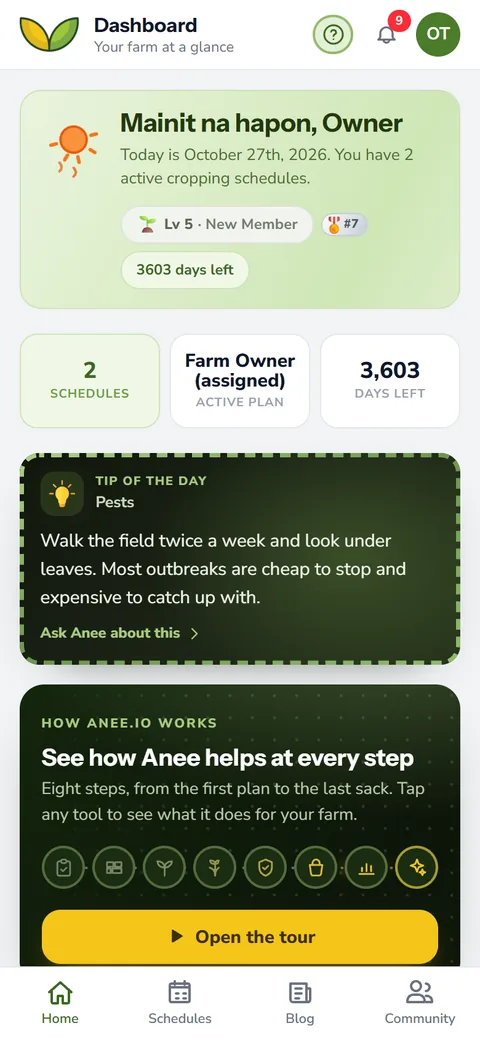
Open all three from the tools on your dashboard, with a switch at the top to jump between them. Each opens on the crop of your newest season. They come with Libre plus Anee and every plan above it.
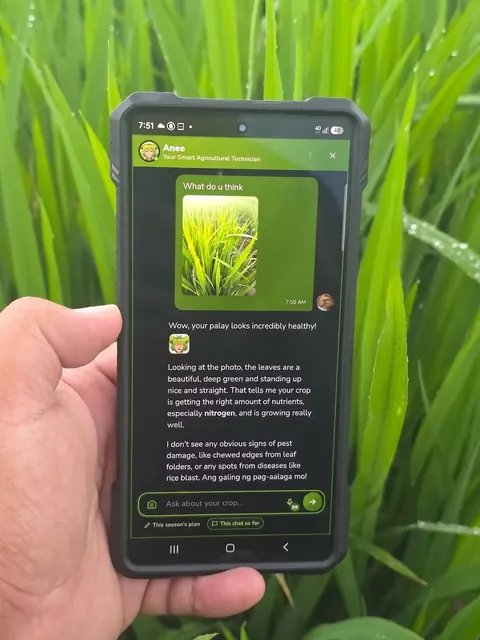
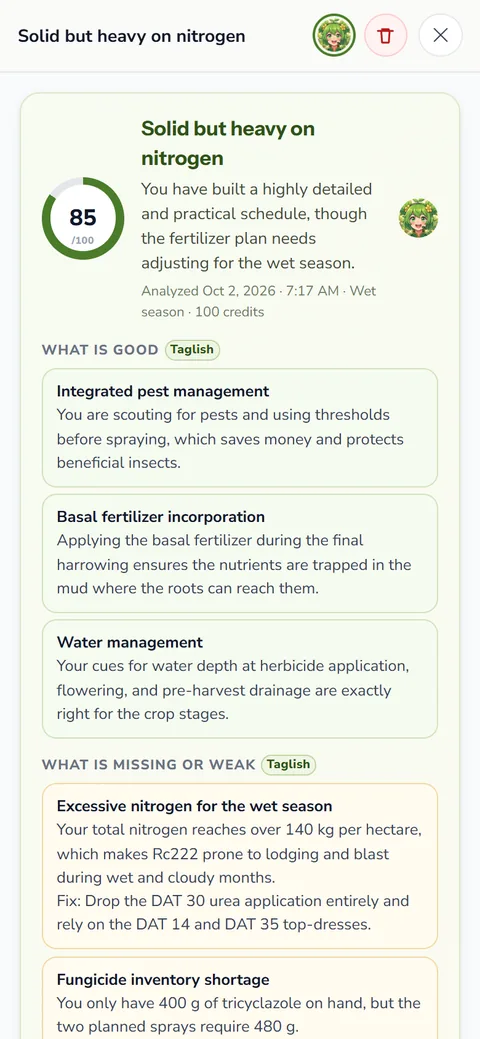
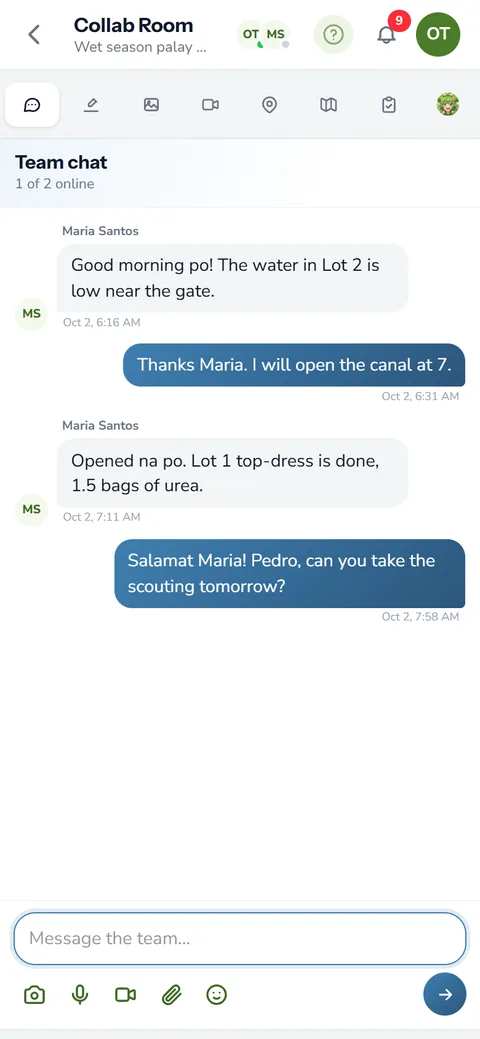
Still not sure? Take a clear photo and send it to Anee, your smart farm technician, on a plan with Anee. She reads it with your crop, its age and the weather, then tells you what it most likely is and what to check next, in Tagalog or English. For the bigger picture, read our guide to integrated pest management.
How the finders helps your crops and your farm
- Know the pest before you spray. Pick the crop and the damage, and the finder names what fits.
- Spray what works. Active ingredients by group, with products sold here, so you buy what controls the problem.
- Less resistance and less waste. Knowing the group helps you rotate and avoid sprays that stop working.
- Weeds handled at the right age. The weed helper fits the advice to your crop's age.
Sign up, add your season, and keep the Pest Finder, Disease Finder and Weed Control Helper one tap away inside anee.io.
Sign up