Is a Farm Record Keeping App Better Than Writing Records in a Notebook?
A farm record keeping app beats a notebook once you hire workers, plant more than one lot or want your real profit, because it adds up labor, expenses and sales for you. For one family lot with few inputs, a notebook kept every day is still enough. Built for Filipino farmers, anee.io keeps records on the phone even without signal and turns them into reports, starting with a free plan.
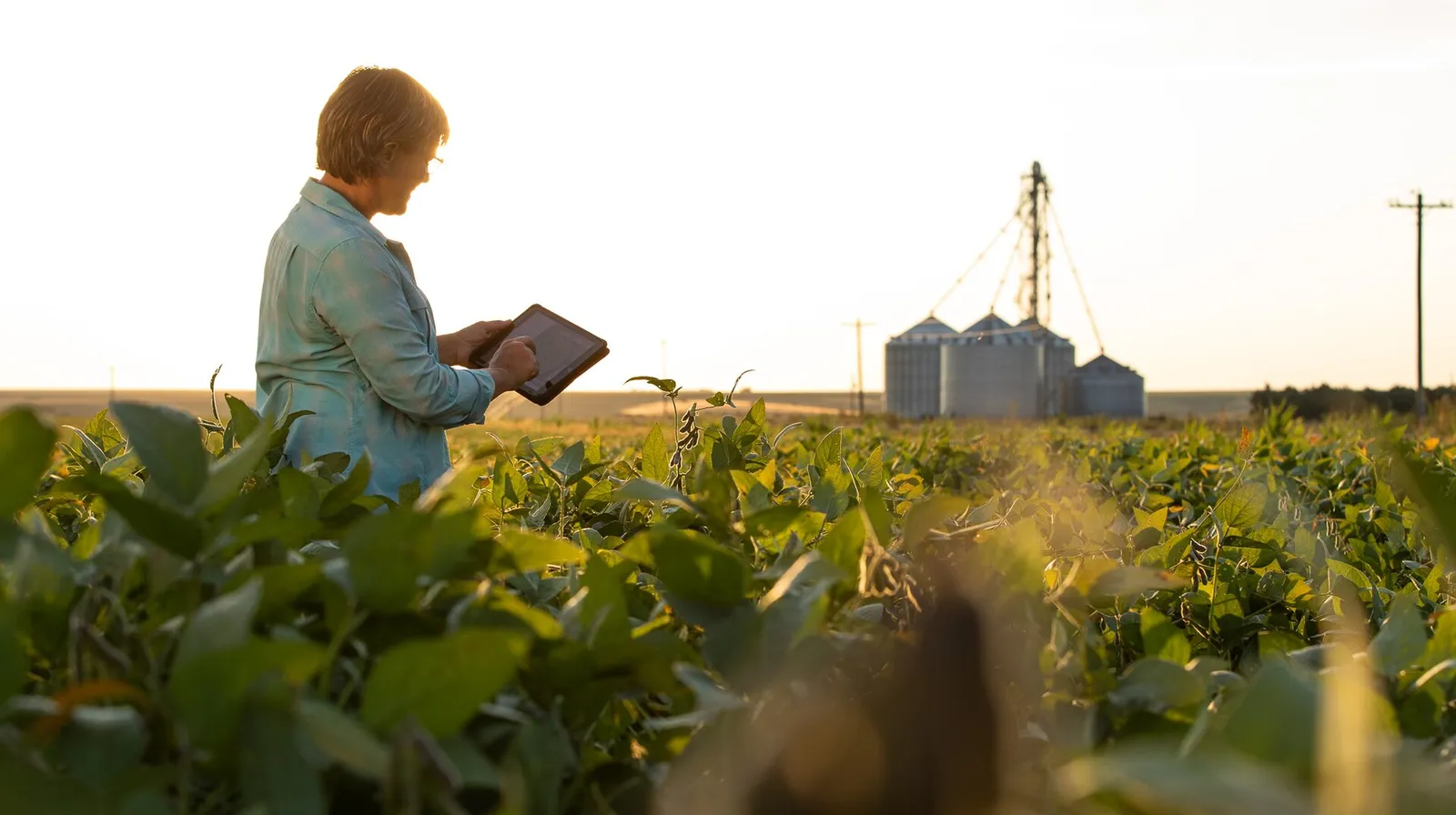
The notebook is not the enemy. Use a record form or a field notebook, and do not rely on memory. What matters is that the record exists, written on the day.
The real difference shows after you write. A notebook holds the facts, but it does not add them up, warn you or keep a photo. The number of records a farmer needs also grows as the farm sells more. So the right tool depends on your farm, not on what is new. For what to record in the first place, start with our guide to farm record keeping.
Key points
- A notebook works for one lot, family labor and a few inputs, if you write in it every day.
- A spreadsheet adds up for you, but it usually gets filled in at night, from memory.
- A farm record keeping app adds up labor, expenses and profit on its own, keeps photos and works offline.
- Switch at the start of a season, and carry over only the numbers you will compare.
Farm app vs notebook: how do they compare?
Here is a fair comparison of the three common ways to keep records, on the points that matter in the field.
| What matters | Notebook | Spreadsheet | Farm record keeping app |
|---|---|---|---|
| Cost to start | A few pesos | Free, if you own a computer or phone | Free plans exist, paid plans add more |
| Needs signal or power | No | Power, and usually a laptop | A charged phone, and good apps work offline |
| Adds up labor and costs | By hand, with a calculator | With formulas you set up | On its own, into reports |
| Photos and voice notes | No | Links at best | On the task, the day you take them |
| Rain, flood or a lost bag | The season can go with it | Safe if you back it up | Saved online once it syncs |
| Your foreman or partner | Only whoever holds the book | Whoever gets the file | Logins or a shared plan link, by plan |
| Ease for anyone | Very easy | Needs computer skills | Needs a phone and some practice |
| Season against season | Flip through old pages | Copy and compare sheets | Two seasons side by side |
Here is the trade. Paper needs no computer and costs little, but it limits what you can analyze unless you spend a lot of time. Software saves time because it does the math for you. Even so, you need basic computer skills and time to learn it.
When is writing farm records by hand good enough?
Writing farm records by hand still works well on many Filipino farms. Keep the notebook if all of these are true.
- You farm one lot, mostly with family labor.
- You buy inputs a few times a season and pay in cash.
- Someone reads the book every week, not only at harvest.
- At harvest, you already work out what each cavan cost you.
Signs you have outgrown the notebook
- You hire a crew paid by the day, and pay day takes an hour of adding.
- You plant two or more lots on different days, so their tasks no longer line up.
- Inputs come on credit, and you lose track of what you owe the store.
- You run the farm from town. Our guide to managing a farm remotely covers that.
- A lender or insurer asks for proof. See farm records for loans and insurance.
What does a farm record keeping app add?
Records that add up by themselves
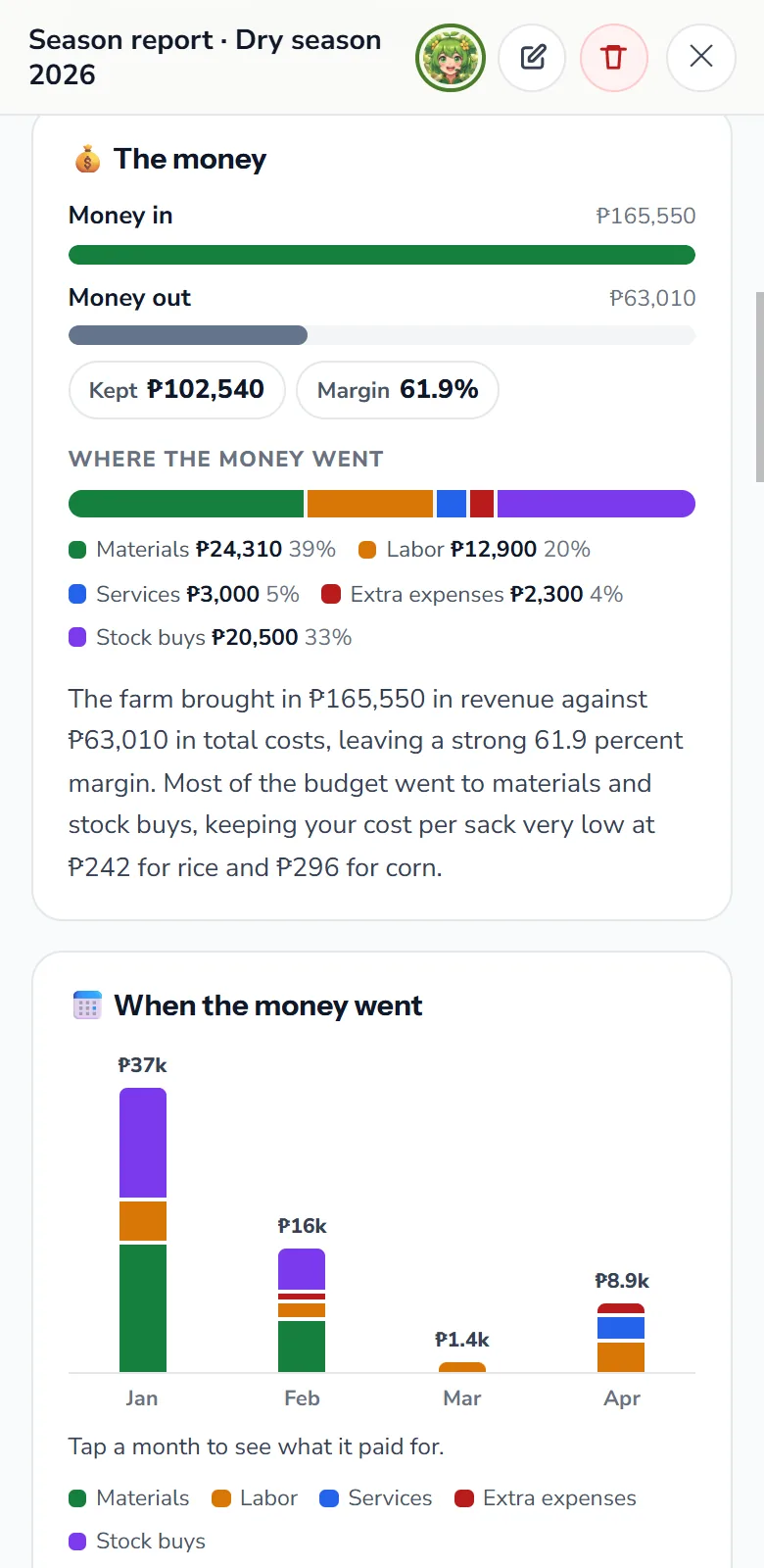
In anee.io, each task on the board carries its lot, date, workers and materials. When you tick it done, the labor cost adds itself up, and on Solo Farmer the shed also takes the fertilizer out of stock. The labor report comes with the free plan, and Solo Farmer adds the expenses and profit reports. All of them build from those ticks, so you never type a cost twice.
That sum matters more than it looks. The average cost of producing palay in 2024 was PHP 59,695 per hectare, or PHP 14.52 per kilogram. Your own records show if your farm spends more or less than that, and on what.
Photos and video on the task
Quick Capture saves a photo, Quick Voice saves what you say as a note, and Quick Record takes a video. Each one lands with the season, so you find it later. Photos come with every plan, while video recording comes with Solo Farmer.
It works where the signal does not
Offline mode is on for every plan, the free one too. You tick tasks and write notes in the paddy, and the app keeps the changes on the phone until the signal returns. Our guide to a farm app without internet tells you what to test.
The plan comes to you each morning
At 6 AM each day, the day's plan goes to the team by email: what to do and on which lot. A notebook only reminds you if you open it. With Cash to prepare, you can also tap any day and see the wages, materials and stock to buy, so the money is ready before the work.
Nothing gets lost
Once your records sync, a wet bag or a lost phone does not take the season with it. Sign in on another phone and the season is there. Your own tags, such as Buyer or Lot 2, then find any task, note or photo in one tap.
How do I switch from a notebook to an app without losing old records?
Keep the old notebooks
Store them somewhere dry. Then photograph every page, so a copy also lives on your phone. Our guide on how to digitize farm records goes further.
Pull out the numbers you will compare
For each past season, write down the yield per lot, the price, the buyer and the main costs. Those few lines matter more than every page.
Start at the beginning of a season
Add your lots with their crop, variety, size and planting day. If you start halfway, the season ends up half on paper and half in the app.
Save last season's totals in a note
Type the numbers from step 2 into a note in the new season. Then your first reports have something to compare with.
Run both for two weeks
Write in the notebook and tick in the app. At the end of each week, check that they match, then let the app take over.
Name one person to keep the records
Pick who ticks the tasks each day, you or the foreman. When everyone is in charge of the records, nobody keeps them.
Even if you stay with paper, take a photo of the week's pages every Sunday. Then a flood, a fire or a lost bag cannot take the whole season. It costs nothing, and it is the first step toward records on the phone.
Sign up free, add your lots, and let each task you tick become a record that adds itself up.
Start free