How Do I Share the Farm Plan With Workers on Their Phones?
The simplest way to share the farm plan with workers is to send each day's tasks to their phones the evening before. Use a form they can open without an account. With anee.io, a farm app built for Filipino farmers, you can share a public link to the plan, a day or a task. Your team also gets the day's plan by email at 6 AM, and the people who need more can have their own login.
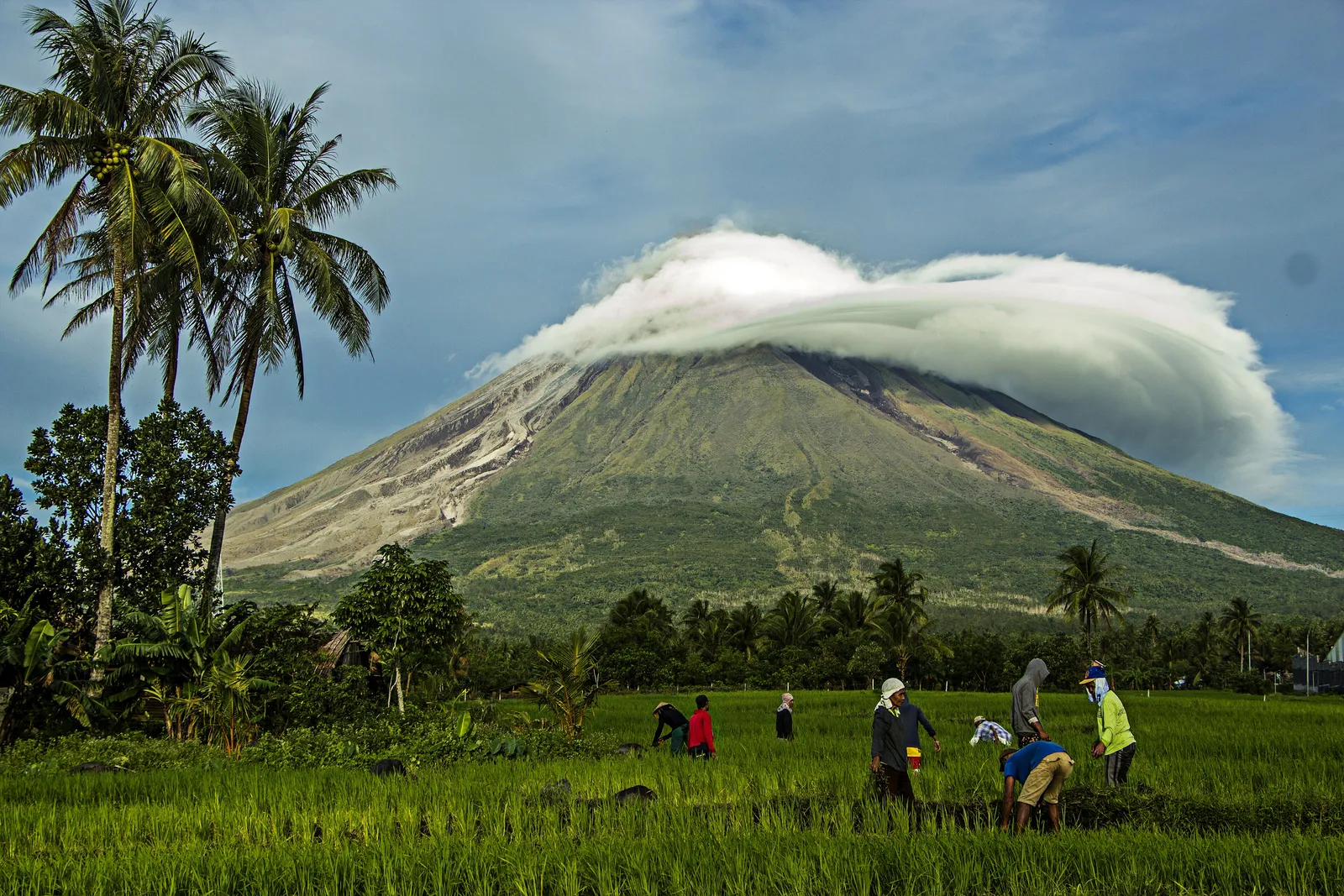
A plan that lives only in the owner's head, or in a notebook at home, reaches the field late. Workers wait for instructions, a spray goes on the wrong lot, or the crew turns up on the day it rains. That hurts on a rice farm, because hired workers do about three quarters of the labor. Putting the plan on their phones fixes most of it.
Most workers can already open it. In the 2024 national ICT household survey, 67.3 percent of Filipinos aged 10 and over had used the internet. Of those, 98.8 percent went online with a cellphone. Still, not everyone has load every day, so plan for workers with and without data.
- Send it the night before or early in the morning, so the crew knows where to go.
- Show only what they need: the date, the lot, the task, the materials and who is on it.
- Use a link anyone can open, without an app or an account, for casual workers.
- Give logins only to those who need them, like a foreman or a partner.
- Have a plan for no signal: a foreman's phone that works offline, or the plan read out at the gate.
What should the plan on a worker's phone show?
Keep it short. A worker standing at the dike needs to know what to do, not the whole season. Each task should answer five questions.
- When: the date, and the start time if it matters.
- Where: the lot, named the way your workers name it.
- What: the task, like top dressing, weeding or spraying.
- With what: the material and the rate, for example 1 bag of urea on Lot 2.
- Who: the people on the task, and who to call if something goes wrong.
Which way should I share the farm plan with workers?
| Way | What the worker needs | Best for | In anee.io |
|---|---|---|---|
| Public link to the plan, a day or a task | Any phone browser, no login | Casual crews, cofarmers, a Facebook or WhatsApp group | Share the plan |
| Email of the day's plan at 6 AM | An email address | Your regular crew and foreman | Morning plan email |
| Today's or tomorrow's work by email | An email address | A change of plan, sent when you need it | Share the plan |
| Their own login | Data and a login | A foreman, partner or family member | Team logins with none, view or edit per module (Farm Owner) |
| Team chat for the season | Data | Daily talk, photos and voice notes | Collab Room (Farm Owner), or the chat app you already use |
For most farms, a public link in the crew's group chat plus the morning email covers everyone. Add logins later, once someone besides you needs to tick tasks or record attendance.
How do I share tomorrow's plan in anee.io?
Build the season on the board
Add each task to the cropping calendar. It dates every task from each lot's own day zero.
Put workers on the tasks
Assign people to each task, so the plan says who goes where.
Share the day as a link
Open tomorrow and share it as a public page. Post the link in your crew's group chat. Anyone can open it, no login needed.
Or email the work
Send today's or tomorrow's work by email to your workers, or send the plan to a cofarmer in the app.
Let the morning email run itself
Every morning at 6 AM, the morning plan email sends the team the day's work and the lot for each task.
Get reports back
Workers with a login can tick tasks done and add a photo or a voice note, even offline. Their changes sync when the signal returns.
If your crew calls it the lot by the well or the lot near the school, use that name in the plan. A worker reading Lot 3B at dawn may walk to the wrong field. The right name saves a trip and a wasted bag of fertilizer.
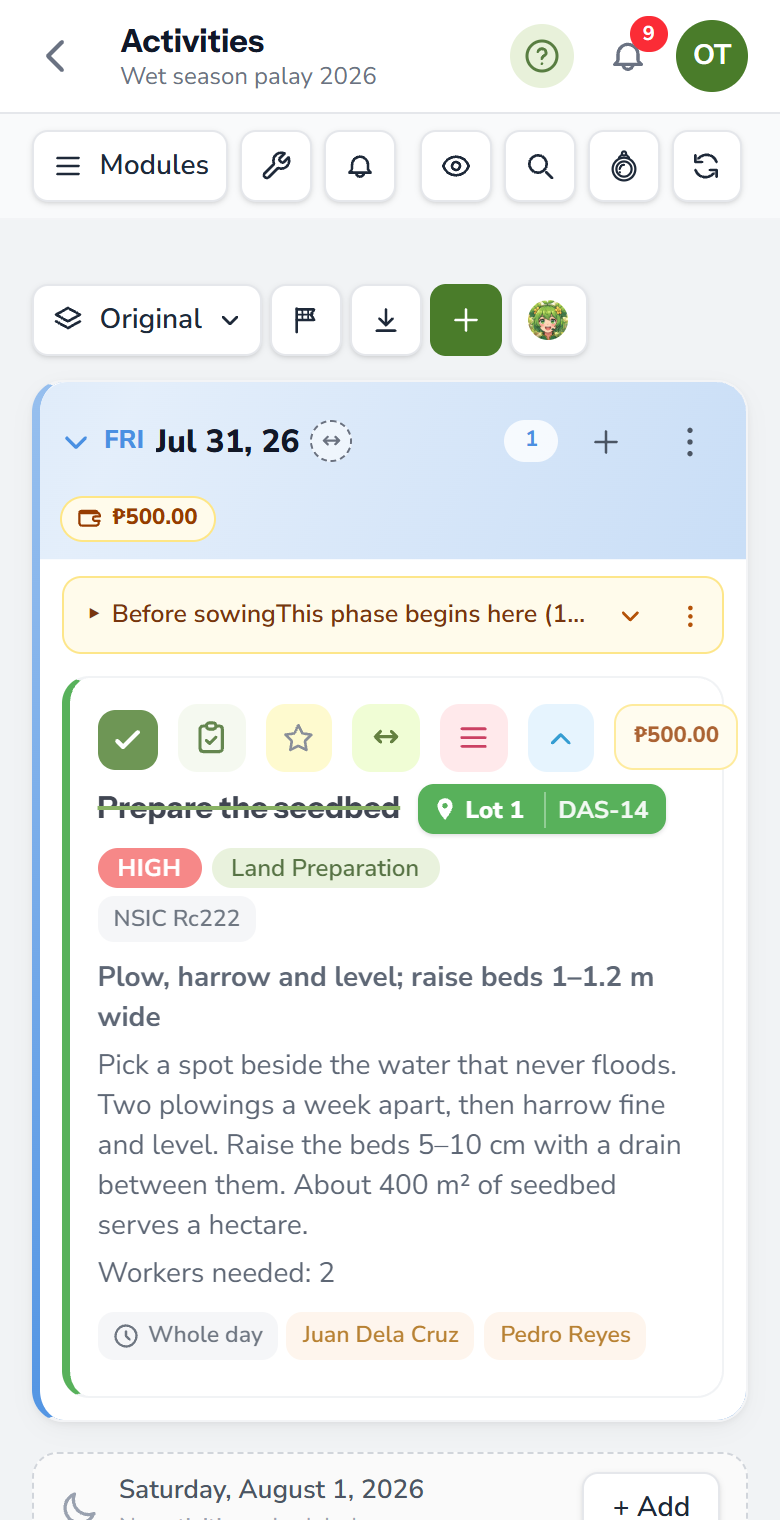
What about workers with no data or no smartphone?
Some workers carry a basic phone, or run out of load midweek. For them, let the foreman carry the plan. The anee.io app works without signal on every plan. The foreman can open the day, read it out at the gate and tick tasks in the paddy. Changes wait on the phone and sync later.
Also keep the plan short enough to say out loud. If a task needs a long explanation, add a photo or a voice note to it. Our guide to what to do on your farm today covers daily planning in more detail.
Is it safe to share the plan publicly?
A public link opens for anyone who has it. So share only what the crew needs: one day or one task instead of the whole season. For people who need more, use team logins instead. You choose none, view or edit for each module, and a diary records every change and who made it. Worker logins and the Collab Room come with Farm Owner, at PHP 600 a month or PHP 6,480 a year.
Sign up free, build your season, and share a day with your workers in a few taps.
Start free